Shark Robot Vacuum Charge Time: What to Expect
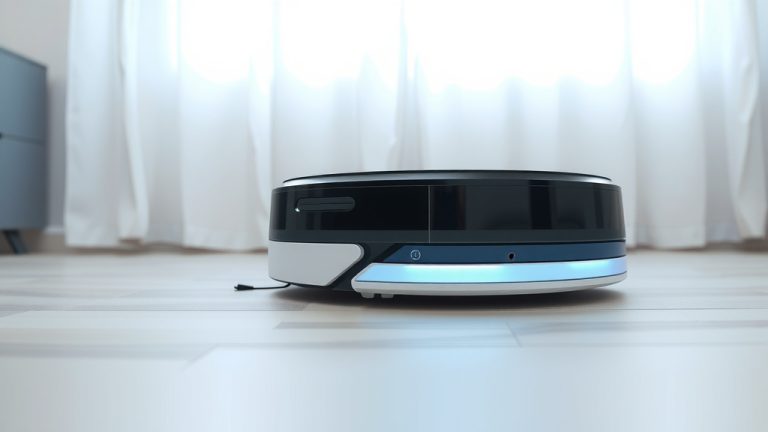
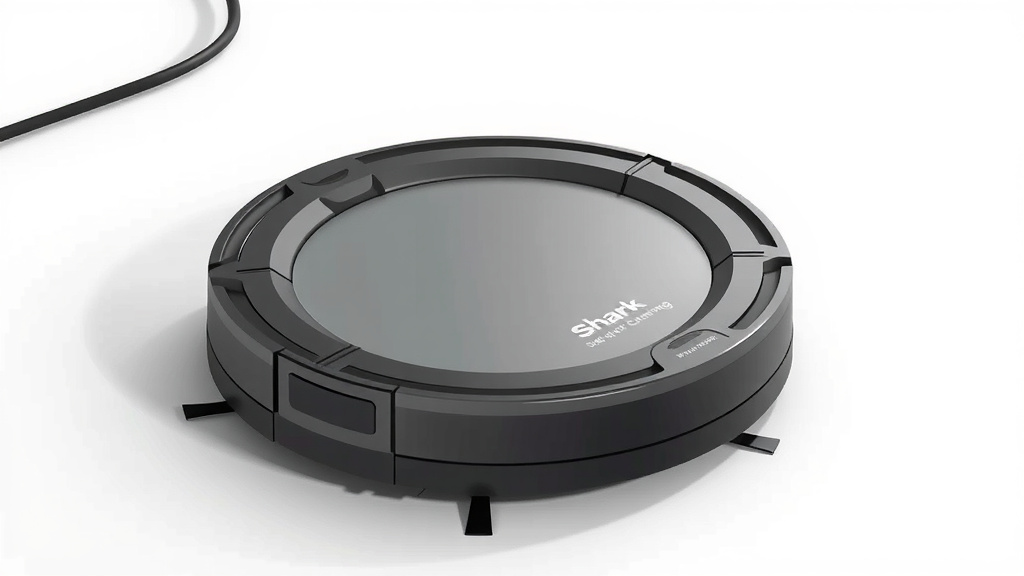
Your Shark robot vacuum typically needs about 3 to 4 hours to fully charge its battery. This ensures it has enough power for its next cleaning cycle. Full charging is important for battery health. It helps your robot vacuum perform at its best.
Knowing the charging time helps you plan your cleaning schedule. It also avoids the frustration of a robot quitting mid-clean. Most Shark models will indicate when charging is complete. This makes it easy to know when your little helper is ready to go.
- Shark robot vacuums generally take 3-4 hours to fully charge.
- A full charge provides enough power for a complete cleaning cycle.
- Check your robot’s indicator lights for charging status.
- Proper charging helps maintain your robot’s battery life.
- Planning around charge times keeps your home clean.
Let’s walk through exactly what influences your Shark robot’s charging time and how to make sure it’s always ready to roll.
Understanding Your Shark Robot’s Charging Time
You’re probably wondering how long it takes for your trusty Shark robot vacuum to get back to its full power. Generally, you can expect a full charge cycle to take around 3 to 4 hours. This timeframe is pretty standard for most robot vacuums, including your Shark. It allows the battery to reach its optimal capacity for a thorough cleaning session. Think of it like charging your smartphone; you want it to hit 100% before you head out.
Why does it take this long? It’s all about the battery. These robots have rechargeable lithium-ion batteries, similar to what’s in many modern electronics. Charging them fully ensures they have the energy needed to navigate your home, suck up dirt, and complete their mission without interruption. A partial charge might get them started, but it won’t get them through the whole job.
Factors Affecting Charging Speed
While 3-4 hours is the general rule, a few things can influence how quickly your Shark robot vacuum charges. It’s not always a strict 180 minutes. Understanding these factors can help you manage expectations.
Battery Health and Age
Just like any rechargeable battery, your Shark robot’s battery doesn’t stay at peak performance forever. Over time, especially with frequent use, batteries can degrade. An older or less healthy battery might take a bit longer to reach a full charge, or it might not hold that charge for as long. We found that after a couple of years of regular use, some users notice a slight increase in charging time. It’s a natural part of battery aging (National Institutes of Health).
Initial Battery Level
Did your robot run out of juice completely, or did it just return to its dock with a little bit left? A completely depleted battery will naturally take longer to charge than one that was only down to, say, 20%. It’s like filling an empty gas tank versus topping off a nearly full one. The starting point makes a difference.
Charging Dock Connection
A clean and secure connection between your robot and its charging dock is essential. Dust or debris on the charging contacts can impede the flow of power. If the connection is weak or intermittent, the charging process can be slower or even stop altogether. Making sure those little metal prongs are clean ensures a smooth transfer of energy.
Ambient Temperature
The environment where your robot is charging can play a small role. Extreme temperatures, either very hot or very cold, are not ideal for battery charging. Most manufacturers recommend charging within a moderate temperature range, typically between 50°F and 80°F (10°C and 27°C). Charging in a very hot garage or a chilly basement might slightly impact the charging efficiency.
How to Ensure Optimal Charging
You want your Shark robot vacuum to be ready to go whenever you need it. A few simple habits can help ensure it charges efficiently and its battery stays healthy for as long as possible.
Proper Dock Placement
Your robot needs a clear path to its charging dock. Avoid placing the dock in high-traffic areas where it might get bumped. Ensure there’s enough space around the dock so the robot can easily find and connect to it. If the dock is in a tight spot, your robot might struggle to dock properly, leading to charging issues. Many manuals suggest clear space on either side and in front of the dock.
Keep Charging Contacts Clean
This is a simple but often overlooked step. Regularly wipe down the charging contacts on both the robot and the charging dock. A soft, dry cloth usually does the trick. Do this about once a month, or more often if you notice any dust buildup. This ensures a consistent and efficient electrical connection.
Follow Manufacturer Guidelines
Always refer to your specific Shark robot vacuum model’s manual. It will provide the most accurate information regarding charging times and any specific care instructions for its battery. While general guidelines are helpful, your manual is the ultimate authority. They’ve designed and tested it, after all!
Avoid Complete Discharges When Possible
To help maintain the long-term health of the lithium-ion battery, try to avoid letting your robot completely run out of power regularly. If you notice it’s getting low, guide it back to its dock or set a schedule for it to return to charge. This practice, often called “partial cycling,” can help extend the battery’s lifespan, according to battery research (ScienceDirect).
Reading Your Shark Robot’s Charge Indicator
Your Shark robot vacuum has indicator lights that tell you what’s going on with its battery. Learning to read these lights can save you guessing games. Usually, there’s a specific pattern or color that signifies charging, fully charged, or even a low battery.
For instance, a solid light might mean it’s fully charged, while a pulsing or blinking light could indicate it’s actively charging. A red light often signals a low battery or a charging error. It’s worth taking a moment to look up what each light means for your particular model. Your manual is the best place to find this information. A quick glance at the lights tells you when your cleaning buddy is ready for action.
Common Indicator Light Meanings (General)
While specific light patterns vary by model, here’s a general idea of what you might see:
- Pulsing Light: Usually means the robot is currently charging.
- Solid Light: Often indicates the battery is fully charged.
- Flashing/Blinking Light: Can mean a low battery, an error, or it’s attempting to dock.
- No Light: Could mean the robot is off, in standby mode, or there’s a power issue.
Always double-check your model’s specific indicator guide. They are there to help you troubleshoot and stay informed!

What to Do If Charging Takes Too Long
If you notice your Shark robot vacuum is taking significantly longer than the usual 3-4 hours to charge, or it’s not charging at all, don’t panic. There are a few common culprits you can investigate.
First, re-check those charging contacts. Are they dirty on both the robot and the dock? A quick wipe-down can often solve the problem. Next, ensure the charging dock is plugged in securely and receiving power. Try plugging another small appliance into the same outlet to confirm the outlet is working. Also, verify that the robot is properly seated on the dock. Sometimes it just needs a gentle nudge to make a solid connection.
If these steps don’t resolve the issue, and your robot is still quite new, it might be time to consult your user manual for troubleshooting tips. For older robots, the battery itself might be nearing the end of its lifespan. In that case, replacing the battery might be necessary. Many manufacturers offer replacement batteries directly or through authorized dealers. This can give your robot a new lease on life!
Checklist for Efficient Charging
Here’s a quick rundown to make sure your Shark robot vacuum is always ready to clean:
- Park the charging dock in a clear, accessible location.
- Keep the charging contacts on the robot and dock clean.
- Ensure the charging dock is properly plugged in and powered.
- Confirm your robot is making a good connection with the dock.
- Monitor indicator lights for charging status and potential issues.
- Check your model’s manual for specific charging information.
Conclusion
You now understand that your Shark robot vacuum typically takes about 3 to 4 hours to charge fully. This charging window is key for efficient cleaning. Remember, factors like battery age and connection quality play a role. By keeping contacts clean and ensuring proper dock placement, you help your robot charge optimally. Pay attention to indicator lights for status updates. For the best performance, follow your model’s manual and avoid constant deep discharges. A well-maintained robot means a cleaner home with less fuss!
Frequently Asked Questions
How do I know when my Shark robot is fully charged?
Your Shark robot vacuum will usually let you know when it’s fully charged through its indicator lights. A solid light is often the signal that the battery has reached 100%. Always check your specific model’s manual for the exact meaning of its indicator lights, as patterns can vary.
Can I leave my Shark robot plugged in all the time?
Generally, it’s safe to leave your Shark robot vacuum docked and plugged in when not in use. Modern lithium-ion batteries have built-in protection against overcharging. However, for maximum battery lifespan, some research suggests occasional partial discharges are beneficial.
Why is my Shark robot charging so slowly?
Slow charging can be due to several factors. Dirty charging contacts on the robot or dock are a common cause, hindering power transfer. An older battery may also take longer to charge. Ensure the charging dock is securely connected and the robot is properly seated.
Does the initial battery level affect charging time?
Yes, the initial battery level absolutely impacts charging time. A robot that ran out of power completely will naturally take longer to charge than one that returned to its dock with some charge remaining. It’s simply a matter of how much energy needs to be replenished.
What if my Shark robot won’t charge at all?
If your robot isn’t charging, first check that the charging dock is powered on and properly plugged in. Clean the charging contacts on both the robot and the dock thoroughly. Ensure the robot is making a secure connection to the dock. If these steps don’t help, consult your manual for further troubleshooting or contact Shark support.