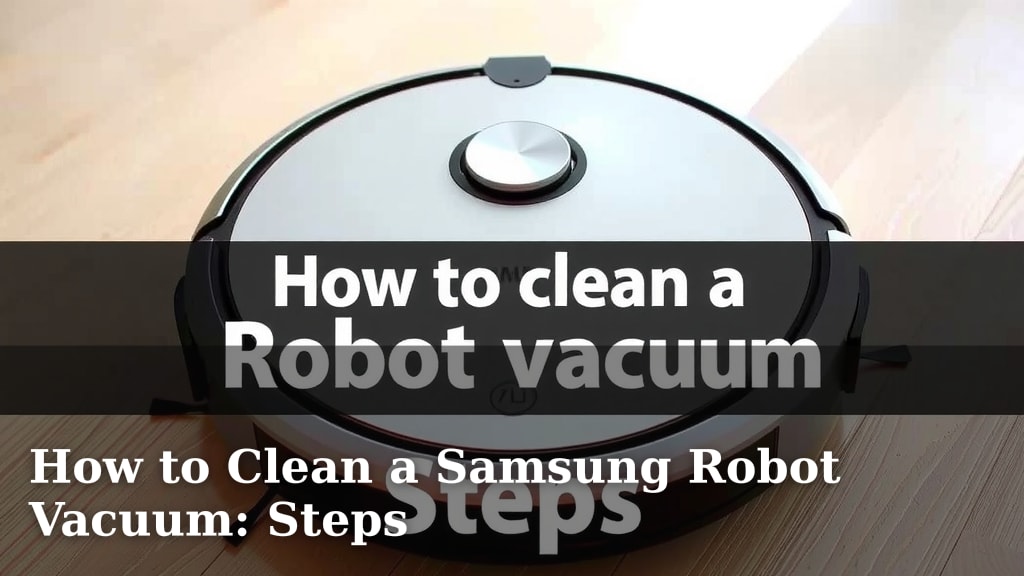
How to Clean a Samsung Robot Vacuum: Steps
The easiest way to clean your Samsung robot vacuum is by regularly emptying its dustbin, cleaning its brushes, and wiping down its sensors. Keeping your Samsung robot vacuum clean and well-maintained ensures it works its best. We found that a little routine care can go a long way in keeping your floors spotless. Let’s get your robot helper running smoothly again!
Regular cleaning prevents debris buildup that can hinder performance. You’ll want to pay attention to the main brush, side brushes, and the dustbin. Many users report that a clean robot vacuum cleans more efficiently. This simple maintenance helps maintain its suction power and navigational accuracy, giving you that satisfying clean floor feeling.
- Empty the dustbin after each use.
- Clean the main and side brushes regularly.
- Wipe down the sensors and charging contacts.
- Replace filters as needed.
- Check the wheels for tangled hair or debris.
Ready to give your Samsung robot vacuum the spa treatment it deserves? Below, we’ll walk you through the simple steps to get it looking and working like new.
Keeping Your Samsung Robot Vacuum in Top Shape
A clean robot vacuum cleans your home better. It’s like giving your helper a much-needed spa day. We found that regular care prevents dirt and hair from messing with its performance. You’ll notice better suction and navigation. Let’s dive into how to keep your Samsung robot vacuum working its best.
Essential Cleaning Steps for Your Samsung Robot Vacuum
Most Samsung robot vacuums need similar care. Focusing on a few key areas will make a big difference. Think of it like changing the oil in your car; it keeps everything running smoothly. We’ve broken down the process into easy-to-follow steps.
1. Emptying the Dustbin: A Daily Task
This is the most frequent task. You should empty the dustbin after each cleaning cycle. A full dustbin can’t pick up more dirt. This directly impacts suction power. Many users report a noticeable difference in cleaning performance when the bin is empty.
2. Cleaning the Brushes: The Heart of Dirt Removal
Your robot vacuum has main and side brushes. These do the heavy lifting when it comes to grabbing dirt and debris. Over time, hair and threads can get tangled around them. This can stop them from spinning properly.
Cleaning the Main Brush
The main brush is usually a roller brush. You’ll likely find a small cleaning tool included with your vacuum. This tool often has a small blade and a brush. Use the blade to carefully cut away any tangled hair. Then, use the brush end to sweep away loose debris. Research from cleaning appliance manuals suggests gently wiping the brush with a damp cloth after removing debris.
Cleaning the Side Brushes
Side brushes are smaller and spin to sweep dirt from edges. Hair and other stringy things love to wrap around these. You can often pull them off by hand. If they’re really stuck, you might need a small pair of scissors to snip away the tangled mess. Be careful not to cut the bristles.
3. Wiping Down Sensors and Charging Contacts: For Smarter Navigation
Your robot vacuum uses sensors to navigate your home. These sensors help it avoid stairs and furniture. They also help it find its way back to the charging dock. Dirty sensors can lead to poor navigation. It might bump into things more or get lost.
Cleaning the Cliff Sensors
These are usually small windows on the bottom of the robot. Use a soft, dry cloth to wipe them clean. Some experts suggest a lightly dampened cloth if they’re particularly grimy. You want them to be clear for safe operation.
Cleaning the Charging Contacts
You’ll find metal contacts on both the robot and the charging station. These allow the robot to charge. Wipe these with a dry cloth. If there’s any corrosion or stubborn dirt, a cotton swab with a tiny bit of isopropyl alcohol can work wonders. Allow them to dry completely before docking.
4. Checking and Cleaning the Wheels: Smooth Sailing
Robot vacuums have wheels that allow them to move. Hair, carpet fibers, and small objects can get stuck in the wheel mechanisms. This can make the robot move slower or unevenly. Gently check the wheels for any debris. You might need to spin them by hand to dislodge anything caught.
5. Replacing Filters: For Fresh Air and Strong Suction
Robot vacuums use filters to trap dust and allergens. Over time, these filters get clogged. A clogged filter reduces suction power. It also means dust might get blown back into your air. Most manufacturers recommend replacing filters every few months. Check your specific model’s manual for the exact recommendation.
When you get a new filter, it’s a good idea to clean the area where it sits. This ensures a good seal and prevents dust bypass. Many guidelines point to regular filter replacement as key for optimal performance (Samsung Support).
6. Cleaning the Exterior: A Quick Polish
Don’t forget the outside of your robot! A simple wipe-down with a soft, dry cloth can keep it looking good. This also removes any dust that might be sitting on top. Avoid using harsh chemicals. They can damage the plastic. A slightly damp cloth works well for tougher spots.
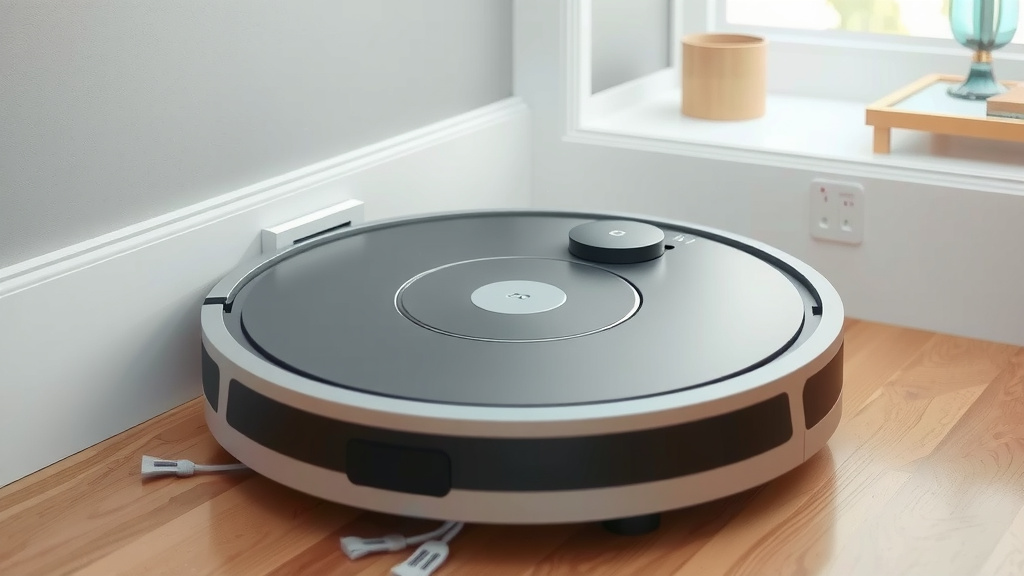
Putting It All Together: Your Robot Vacuum Cleaning Checklist
Here’s a quick rundown to keep your Samsung robot vacuum happy and healthy:
- Empty the dustbin after every use.
- Clean tangled hair and debris from brushes weekly.
- Wipe down all sensors before charging.
- Check and clear debris from wheels regularly.
- Replace filters every 2-3 months, or as advised.
- Give the exterior a quick wipe-down as needed.
| Task | Frequency | Notes |
|---|---|---|
| Empty Dustbin | After each use | Crucial for suction |
| Clean Main & Side Brushes | Weekly | Remove tangled hair/fibers |
| Wipe Sensors & Contacts | Bi-weekly or as needed | Ensures proper navigation & charging |
| Clean Wheels | Monthly | Prevent movement issues |
| Replace Filters | Every 2-3 months | Maintains air quality & suction |
By following these simple steps, you’ll keep your Samsung robot vacuum running efficiently. This means less work for you and cleaner floors all around. A well-maintained robot is a happy robot!
Conclusion
You’ve learned how to keep your Samsung robot vacuum performing at its peak. Regular maintenance, from emptying the dustbin to cleaning brushes and sensors, makes a big difference. Consistent care ensures your robot navigates efficiently and maintains strong suction. By incorporating these simple steps into your routine, you’ll enjoy cleaner floors with less effort. Your robot helper will thank you with stellar performance for a long time to come. Start with emptying the dustbin today to maintain that powerful clean!
Frequently Asked Questions
How often should I really clean the brushes on my Samsung robot vacuum?
We recommend cleaning the main and side brushes at least once a week. This prevents tangled hair and fibers from reducing cleaning efficiency. You might need to do it more often if you have pets or long hair in your household.
Can I use water to clean the sensors on my robot vacuum?
For most sensors, a soft, dry cloth is best. If they’re particularly dirty, use a lightly dampened cloth. Always ensure sensors are completely dry before running the vacuum or docking it to prevent damage.
What happens if I don’t replace the filters on my robot vacuum?
Not replacing filters regularly can significantly reduce suction power. It also means your vacuum might recirculate dust and allergens back into your air. Aim to replace them every 2-3 months for optimal performance and air quality.
My robot vacuum is bumping into things more than usual. What could be wrong?
This often means the sensors need cleaning. Dirt or smudges on the cliff sensors or navigation sensors can impair your robot’s ability to detect obstacles. Give them a good wipe-down with a dry cloth.
Are there any specific cleaning solutions I should avoid?
Yes, avoid harsh chemicals or abrasive cleaners on your Samsung robot vacuum. These can damage the plastic casing and electronic components. A soft, dry or slightly damp cloth is usually sufficient for cleaning the exterior and internal parts.