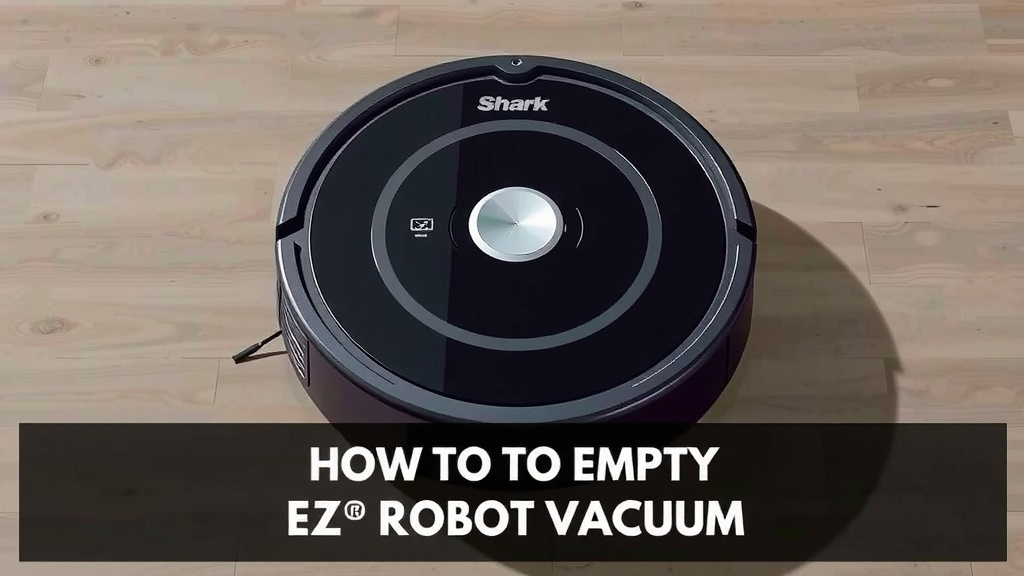
Empty Your Shark EZ Robot Vacuum: Quick & Easy Guide
Emptying your Shark EZ robot vacuum is a simple process. You just need to locate the dustbin and press the release button to remove it. Then, you can empty the contents into your trash can. It’s designed to be user-friendly.
Regularly emptying the dustbin is important for your robot vacuum’s performance. A full bin can reduce suction power. This means your vacuum won’t clean your floors as effectively. Keeping the dustbin clean helps your robot work at its best.
- Locate the dustbin on your Shark EZ robot.
- Press the release button to take it out.
- Empty the debris into your trash can.
- Wipe the bin if needed and reinsert it.
We found that this process usually takes less than a minute. Let’s walk through exactly how to do it step-by-step so your Shark EZ keeps your home spotless.
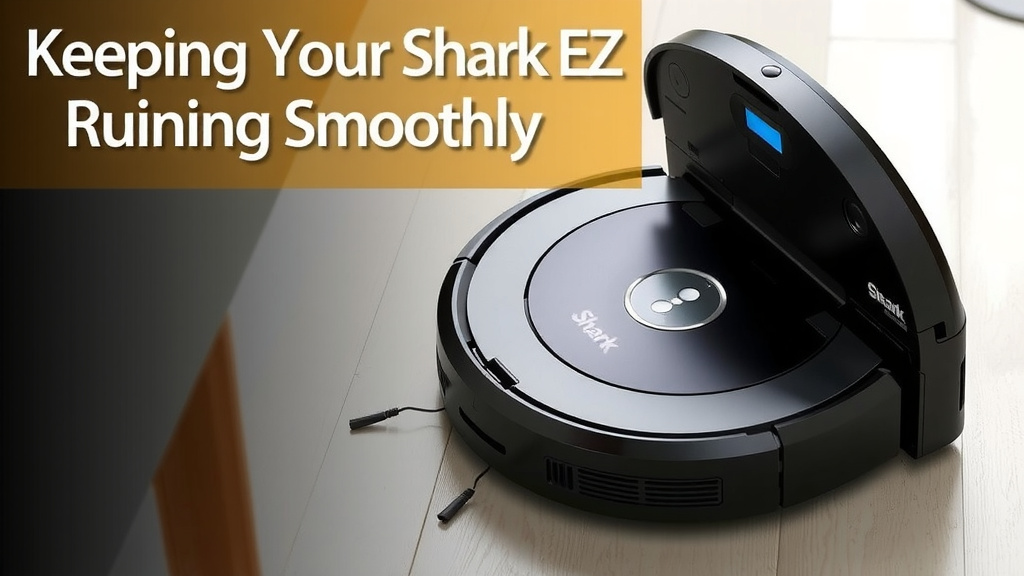
Keeping Your Shark EZ Robot Vacuum Running Smoothly
So, you’ve got your Shark EZ robot vacuum zipping around, keeping your floors tidy. That’s fantastic! But what happens when that little bin starts to fill up? You’ll want to know how to easily empty it. It’s a straightforward process, really. Let’s break down exactly how to get that dustbin out and ready for its next cleaning mission.
Locating and Removing the Dustbin
The first step is finding the dustbin. On most Shark EZ robot models, you’ll find the dustbin located on the back of the robot. It’s usually a clear or semi-clear container. You might see a handle or a button right near it. This is your cue that it’s ready to come out.
Identifying the Release Mechanism
Once you’ve spotted the dustbin, look for the release mechanism. This is typically a button or a latch. It’s designed to be pressed or lifted. This action disengages the bin from the vacuum. Think of it like a little lock that needs a gentle nudge to open.
Detaching the Dustbin
With the release button located, gently press it. While holding the button down, you should be able to pull the dustbin straight out. Sometimes, it slides upwards, and sometimes it pulls directly backward. Don’t force it! If it feels stuck, double-check that you’re pressing the button correctly. We found that a smooth, steady pull usually does the trick.
Emptying the Debris
Now that the dustbin is in your hand, it’s time for the main event: emptying it. This is the part where you see all the hard work your little robot has done. From dust bunnies to stray pet hairs, it all goes in here.
Directing Debris into the Trash
Take your detached dustbin over to your trash can. Most bins have a lid or an opening that allows you to easily pour the contents out. Simply tip the bin over the trash can. You might need to gently shake it to get all the debris to fall out. It’s like emptying a small pitcher.
Dealing with Stubborn Debris
Sometimes, small bits might cling to the inside of the dustbin. If you notice this, don’t worry. You can use your fingers to gently dislodge them. For larger pieces or if something seems really stuck, you might need a soft brush. A toothbrush or a small cleaning brush works well. Just be gentle to avoid damaging the bin. Many users find this step is rarely necessary with the Shark EZ.
Cleaning and Reinserting the Dustbin
After emptying, a quick clean can keep things fresh. This prevents odors and ensures the bin fits back properly.
A Quick Wipe-Down
For a typical cleaning, a dry or slightly damp cloth is all you need. Wipe the inside of the dustbin to remove any remaining dust or particles. If the bin is particularly dirty or has picked up something sticky, you can wash it with mild soap and water. However, make sure it’s completely dry before putting it back. manufacturers often recommend this for maintaining the vacuum’s performance (Shark Support).
Reattaching the Dustbin
Once clean and dry, it’s time to put the dustbin back. Align the dustbin with its slot on the robot. You should feel it click into place. This click is important. It means the bin is securely attached and ready for the next cleaning cycle. If it doesn’t click, try removing it and reinserting it carefully.
How Often Should You Empty It?
This is a question many robot vacuum owners have. The frequency really depends on your home. If you have pets that shed a lot or a busy household with lots of foot traffic, you’ll need to empty it more often. We found that for an average home, emptying it every 2-3 cleaning cycles is a good starting point. However, if you notice a drop in suction power, that’s your cue to empty it sooner.
Tips for Optimal Dustbin Maintenance
Keeping the dustbin clean is key to your robot vacuum’s efficiency. Here are a few simple tips we found helpful:
- Check regularly: Don’t wait until the robot alerts you. A quick peek every few days can prevent a full bin.
- Consider your environment: If you have pets or live in a dusty area, empty it after every run.
- Listen to your robot: Most Shark models have indicator lights or app notifications for a full bin.
- Keep it dry: Never reinsert a wet dustbin. Moisture can lead to mold and damage the robot.
- Handle with care: While durable, the dustbin can crack if dropped.
Troubleshooting Common Dustbin Issues
Occasionally, you might run into a small snag. Here’s how to handle it:
Dustbin Won’t Release
If the dustbin is stubborn, first ensure the robot is powered off. Then, check for any debris caught around the edges of the bin or the release button. Sometimes, a bit of dust can jam the mechanism. Gently wiggle the bin while pressing the release. If it’s still stuck, check your user manual for model-specific advice. We found that a tiny bit of gentle persuasion often works.
Dustbin Not Clicking Back In
This usually means something is out of alignment or there’s an obstruction. Make sure there’s no debris inside the robot’s dustbin housing. Align the bin carefully before pushing it in. The click is your confirmation that it’s properly seated. If it feels forced, stop and realign. It should slide in smoothly.
A Quick Checklist for Emptying Your Shark EZ Robot Vacuum
Here’s a simple checklist to help you remember the process:
- Robot powered off or on charging dock.
- Locate the dustbin release button.
- Press the button and gently remove the bin.
- Empty all debris into the trash.
- Wipe the bin if needed and ensure it’s dry.
- Reinsert the dustbin until it clicks securely.
Conclusion
You’ve learned how simple it is to empty your Shark EZ robot vacuum. By following these steps, you ensure your robot keeps running efficiently. Regular dustbin maintenance is key to its cleaning power. It prevents clogs and maintains strong suction. This means cleaner floors for your home. So, make it a habit to check and empty the bin. Your Shark EZ will thank you by keeping your home spotless. Just a minute of your time keeps your robot performing at its best.
Frequently Asked Questions
How do I know when my Shark EZ robot vacuum’s dustbin is full?
Most Shark EZ robot vacuums have indicator lights or will send a notification to your connected app when the dustbin is full. We also found that a noticeable drop in suction power is a good sign that it’s time to empty the bin.
Can I wash the dustbin in my Shark EZ robot vacuum?
Yes, you can usually wash the dustbin with mild soap and water. However, it’s very important to ensure the dustbin is completely dry before you reinsert it into the robot. Check your user manual for specific cleaning instructions.
What should I do if the dustbin feels stuck and won’t release?
If the dustbin is stuck, first make sure the robot is powered off. Then, check around the release button and the edges of the bin for any jammed debris. Gently try wiggling the bin while pressing the release button. Sometimes, a small obstruction is the culprit.
Is it okay to empty the dustbin outside?
Emptying the dustbin outside can be a good idea, especially if you have pets or a very dusty environment. This helps prevent fine dust from being released back into your home. Just be sure to do it in a spot where the debris won’t blow back onto your clean floors.
How often should I clean the filter in the dustbin?
While emptying the bin is usually a frequent task, the filter inside might need cleaning less often, perhaps once a month or as recommended by your user manual. A dirty filter can also reduce suction power, so it’s good to check it periodically.
![7 Best Robot Vacuum No Wifi [2026]](https://robotvacuumfact.com/wp-content/uploads/2026/08/7-best-robot-vacuum-no-wifi-2026-featured-768x432.jpg)