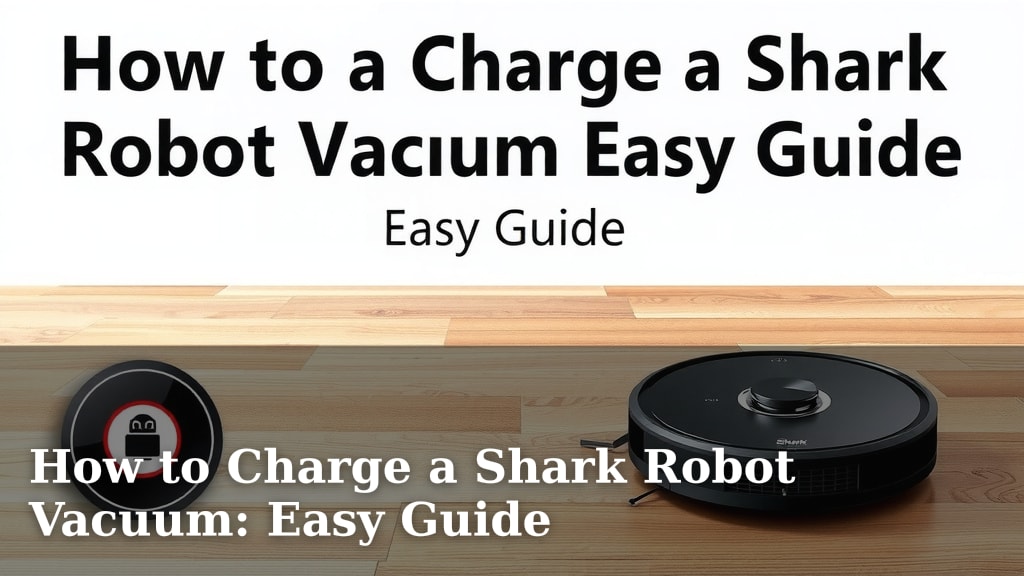
How to Charge a Shark Robot Vacuum: Easy Guide
Charging your Shark robot vacuum is straightforward. You typically place the robot on its charging dock, and it will automatically return to charge when its battery is low. Ensure the dock is plugged into a power outlet and has a clear path to the vacuum. You can also manually dock it by pressing the “Home” button on your Shark robot.
Keeping your Shark robot vacuum charged ensures it’s always ready for cleaning duty. A fully charged battery means longer cleaning sessions and a more efficient experience. Understanding how your robot charges helps you maintain its performance and avoid unexpected power outages mid-clean. We found that a consistent charging routine is key.
- Place the robot on its charging dock.
- Ensure the dock is plugged in and accessible.
- Press the “Home” button to manually dock.
- Charge fully before first use.
Let’s dive into the simple steps to get your Shark robot vacuum powered up and ready to go. We’ll cover everything you need to know to keep it running smoothly.
Keeping Your Shark Robot Charged for Peak Performance
So, you’ve got your Shark robot vacuum ready to tackle the dust bunnies. But how do you make sure it has enough juice to get the job done? It’s simpler than you might think. The main way your Shark robot gets its power is through its charging dock. Think of it as its home base, its personal charging station.
Understanding the Automatic Charging Process
Your Shark robot vacuum is pretty smart. It knows when its battery is running low. When it senses this, it will automatically try to find its way back to its charging dock. This happens without you needing to do a thing. It’s designed to be a hands-off experience for you. This automatic return feature is a big time-saver.
Setting Up the Charging Dock Correctly
For your robot to find its way home, the charging dock needs to be set up right. First, make sure the dock is plugged into a working electrical outlet. This is the most basic step, but it’s often overlooked. The dock needs a constant power supply to charge the robot.
Ensuring a Clear Path to the Dock
This is a really important step. Your robot uses sensors to navigate. It needs a clear, unobstructed path to get back to its charging dock. If there are furniture legs, toys, or pet bowls in the way, it might get confused or stop before reaching the dock. We found that clearing a space around the dock, about 2-3 feet in front and to the sides, really helps the robot dock successfully (Shark Support).
The Importance of Dock Placement
Where you place the dock matters too. It shouldn’t be tucked away in a tight corner. It needs to be on a level surface. Also, avoid placing it near heat sources or in direct sunlight. These conditions can affect the battery’s charging performance. Think of it like charging your own phone; you wouldn’t leave it on a hot dashboard all day.
Manual Docking: When You Need to Intervene
Sometimes, you might want to charge your robot before it even tells you it’s low on power. Or maybe it’s gotten stuck somewhere and you want to send it back to its charger. Most Shark robot vacuums have a simple button for this. Usually, it’s labeled with a “Home” icon, often looking like a little house. Pressing this button tells your robot to stop cleaning and return to its charging dock.
The First Charge: A Critical Step
When you first unbox your new Shark robot, it’s essential to give it a full charge before its first cleaning mission. Many robot vacuums ship with a partial charge. A full initial charge ensures the battery reaches its optimal capacity. This can help improve its overall performance and battery life from the start. We found that this initial charging period can sometimes take several hours, so plan for it.
Maintaining Battery Health for Longevity
Keeping your Shark robot charged isn’t just about convenience; it’s also about preserving your battery. Just like any rechargeable battery, your robot’s battery can degrade over time. Following some simple best practices can help extend its lifespan. This means fewer battery replacements down the road.
Understanding Charging Cycles
Robot vacuums, like other lithium-ion devices, have a finite number of charging cycles. A charging cycle is typically counted as one full discharge and recharge. Constantly topping off a battery that’s only slightly depleted might not be the most efficient for its long-term health. However, modern robots are designed to manage this. Letting your robot return to charge automatically when it’s low is generally the best approach.
What to Do During Extended Breaks
If you plan to store your Shark robot vacuum for an extended period, like during a long vacation, it’s a good idea to follow specific storage guidelines. Most manufacturers recommend storing the robot with a partial charge, not fully charged or completely depleted. Check your Shark robot’s manual for specific instructions on long-term storage. This prevents battery strain.
Troubleshooting Common Charging Issues
Occasionally, you might run into charging hiccups. Here are a few things to check if your robot isn’t charging:
- Check the power outlet: Is it working? Try plugging in another device to confirm.
- Inspect the charging contacts: On both the robot and the dock, there are metal contacts for charging. Make sure they are clean and free of debris. A soft, dry cloth usually does the trick.
- Ensure proper dock alignment: Is the robot sitting flush on the dock? If it’s crooked, it might not make contact.
- Obstructions: Double-check that nothing is blocking the robot’s path to the dock.
If you’ve tried these steps and it’s still not charging, consulting your Shark robot’s user manual or contacting customer support is your next best bet.
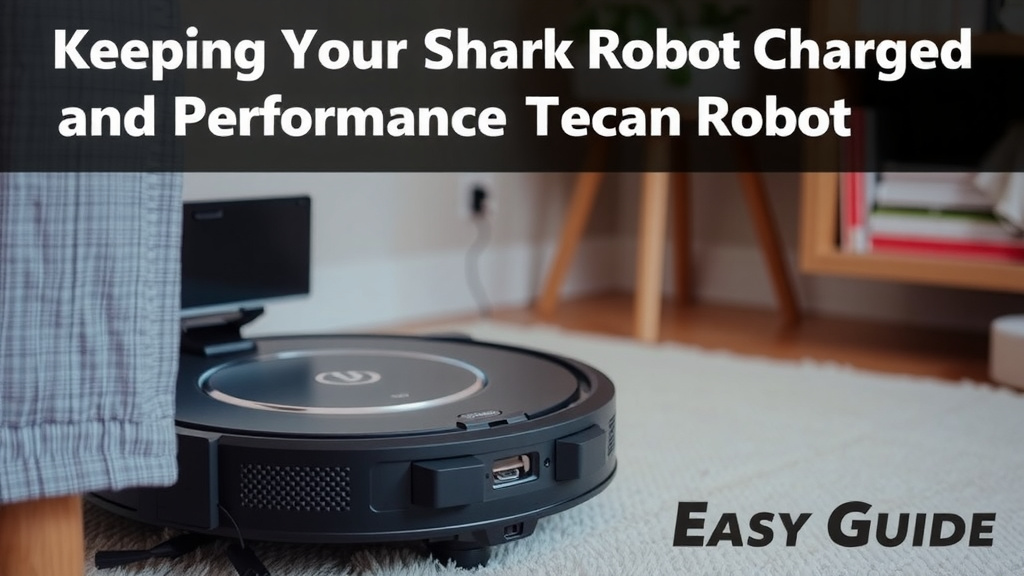
Charge Up Your Cleaning Power: A Quick Checklist
To make sure your Shark robot vacuum is always ready for action, here’s a simple checklist to keep in mind:
- Ensure the charging dock is plugged in and has power.
- Keep the area around the dock clear for easy docking.
- Clean the charging contacts on the robot and dock regularly.
- Manually dock your robot using the “Home” button if needed.
- Charge fully before first use for optimal battery health.
- Monitor charging performance and troubleshoot if issues arise.
Conclusion
Keeping your Shark robot vacuum charged is simple with its automatic docking and home base. You’ve learned how to set up the dock correctly for its best performance. Remember to keep the path clear and charge it fully for its first use. Consistent charging habits and regular contact cleaning will help maintain your robot’s battery life. Your robot is designed for ease, so trust its smarts to get back home. Now, you can enjoy a cleaner home with confidence, knowing your Shark is always ready to go!
Frequently Asked Questions
How long does it take to charge a Shark robot vacuum?
The first charge is the most important and can take several hours, often up to 4-6 hours. Subsequent charges usually take less time, as the robot only needs to top off its battery. Your robot’s display or the Shark Clean app may indicate when it’s fully charged.
Can I leave my Shark robot vacuum on the charging dock all the time?
Yes, it’s generally safe and recommended to leave your Shark robot vacuum on its charging dock when not in use. Modern robots are designed to prevent overcharging, and keeping it topped up ensures it’s always ready for its next cleaning cycle.
What should I do if my Shark robot vacuum isn’t returning to its dock?
First, check that the charging dock is plugged in and has a clear path to it. Ensure the charging contacts on both the robot and the dock are clean. If the problem persists, try repositioning the dock in a more open area. You can also manually place it on the dock to see if it starts charging.
Does the charging dock need a special outlet?
No, your Shark robot vacuum’s charging dock simply needs a standard, working electrical outlet. Just make sure the outlet is providing power and that the dock’s power cord is securely plugged in. Avoid using extension cords if possible for a reliable connection.
How do I clean the charging contacts on my Shark robot vacuum?
You can clean the charging contacts with a soft, dry cloth or a pencil eraser. Gently wipe the metal strips on both the robot and the charging dock. This helps ensure a good electrical connection for efficient charging. Do this periodically, especially if you notice charging issues.
![7 Best And Cheap Robot Vacuum Cleaner [2026]](https://robotvacuumfact.com/wp-content/uploads/2026/07/7-best-and-cheap-robot-vacuum-cleaner-2026-featured-768x432.jpg)
![7 Best Rated Shark Robot Vacuum [2026]](https://robotvacuumfact.com/wp-content/uploads/2026/08/7-best-rated-shark-robot-vacuum-2026-featured-768x432.jpg)