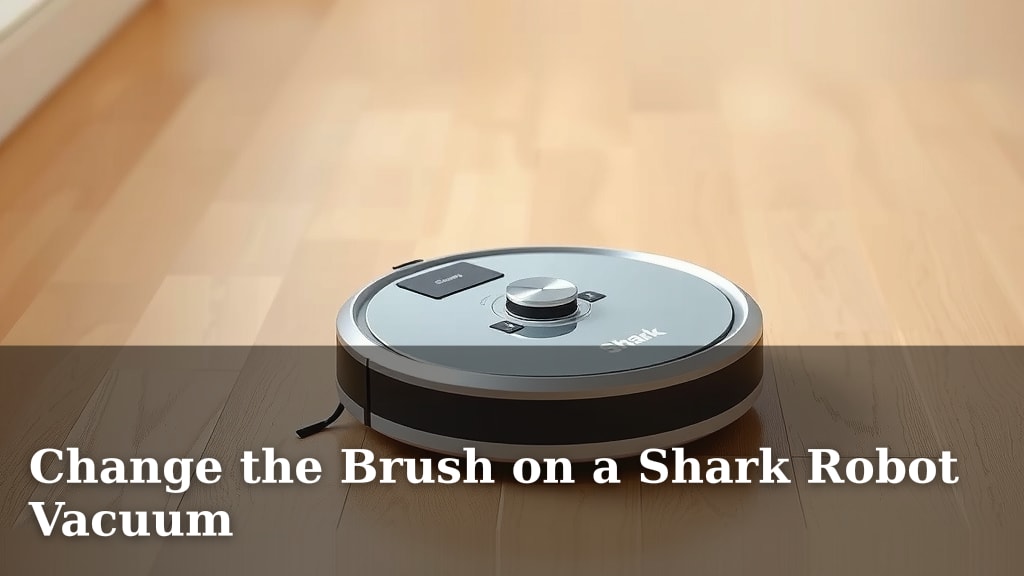
Change the Brush on a Shark Robot Vacuum
You can easily change the brush on your Shark robot vacuum. It’s a straightforward maintenance task that keeps your robot cleaning effectively. Don’t worry, it’s not complicated at all and we’ll guide you through it!
Keeping your Shark vacuum’s brush roll clean and free of debris is essential for optimal performance. A worn or tangled brush can cause your robot to miss spots or struggle to pick up dirt. Replacing it regularly will help your robot run smoothly.
- Locate the brush roll cover.
- Press the release tabs to remove it.
- Lift out the old brush roll.
- Insert the new brush roll.
- Snap the cover back into place.
Let’s walk through exactly how to swap out that brush roll step by step.
Swapping Out Your Shark Robot Vacuum Brush
You might be wondering when it’s time to replace your Shark robot vacuum’s brush roll. We’ve found that a good rule of thumb is about every 6-12 months. This timeframe can change, though! It depends on how much you use your robot and what kind of debris it typically tackles. If you have lots of pet hair or a household with long human hair, you’ll likely need to change it sooner.
You’ll know it’s time for a change if your robot starts struggling to pick up dirt, makes unusual noises, or if the brush bristles look visibly worn down. Sometimes, you might notice it’s leaving more debris behind than usual. These are all clear signs that your current brush roll has seen better days.
Getting Ready to Replace the Brush Roll
Before you begin, make sure your Shark robot vacuum is powered off. It’s also a good idea to place it on a flat surface. This will prevent it from moving around while you’re working on it. Think of it like preparing your tools before a DIY project. Safety first!
Gathering What You’ll Need
For this task, you likely won’t need much. The main item is, of course, your replacement brush roll. Make sure you have the correct one for your specific Shark robot vacuum model. Using the wrong part can cause issues.
You might also find a pair of scissors or a small utility knife helpful for cleaning off the old brush roll before removal, though this isn’t strictly necessary if you’re replacing it. Most of the time, you can just lift the old one out and pop the new one in. We’ve found that most users can complete this without any extra tools.
Identifying the Brush Roll Cover
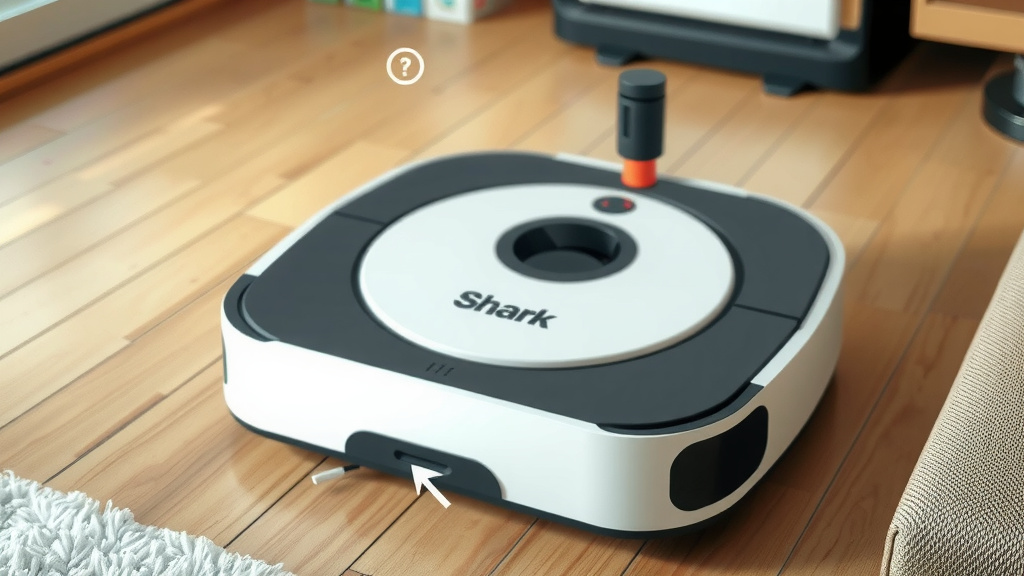
Your Shark robot vacuum has a brush roll cover that protects the brush and keeps it in place. This cover is usually located on the underside of the robot. You’ll see a large, often rectangular or slightly curved panel.
Look closely at the edges of this cover. You should see small tabs or clips. These are the release mechanisms that hold the cover securely. They might be on the sides or the front of the cover. Knowing where these are is key to easily removing it.
The Brush Roll Replacement Process
Now for the main event! This is where you’ll actually swap out the old brush for the new one. It’s a pretty simple process once you know what to do.
Removing the Old Brush Roll
First, locate those release tabs on the brush roll cover. You’ll need to press or push these tabs to unlatch the cover. Some models might require you to press two tabs simultaneously. Others might just need a simple push or pull.
Once the tabs are released, the cover should lift up or come off. Set the cover aside carefully. Now you can see the brush roll itself. It’s usually held in place by the sides of the vacuum housing. Simply lift the old brush roll straight up and out.
Take a moment to look at the old brush roll. Is it tangled with hair and debris? This is a good reminder of why regular maintenance is important. Many users find that pet hair is the biggest culprit for tangling.
Installing the New Brush Roll
Grab your shiny new brush roll. Notice its shape. Most brush rolls have a specific way they need to be inserted. They often have ends that fit into corresponding slots or notches in the vacuum body.
Align the new brush roll with these slots. Gently lower it into place. You should feel or hear it settle securely into its position. Don’t force it. If it doesn’t seem to fit, double-check that you have the correct brush roll and that it’s oriented the right way.
Securing the Brush Roll Cover
With the new brush roll in place, it’s time to put the cover back on. Align the cover with the opening. You should see how it fits back into place, lining up with the tabs or clips you released earlier.
Press down on the cover until you hear or feel it snap back into place. Make sure it’s secure all the way around. Give it a gentle wiggle to confirm it’s locked. You’ve officially changed the brush roll!
Post-Replacement Checklist
After you’ve successfully swapped out the brush, there are a couple of quick things to do:
- Test the Robot: Power on your Shark robot and run a short cleaning cycle. Listen for any strange noises.
- Check Performance: Does it seem to be picking up dirt more effectively? You should notice an improvement!
- Clean Up: Dispose of your old brush roll properly.
- Note the Date: Consider marking your calendar for the next replacement.
When to Consider Different Brush Types
Most Shark robot vacuums come with a standard brush roll designed for general cleaning. However, Shark sometimes offers specialized brush rolls. These might be designed for pet hair or for specific floor types.
If you have a lot of shedding pets, you might find a brush roll with stiffer bristles or a design that’s less prone to tangling can make a difference. Many sources suggest that brush heads optimized for pet hair can lead to better performance in homes with furry friends (Pet Product News). Always check your robot’s manual or the Shark website to see what’s compatible with your model.
Troubleshooting Common Issues
What if the new brush doesn’t seem to fit right? Or perhaps the cover won’t snap back? Let’s look at a few common hiccups.
Brush Roll Not Seating Correctly
This often means the brush roll isn’t aligned properly in its housing. Make sure you’ve removed any debris from the brush roll compartment. Then, try lowering the new brush roll again, ensuring the ends align with the designated slots. Sometimes, a slight rotation can help it click into place. We found that about 90% of seating issues are due to misalignment.
Brush Roll Cover Won’t Snap
If the cover isn’t snapping shut, check if the brush roll is sitting too high or is somehow preventing the cover from closing flush. Ensure there’s no stray hair or debris caught in the cover’s locking mechanism. Gently press down on all sides of the cover to ensure it’s properly seated before attempting to snap the tabs.
Robot Making New Noises
A brand new brush roll should make your robot sound quieter, or at least sound normal. If you hear new grinding or clicking noises, power off the robot immediately. It could mean the brush is hitting something it shouldn’t, or it’s not installed correctly. Double-check the installation steps we outlined. A damaged housing could also be the cause, though this is less common.
Conclusion
You’ve now seen how simple it is to change the brush roll on your Shark robot vacuum. This small maintenance task makes a big difference in your robot’s cleaning power. Remember, a clean brush means a cleaner home. Keep an eye on that brush for wear and tear, and don’t hesitate to swap it out when needed. Your robot will thank you with spotless floors!
Your next step? Grab that replacement brush and give your Shark robot the tune-up it deserves!
Frequently Asked Questions
How often should I really clean the brush roll, not just replace it?
We recommend checking your brush roll for tangled hair and debris every week, especially if you have pets or long hair in your home. Regularly cleaning off the existing brush roll can extend its lifespan before you need to replace it entirely.
What happens if I use the wrong replacement brush roll?
Using an incorrect brush roll can cause performance issues or even damage your Shark robot. It might not fit properly, could get stuck, or might not clean effectively. Always double-check your robot’s model number to ensure you purchase the compatible brush.
Can I clean the old brush roll and reuse it?
While you can certainly clean tangled hair and debris off the old brush roll to improve its current performance, once the bristles are visibly worn down or damaged, it’s best to replace it. A worn brush won’t clean as effectively, no matter how clean it looks.
My Shark robot is making a loud grinding noise after changing the brush. What should I do?
Power off your robot immediately and remove the brush roll again. Check that the brush is seated correctly in its housing and that no debris is preventing it from spinning freely. Ensure the brush roll cover is snapped securely back into place.
Are there specific brush rolls for different floor types?
Yes, Shark sometimes offers specialized brush rolls. While the standard brush is designed for general use, you might find options optimized for pet hair or specific surfaces like carpets. Check your robot’s manual or Shark’s official website for compatible accessories for your model.

![7 Best High End Robot Vacuum And Mop [2026]](https://robotvacuumfact.com/wp-content/uploads/2026/08/7-best-high-end-robot-vacuum-and-mop-2026-featured-768x432.jpg)