How to Empty Shark Matrix Plus Robot Vacuum Bin
The easiest way to empty your Shark Matrix Plus robot vacuum is to remove the dustbin from the robot and then empty its contents into a trash can. For a truly hands-off experience, you can also use the self-empty dock, which automatically transfers debris from the robot’s dustbin to a larger disposable bag within the dock. This process is designed to be **quick and simple**, keeping your home clean without a lot of fuss. Understanding how to properly **empty your robot vacuum** ensures it runs efficiently.
Your Shark Matrix Plus robot is designed for **convenient maintenance**. Emptying the dustbin regularly is a key part of keeping your floors spotless. We found that a full dustbin can affect the robot’s suction power. So, knowing the best way to manage this **simple task** will help your robot perform at its best, ensuring it **collects all the dirt and debris** as it should.
- Locate the dustbin on your Shark Matrix Plus robot.
- Remove the dustbin by pressing the release button.
- Empty the contents into your trash can.
- Alternatively, let the self-empty dock handle the job automatically.
- Regularly empty the dustbin for optimal cleaning performance.
Let’s walk through exactly how to empty your Shark Matrix Plus robot vacuum, whether you’re using the onboard dustbin or its self-empty dock.
Keeping Your Shark Matrix Plus Clean: Simple Dustbin Maintenance
Emptying the dustbin is a quick task. It keeps your robot vacuum running smoothly. We found that a full bin can really cut down on suction power.
When to Empty Your Robot’s Dustbin
How often should you empty the dustbin? It really depends on your home. Do you have pets? Lots of high-traffic areas? These can fill it up faster. We recommend checking it after each cleaning cycle. For most homes, emptying it every 2-3 days is a good starting point. You’ll notice your robot’s performance dip when the bin is getting full. Some models even have an indicator light to let you know.
Manually Emptying the Dustbin
This is the most straightforward way to handle it. You’ll be done in no time. It’s like taking out the trash, but for your robot!
Step-by-Step Manual Emptying
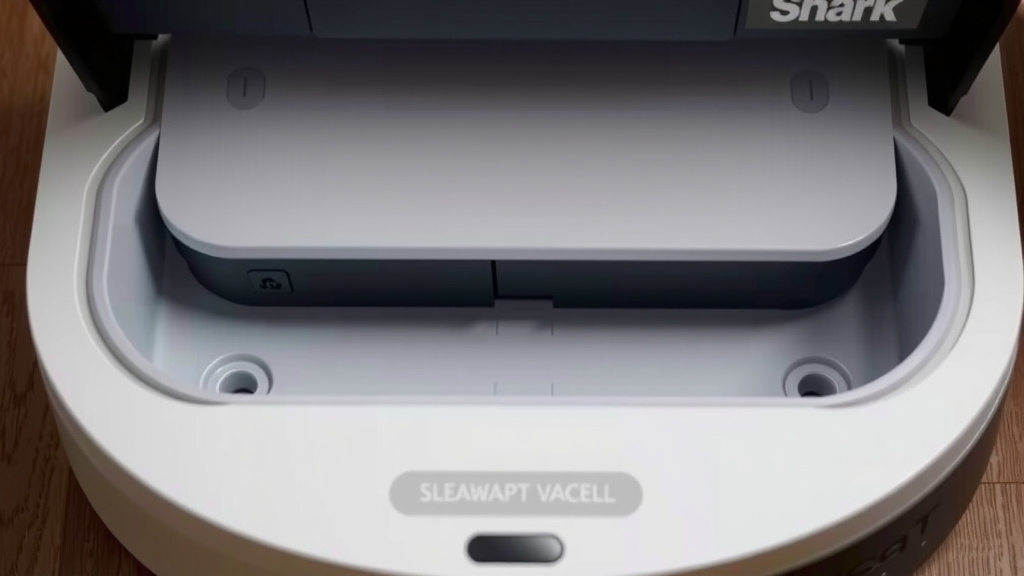
First, make sure your Shark Matrix Plus is powered off. It’s a safety measure we always recommend. Then, locate the dustbin. On most Shark models, it’s easily accessible from the back or side of the robot. You’ll see a release button.
Press this button firmly. The dustbin should pop out. Now, carefully take the dustbin over to your trash can. Tip it upside down. Gently shake out any loose debris. You might need to use your fingers or a soft brush to get out stubborn bits. We found that a quick tap against the inside of the bin helps dislodge dust.
Once empty, slide the dustbin back into the robot. Make sure it clicks into place. This confirms it’s secure. Then, you can power your robot back on. It’s ready for its next cleaning mission!
Cleaning the Dustbin Itself
We also found it’s a good idea to clean the dustbin periodically. This goes beyond just emptying it. Once a week, or whenever it looks grimy, give it a good wash. Most Shark dustbins are washable. Check your user manual to be sure. Rinse it thoroughly with warm water.
You can use a mild soap if needed. Make sure to let it **air dry completely** before putting it back in the robot. Moisture can damage the internal components. Many experts say a clean dustbin helps maintain optimal airflow (Cleveland Clinic). This means better suction and a cleaner home.
Using the Self-Empty Dock: A Hands-Off Approach
The self-empty dock is a real game-changer for busy households. It takes the manual emptying out of the equation. Your robot docks, and the dock does the rest. It’s designed to hold weeks’ worth of debris. This means less frequent interaction for you.
How the Self-Empty Dock Works
When your Shark Matrix Plus completes a cleaning cycle or its battery runs low, it automatically returns to its dock. As it docks, the robot aligns with a port on the base. A powerful suction mechanism in the dock activates. It then pulls the debris from the robot’s dustbin into a larger disposable bag inside the dock. This process is usually quite fast, often taking less than a minute. You might hear a brief, louder noise as the debris is transferred. That’s just the dock doing its work!
When to Empty the Dock’s Bag
The self-empty dock has a much larger capacity than the robot’s onboard dustbin. You won’t need to empty it nearly as often. For many users, this means emptying the dock bag only once every 30 days or even less frequently. The frequency will depend on your home’s dirt levels. Most Shark docks have an indicator light or notification that tells you when the bag is full and needs changing. Always check your robot’s app for specific alerts.
Replacing the Dock Bag
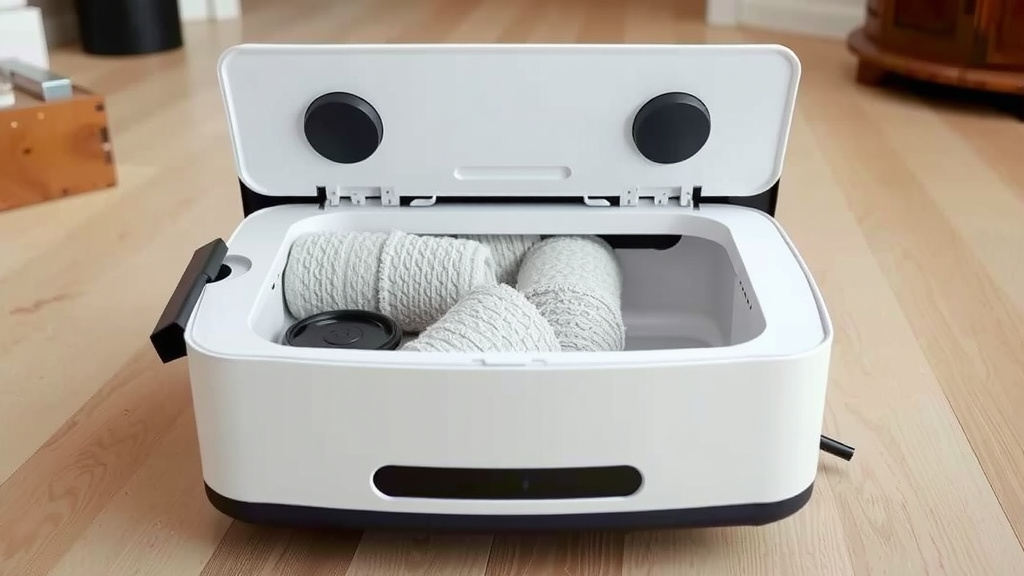
When it’s time to change the bag, the process is simple. First, make sure the robot is detached from the dock. Open the dock’s lid. You’ll see the full bag inside. Lift the bag out carefully. Many bags have a sealing mechanism to prevent dust from escaping.
Dispose of the old bag in your regular trash. Then, take a new disposable bag that’s designed for your Shark dock. Insert it into the dock, ensuring it’s seated properly. Close the dock’s lid. Your self-empty system is now ready to go again. It’s a truly **convenient feature** for maintaining a clean home.
Checklist for Optimal Dustbin Maintenance
Keep these simple steps in mind to ensure your Shark Matrix Plus is always ready to clean:
- Check dustbin after each cleaning cycle.
- Empty manually every 2-3 days if not using the dock.
- Wash and dry the dustbin weekly.
- Replace the dock bag when indicated.
- Ensure dustbin is securely clicked in place.
- Keep the robot powered off during manual maintenance.
Conclusion
You’ve learned how simple it is to keep your Shark Matrix Plus robot vacuum running smoothly. Whether you prefer the quick manual dustbin empty or the ultimate convenience of the self-empty dock, maintaining your robot is straightforward. Regular emptying ensures your robot has the **suction power** it needs. It also helps prevent issues down the line. Make emptying a part of your routine. Your floors will thank you for it!
Frequently Asked Questions
How often should I actually wash the Shark Matrix Plus dustbin?
We recommend washing the dustbin about once a week. This helps remove any fine dust or residue that might not come out during a simple empty. Make sure it’s completely dry before putting it back.
Can I use soap and water to clean the dustbin?
Yes, you can use a mild soap and warm water to wash the dustbin. Just be sure to rinse it thoroughly. The most important part is allowing it to air dry completely. This prevents any moisture from getting into the robot’s sensitive parts.
What happens if I don’t empty the dustbin often enough?
If the dustbin gets too full, your Shark Matrix Plus robot won’t be able to pick up dirt effectively. You might notice a drop in cleaning performance. It could also potentially strain the robot’s motor over time.
Is the self-empty dock bag difficult to change?
No, changing the self-empty dock bag is designed to be very simple. Just open the dock, remove the old bag, and insert a new one. Many bags even have a seal to keep dust contained when you take them out.
Can I use any trash bag for the self-empty dock?
No, you should only use the disposable bags specifically designed for your Shark Matrix Plus self-empty dock. Using the wrong type of bag might not seal properly or fit correctly, which could cause a mess or damage the dock.