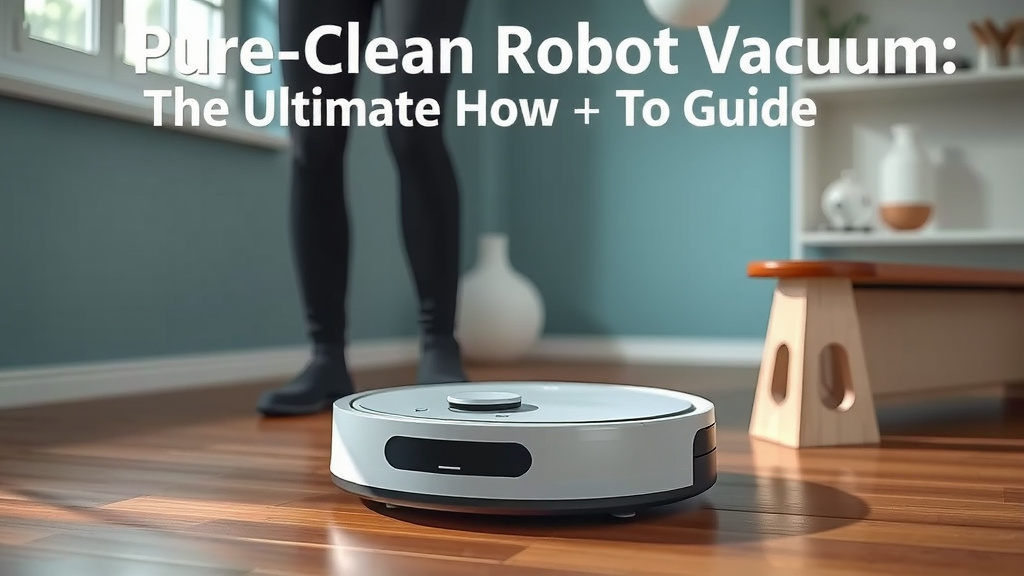
Pure Clean Robot Vacuum: Your Ultimate How-To Guide
The easiest way to get your Pure Clean robot vacuum up and running is by charging it fully and then pressing the start button. Most models will begin their cleaning cycle right away. You can also connect it to your Wi-Fi and use the app for more control. This gives you access to scheduling and cleaning modes.
Understanding how to use your Pure Clean robot vacuum can save you a lot of time. Beyond just pressing start, you can customize its cleaning schedule. You can also direct it to specific areas or choose different cleaning patterns. We found that setting it up correctly ensures it works efficiently in your home.
- Charge your robot fully before first use.
- Press the start button to begin cleaning.
- Use the app for scheduling and advanced features.
- Ensure the dustbin is empty after cleaning cycles.
Ready to get the most out of your new cleaning companion? Let’s walk through exactly how to use your Pure Clean robot vacuum step by step.
You’ve got your shiny new Pure Clean robot vacuum, and you’re probably wondering, “What now?” It’s exciting to think about freeing up your time from sweeping and mopping. We’ve put together this guide to help you get your robot vacuum cleaning your home like a pro. Let’s get started!
Getting Your Pure Clean Robot Vacuum Ready to Roll
The very first step is to ensure your robot has enough power. Just like your smartphone, it needs a full charge to perform its best. You wouldn’t want it to quit halfway through its first mission, right?
Charging for the First Time
When you unbox your Pure Clean robot, plug it into its charging base. Most models come with a charging cable and adapter. Make sure the charging contacts on the robot and the base are clean. We found that a quick wipe with a dry cloth usually does the trick. Let it charge until the indicator light shows a full battery. This can take a few hours, so it’s a good idea to do this before you plan your first cleaning session.
Understanding the Charging Dock
The charging dock is more than just a place to park your robot. It’s where your robot returns to recharge. Position the dock against a wall with plenty of open space around it. Your robot needs to be able to find its way back easily. Some models have a feature where the robot will automatically return to its dock when the battery is low or when cleaning is complete. This is a fantastic convenience!
Starting Your First Cleaning Cycle
Once fully charged, it’s time for the moment of truth! Getting your robot to start cleaning is usually straightforward. You’ll want to prepare your home a little first.
Simple Start Button Operation
Locate the start/clean button on the top of your Pure Clean robot vacuum. A single press typically initiates an automatic cleaning mode. The robot will then begin navigating your floors. It will use its sensors to detect obstacles and map out the room. This is the easiest way to get it going.
Preparing Your Home for Cleaning
Before you hit that button, do a quick sweep of the floor. Pick up any stray socks, charging cables, or small toys. These items can get tangled in the brushes or cause the robot to get stuck. Clearing the floor ensures a smoother, more efficient cleaning experience for your robot. Think of it as setting the stage for a great performance!
What to Expect During the First Clean
Your robot will likely move in a somewhat random pattern at first. This is normal as it learns the layout of your home. It uses its sensors to avoid furniture and walls. Some models might beep or announce their status. It’s quite fascinating to watch it work.
Advanced Control with the Pure Clean App
While the start button is great for quick cleans, the real power of your Pure Clean robot lies in its smart features. Connecting it to your home Wi-Fi via the app opens up a world of customization.
Connecting to Wi-Fi and the App
You’ll need to download the Pure Clean app from your smartphone’s app store. Follow the in-app instructions to connect your robot to your Wi-Fi network. This usually involves putting the robot into pairing mode and entering your Wi-Fi password. We found that having your Wi-Fi password handy makes this process much quicker.
Scheduling Cleaning Sessions
The app allows you to set a cleaning schedule. You can choose specific days and times for your robot to clean. Imagine waking up to clean floors every morning without lifting a finger! This is a major time-saver. You can set it and forget it.
Choosing Cleaning Modes and Zones
Many Pure Clean models offer different cleaning modes. You might find modes like edge cleaning, spot cleaning, or quiet mode. Edge cleaning focuses on the perimeter of your rooms. Spot cleaning tackles a concentrated dirty area. The app often lets you select these modes remotely. Some advanced models even let you designate specific “no-go zones” or cleaning zones within your home.
| Feature | Description | How to Use |
|---|---|---|
| Automatic Cleaning | Robot cleans the entire accessible area. | Press the start button on the robot or in the app. |
| Scheduled Cleaning | Set specific times for cleaning. | Use the Pure Clean app to set up your schedule. |
| Spot Cleaning | Focuses on a small, heavily soiled area. | Activate via the app or by placing the robot on the spot and pressing the button. |
| Edge Cleaning | Cleans along walls and baseboards. | Select this mode through the Pure Clean app. |
| Return to Dock | Robot automatically goes to its charging station. | Initiated when battery is low or cleaning is complete. Can often be triggered from the app. |
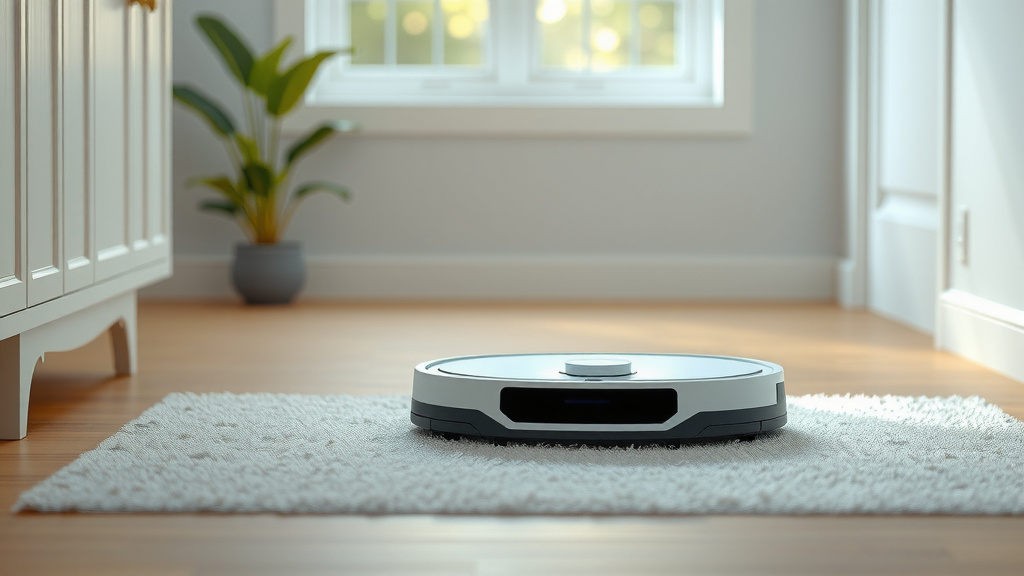
Maintenance for Optimal Performance
Like any appliance, your robot vacuum needs a little care to keep it running smoothly. Regular maintenance will extend its lifespan and ensure it cleans effectively.
Emptying the Dustbin
After each cleaning cycle, it’s best practice to empty the dustbin. A full dustbin reduces suction power. You’ll find the dustbin usually located under a top panel. Simply remove it, empty the contents into your trash can, and reinsert it. This is a simple step that makes a big difference.
Cleaning the Brushes and Filter
Hair and debris can get tangled around the brushes and clog the filter. Periodically check and clean the main brush and side brushes. Most robots come with a small cleaning tool to help with this. The filter also needs cleaning or replacing. Check your user manual for specific instructions. Many experts recommend cleaning the filter weekly.
Wiping Down Sensors and Contacts
Your robot relies on its sensors to navigate. Keep these sensors clean by wiping them with a soft, dry cloth. Also, clean the charging contacts on the robot and the dock. This ensures a good connection for recharging. This simple upkeep is essential for your robot to work properly.
Taking these simple steps will ensure your Pure Clean robot vacuum continues to be a reliable helper in keeping your home tidy. Happy cleaning!
Conclusion
You’ve learned how to get your Pure Clean robot vacuum charged, started, and even set up for automatic cleaning. Remember to prepare your home by clearing small obstacles. Taking a few minutes to connect to the app can unlock scheduling and customized cleaning modes. Regular maintenance, like emptying the dustbin and cleaning brushes, ensures your robot works efficiently for a long time. Now, you’re all set to enjoy a cleaner home with minimal effort. Your next step? Schedule your first automated cleaning cycle through the app and watch it go!
Frequently Asked Questions
How do I ensure my Pure Clean robot vacuum charges correctly?
Make sure the charging contacts on both the robot and the dock are clean and free of debris. Position the charging dock against a wall with ample space around it so your robot can easily find its way home to recharge.
What should I do if my Pure Clean robot gets stuck frequently?
Your robot may get stuck if there are small objects or cables on the floor. Before starting a cleaning cycle, pick up items like socks, toys, and loose wires. Ensure the charging dock has clear access.
Can I control my Pure Clean robot without the app?
Yes, you can start a basic cleaning cycle by simply pressing the start button on the robot itself. This will initiate an automatic cleaning mode. However, you won’t have access to advanced features like scheduling or specific cleaning modes.
How often should I empty the dustbin and clean the brushes?
It’s best to empty the dustbin after each cleaning session to maintain optimal suction power. We recommend checking and cleaning the brushes and filter at least once a week to prevent tangles and ensure effective cleaning.
What if my Pure Clean robot doesn’t return to its charging dock?
Ensure the charging dock is placed correctly with enough clear space around it. If it still struggles, check if the charging contacts are clean on both the robot and the dock. Sometimes, environmental factors like dim lighting can affect its navigation back to the base.
![7 Best Premium Robot Vacuum [2026]](https://robotvacuumfact.com/wp-content/uploads/2026/08/7-best-premium-robot-vacuum-2026-featured-768x432.jpg)