
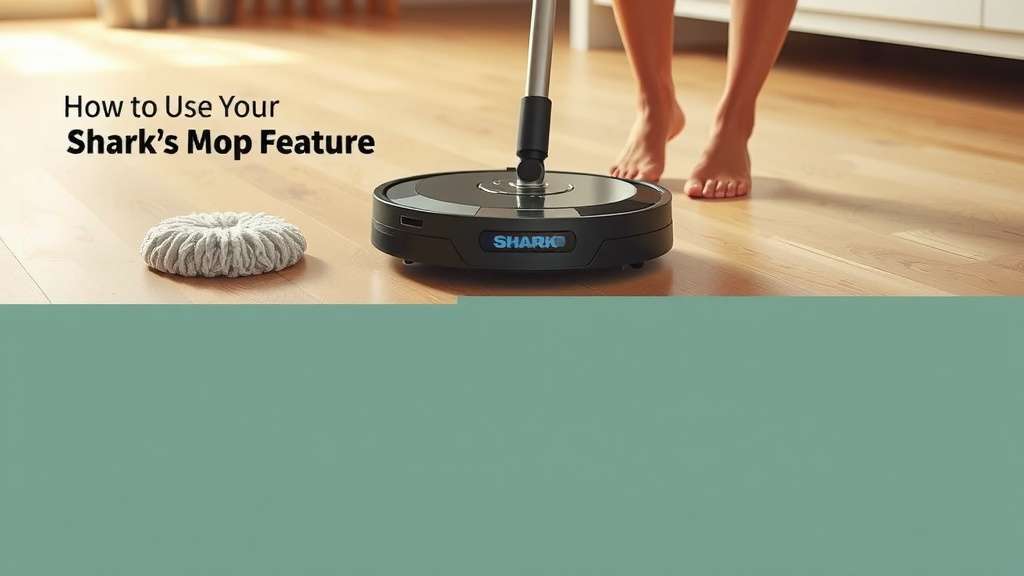
How to Use Your Shark Robot Vacuum’s Mop Feature
Using the mop feature on your Shark robot vacuum is simple and effective for keeping your floors clean. You can easily activate the mopping function through the SharkClean app, choosing specific cleaning modes for You can also guide your Shark robot to clean specific rooms using its app.optimal floor care. This allows your robot to tackle both debris and light messes in one go.
Many robot vacuums offer different cleaning modes. Your Shark robot is no different, allowing you to customize its cleaning. You can adjust water flow and cleaning patterns to suit your floor type and the level of dirt. It’s designed to provide a thorough and convenient cleaning experience for your home.
- Activate mopping via the SharkClean app.
- Choose cleaning modes for specific floor needs.
- Adjust water flow for customized cleaning.
- Combine vacuuming and mopping for efficiency.
Ready to get started? Below, we’ll walk you through exactly how to use your Shark robot vacuum’s mop feature step by step.
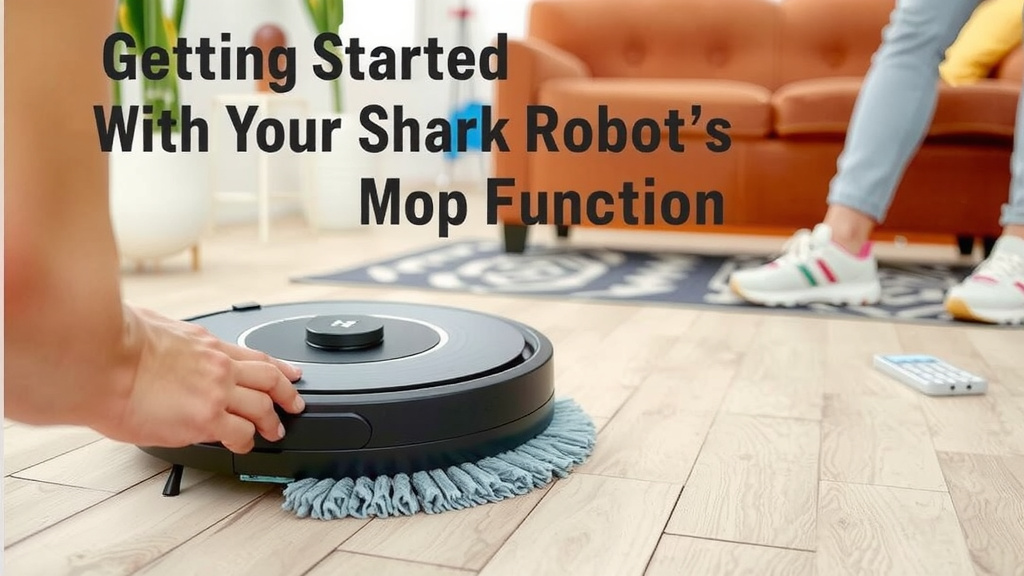
Getting Started with Your Shark Robot Mop Function
So, you’ve got a Shark robot vacuum, and you’re ready to add some serious shine to your floors. That mopping feature is a fantastic way to tackle spills and grime. We’ll guide you through setting it up and running it so your floors look spotless. It’s easier than you think to go from dusty to dazzling. Let’s get those floors sparkling!
Preparing Your Shark Robot for Mopping
Before your Shark robot can start mopping, a little prep work is needed. You’ll want to make sure your floors are free of loose debris first. Think of it like getting ready for a big cleaning day. You wouldn’t mop over a pile of crumbs, right? Your robot agrees!
Emptying the Dust Bin
It’s a good idea to empty the robot’s dust bin before you activate the mop. This ensures the vacuuming part of its job is clear. It prevents dust and dirt from becoming mud when water is added. A quick empty keeps things tidy. You can usually find the dust bin release easily.
Adding Water to the Reservoir
Your Shark robot vacuum has a specific water reservoir for mopping. You’ll need to fill this with water. Always check your robot’s manual for the exact location of the reservoir. Some models have a separate tank, while others integrate it differently. Make sure to use only clean water. Avoid adding cleaning solutions unless your manual specifically permits it. Some experts suggest that using only water is best for most robot mops (Cleveland Clinic).
Using the SharkClean App for Mopping
The SharkClean app is your command center for mopping. It’s where you tell your robot exactly what you want it to do. Through the app, you can select cleaning modes and adjust settings. It’s designed to be user-friendly. You can even schedule cleanings ahead of time. This means you can come home to clean floors every day!
Selecting the Mopping Mode
Once your robot is prepped, open the SharkClean app. You should see an option to start a cleaning cycle. Look for a mode that specifically mentions mopping or a combination of vacuuming and mopping. This tells your robot to engage its mopping pads. You can often choose between just vacuuming, just mopping, or both. For a complete clean, selecting the combined mode is usually best.
Customizing Water Flow and Cleaning Patterns
This is where you can really tailor the cleaning to your home. The app usually lets you control the water flow. You might see options like low, medium, or high. A low setting is good for light messes or sealed hard floors. For tougher grime or more absorbent surfaces, you might want to increase the water flow. Many sources suggest adjusting water levels based on floor type and the expected level of dirt (Research found this is common advice).
Some advanced models might also offer different cleaning patterns. These can range from simple back-and-forth to more intricate scrubbing motions. Experiment with these settings to see what works best for your floors. You want a clean without causing damage. Always refer to your robot’s specific model guide for these detailed options.
Optimizing Your Shark Robot’s Mopping Performance
To get the most out of your Shark robot’s mopping feature, a few tips can make a big difference. It’s all about setting it up for success and understanding its capabilities. You want efficient cleaning without any hiccups.
Choosing the Right Cleaning Areas
Your Shark robot can often clean specific rooms or zones. If you only need certain areas mopped, use the app to define those spaces. This saves battery life and cleaning time. Perhaps you only need the kitchen floor mopped after dinner. You can set the robot to tackle just that area. This smart approach keeps your home clean without unnecessary work.
Maintaining Mopping Pads
The mopping pads are key to a good clean. Make sure they are clean and in good condition before each mopping cycle. After use, you’ll need to wash them. Most Shark pads are machine washable. Check the care instructions for your specific pads. Dirty pads can spread grime instead of cleaning it. Clean pads absorb dirt better.
Understanding What Your Shark Robot Can Handle
It’s important to know that robot mops are generally best for light messes and daily upkeep. They are not designed to tackle heavily soiled floors or dried-on stains. For deep cleaning, you might still need to do some manual scrubbing. Many cleaning guides explain that robot mops are for maintenance, not deep restoration (Consumer Reports).
Also, be mindful of your floor types. While many hard floors are suitable, avoid using the mop function on unsealed wood or delicate surfaces. Always test in an inconspicuous area first if you are unsure. Consulting your robot’s manual is your best bet for guidance on floor compatibility.
Troubleshooting Common Mopping Issues
Sometimes, things don’t go exactly as planned. If your robot isn’t mopping effectively, here are a few things to check:
- Water Reservoir: Is it full? Is it seated correctly?
- Mopping Pads: Are they attached properly? Are they clean?
- Obstructions: Is anything blocking the water dispenser?
- App Settings: Double-check that mopping is enabled and water flow is set appropriately.
If you continue to experience issues, consulting the troubleshooting section of your Shark manual or contacting Shark customer support is a great next step. They have experts who can help you solve specific problems.
Checklist for a Sparkling Mop Clean
Ready to put your Shark robot mop to work? Follow this quick checklist to ensure a great clean:
- Empty the robot’s dust bin.
- Fill the water reservoir with clean water.
- Ensure mopping pads are clean and attached.
- Open the SharkClean app and select mopping mode.
- Adjust water flow for your floor type.
- Start the cleaning cycle and let your robot shine!
Conclusion
You’re now well-equipped to use your Shark robot vacuum’s mop feature effectively. Remember to prep your floors and robot by emptying the bin and filling the reservoir correctly. The SharkClean app is your key to customizing cleaning modes and water flow. This lets you achieve a truly sparkling clean tailored to your home. Don’t forget to maintain your mopping pads for optimal performance. Start your first mopping cycle today and enjoy the convenience of automated floor care. Your floors will thank you for it!
Frequently Asked Questions
Can I use cleaning solutions in my Shark robot mop?
Generally, it’s best to use only clean water in your Shark robot’s mop reservoir. Adding cleaning solutions can sometimes damage the robot or leave streaks. Always check your specific model’s manual before adding anything other than water. Research suggests using only water is safest for most robot mops.
How often should I wash the mopping pads?
You should wash your mopping pads after each use to ensure they are effective for the next cycle. Dirty pads can spread grime around instead of picking it up. Most Shark mopping pads are machine washable, but always check the care instructions for your specific model.
What type of floors are safe for Shark robot mopping?
Shark robot mops are typically safe for sealed hard floors like tile, laminate, and sealed hardwood. Avoid using the mop function on unsealed wood floors or delicate surfaces. If you’re unsure, test in a small, inconspicuous area first or consult your robot’s manual.
My Shark robot isn’t leaving wet streaks, what should I do?
If you’re noticing wet streaks or the robot isn’t mopping effectively, check a few things. Ensure the water reservoir is full and properly seated. Also, verify the mopping pads are clean and attached correctly. You might need to adjust the water flow settings in the app to a higher level for more dampness.
Can the Shark robot mop and vacuum at the same time?
Yes, many Shark robot vacuum models are designed to vacuum and mop simultaneously. This is often the default setting when mopping is activated through the app. Selecting this combined mode provides a more efficient clean by tackling both debris and light messes in one pass.


![7 Best Robot Vacuum And Mop Under $250 [2026]](https://robotvacuumfact.com/wp-content/uploads/2026/08/7-best-robot-vacuum-and-mop-under-250-2026-featured-768x432.jpg)