How Does a Robotic Vacuum Cleaner Work? Guide
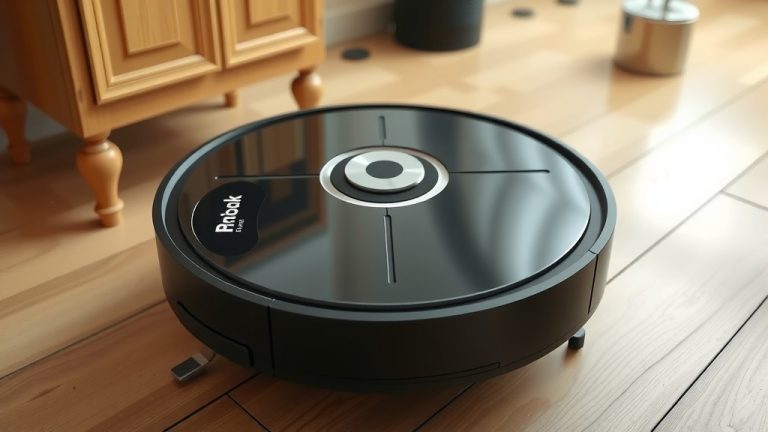
A robotic vacuum cleaner works by using a combination of sensors and smart navigation to clean your floors autonomously. It maps your home, avoids obstacles, and cleans systematically, often returning to its base to recharge. You get cleaner floors with minimal effort on your part.
These smart devices have come a long way. They use advanced technology to navigate, detect dirt levels, and even learn your home’s layout. Many models can be controlled from your smartphone, offering a convenient way to manage household chores. You can expect them to handle everything from dust bunnies to pet hair with impressive efficiency.
- Robotic vacuums use sensors and navigation systems to clean.
- They map your home and avoid furniture and stairs.
- Most return to a charging base automatically.
- Control options include apps and voice commands.
Ready to see how these helpful machines keep your home spotless? Let’s break down exactly how a robotic vacuum cleaner works, step by step.
Understanding How Your Robot Vacuum Cleans Your Home
So, you’ve got a little helper zipping around your house, keeping the floors tidy. But have you ever stopped to wonder about the brains (and brawn!) behind this automated cleaning magic? It’s not just random wandering. Your robotic vacuum cleaner uses a smart system to get the job done efficiently.
The Core Technology: Sensors and Navigation
At its heart, a robotic vacuum is all about smart navigation. It needs to know where it is, where it’s going, and how to avoid bumping into everything. This is where its sensors and navigation systems come into play.
Types of Sensors at Work
Robotic vacuums are equipped with a variety of sensors. These act like its eyes and ears, helping it understand its surroundings. Think of them as a sophisticated nervous system for your robot.
Bump and Wall Sensors
These are the most basic but essential sensors. When the robot gently bumps into an object, like a table leg or a wall, these sensors detect the contact. This tells the robot to change direction so it doesn’t get stuck or damage anything. They’re like the robot’s bumper guards.
Cliff Sensors
These are super important for preventing accidents. Cliff sensors are located on the underside of the vacuum. They detect drops, such as stairs. If the robot gets near an edge, these sensors will trigger it to stop and turn away. This prevents it from falling down the stairs, which would be a messy disaster!
Dirt Detect Sensors
Many advanced models have sensors that can detect areas with more dirt or debris. When the robot passes over a particularly dirty spot, these sensors might trigger the vacuum to make extra passes over that area. This ensures a more thorough clean where you need it most.
Optical and Laser Sensors
Higher-end robotic vacuums use more advanced optical or laser sensors. These can scan the room and create a detailed map of your home’s layout. This mapping technology helps the robot navigate more systematically, ensuring it covers all accessible areas without repeatedly cleaning the same spot.
Navigation Strategies: How It Moves
Once the sensors gather information, the robot uses navigation strategies to move around. Different robots employ different methods, but the goal is always the same: efficient floor cleaning.
Random Bouncing vs. Systematic Cleaning
Older or simpler models might use a “random bounce” pattern. They move in a generally straight line until they hit something, then turn a bit and continue. While this can cover an area, it’s not very efficient. Most modern robots use systematic patterns, like moving in straight lines back and forth across a room, much like you might when vacuuming with a traditional machine.
Mapping and Smart Navigation
Robots with advanced mapping capabilities build a virtual map of your home. They use this map to plan the most efficient cleaning path. This ensures that every corner is reached and no areas are missed. Some even allow you to set “no-go zones” via an app, telling the robot to avoid specific areas like pet food bowls or cluttered spots.
The Cleaning Mechanism: More Than Just Suction
Beyond just moving around, the robot needs to actually pick up the dirt. It does this through a combination of brushes and suction.
Brushes Working Together
Most robot vacuums have at least two types of brushes. You’ll typically find a main brush (or roller brush) on the underside. This brush agitates the carpet or sweeps across hard floors, loosening dirt and debris. Then, side brushes, which look like little spinning arms, sweep dust and dirt from the edges of walls and furniture towards the main brush and the suction intake.
The Suction Power
Once the brushes have done their job, the suction motor pulls the loosened debris into the robot’s dustbin. The strength of the suction varies between models. More powerful suction is better for picking up fine dust and pet hair from carpets.
Power and Maintenance: Keeping It Running
For your robot vacuum to keep working its magic, it needs power and a little bit of care from you.
Automatic Recharging
One of the best features of a robotic vacuum is its ability to recharge itself. When the battery gets low, or when it finishes cleaning, the robot will navigate back to its charging dock. It aligns itself with the charging contacts, and its battery begins to replenish. This means it’s always ready for its next cleaning cycle without you needing to plug it in.
Your Role in Maintenance
While robots are automated, they still need some attention. You’ll need to empty the dustbin regularly, especially if you have pets or a larger home. You should also periodically check and clean the brushes for tangled hair or debris. Checking the sensors to ensure they are free of dust will also help maintain optimal performance. Keeping the brushes and sensors clean is key to your robot’s effectiveness.
Dustbin Capacity and Filter Cleaning
We found that dustbin size can be a big factor in how often you need to empty it. Larger bins mean less frequent emptying. Also, most robot vacuums have filters that trap fine dust particles. Research and found that these filters need to be cleaned or replaced according to the manufacturer’s instructions to maintain good suction power (Cleveland Clinic).
Smart Features and Connectivity
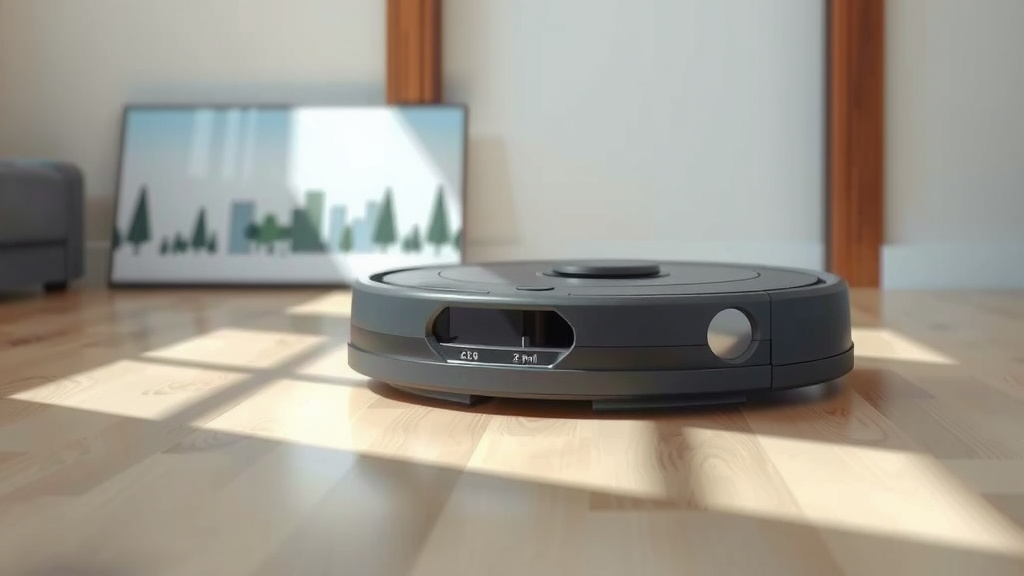
Modern robot vacuums go beyond basic cleaning. Many connect to your home network and offer smart features.
App Control and Scheduling
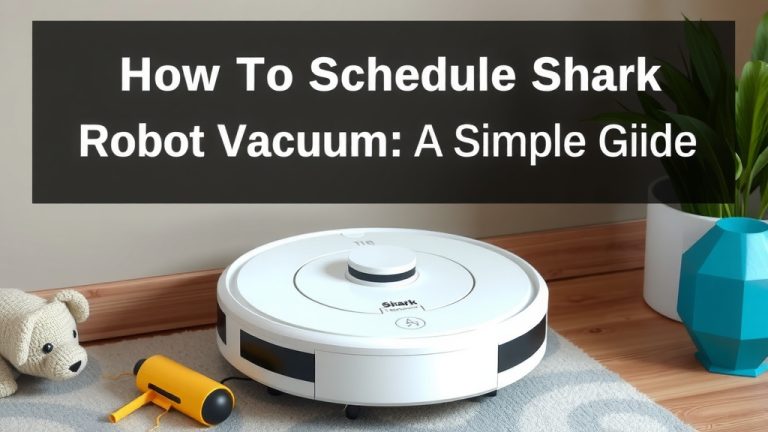
Most app-controlled robots let you start, stop, and pause cleaning from your smartphone. You can often schedule cleanings for specific times or days. This is great for having your floors cleaned while you’re at work or asleep. You can set routines and forget about it.
Voice Control Integration
Many robot vacuums can be controlled using voice commands through smart assistants like Alexa or Google Assistant. You can simply say, “Hey Google, tell Robot Vacuum to clean the living room.” It’s a convenient hands-free option for starting a cleaning session.
Advanced Mapping and Zone Cleaning
As mentioned, advanced models create detailed maps. This often unlocks features like zone cleaning, where you can select specific rooms or areas on the map for the robot to clean. You can also set virtual barriers to keep the robot out of certain spaces.
Self-Emptying Bases
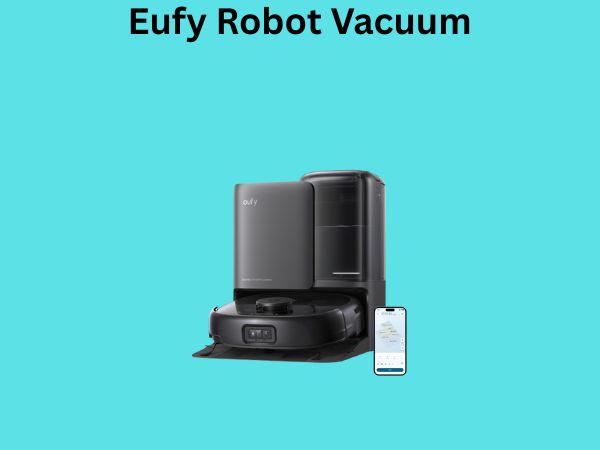
The latest innovation in robot vacuums is the self-emptying base. When the robot returns to its dock, the base itself sucks the dirt out of the robot’s small dustbin into a much larger bag or container. This can mean you only have to deal with the dustbin once every month or two!
Quick Checklist for Your Robot’s Health
To ensure your robotic vacuum works its best, make sure you’re doing these simple checks:
- Empty the dustbin after each major cleaning session.
- Clean the main brush and side brushes regularly.
- Wipe down the sensors with a dry cloth.
- Check the charging contacts on the robot and dock.
- Ensure the area around the charging dock is clear.
- Replace the filter as recommended by the manufacturer.
Conclusion
You’ve seen how robotic vacuums use a smart mix of sensors, brushes, and suction to clean your home. They navigate intelligently, avoid dangers like stairs, and even return to charge themselves. With features like app control and self-emptying bases, these devices truly offer automated convenience. To keep your robot working its best, remember to perform simple maintenance like emptying the bin and cleaning the brushes. Ready to reclaim your time? Consider adding a robotic vacuum to your home for consistently clean floors with minimal effort.
Frequently Asked Questions
Do robotic vacuums actually clean well?
Yes, most modern robotic vacuums clean very effectively. They use systematic cleaning patterns and powerful suction to pick up dust, dirt, and pet hair. Many models also have sensors that allow them to focus on dirtier areas for a more thorough clean.
Can a robot vacuum get stuck under furniture?
Robot vacuums are designed with sensors to avoid obstacles. While they can sometimes get stuck on very low furniture or complex clutter, most have smart navigation to prevent this. You can also set up “no-go” zones using their app to block off problem areas.
How often do I need to empty the robot’s dustbin?
This depends on your home and the robot’s dustbin size. For homes with pets or heavy foot traffic, you might need to empty it after each cleaning cycle. However, if you have a robot with a self-emptying base, you might only need to empty the base bag once a month or two.
Will a robot vacuum fall down the stairs?
No, you don’t need to worry about that! Robot vacuums are equipped with cliff sensors on their underside. These sensors detect edges and drops, like stairs, and signal the robot to stop and change direction before it can fall.
Are robot vacuums noisy?
The noise level varies by model, but most robot vacuums are quieter than traditional upright vacuums. They typically operate within a range that’s comparable to a running dishwasher or a fan. Many offer quieter cleaning modes as well.