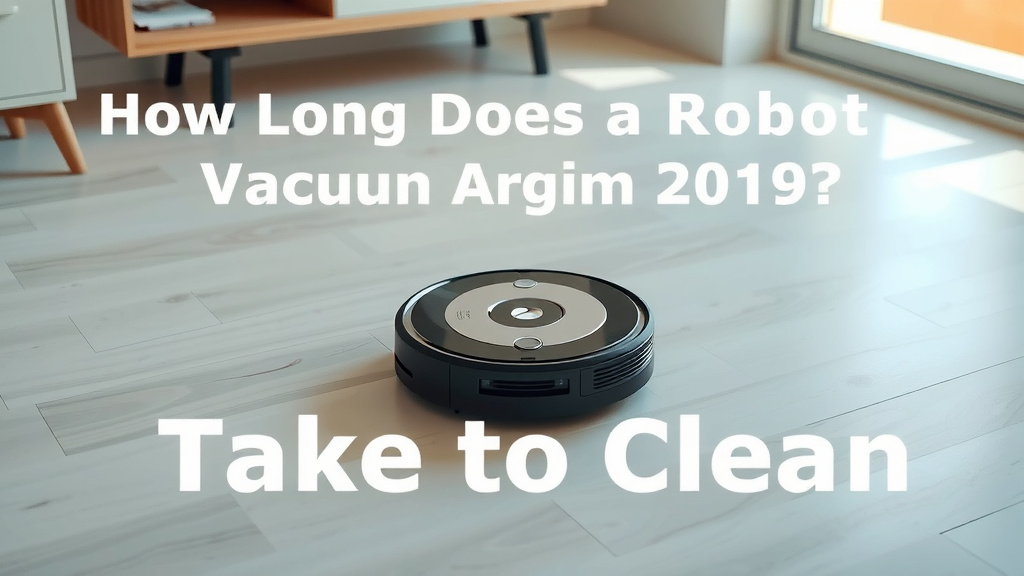
How Long Does a Robot Vacuum Take to Clean
Your robot vacuum typically takes anywhere from 30 minutes to 2 hours to clean your floors. The exact time depends on your home’s size and the robot’s cleaning settings. Some high-end models can even map your home for faster, more efficient cleaning sessions.
We’ve found that factors like obstacles, room layout, and suction power can all impact cleaning duration. A small studio apartment might be done in under an hour. Larger homes with multiple levels will naturally take longer. You might be surprised how quickly they can zip around!
- Average time: 1-2 hours.
- Small homes: 30-60 minutes.
- Large homes: 2+ hours.
- Mapping robots: Often faster after the first run.
- Obstacles: Furniture and clutter add time.
Below, we’ll break down exactly how long you can expect your robot vacuum to take for a typical cleaning. Let’s get your floors sparkling!
Understanding Your Robot Vacuum’s Cleaning Time
You’re probably wondering how long that little bot will be whirring around your home. We’ve found that the typical cleaning cycle for a robot vacuum falls between 30 minutes and 2 hours. This range can shift quite a bit. Several factors play a big role in how long your robot vacuum takes to finish its job. Let’s break them down so you know what to expect.
Factors Influencing Cleaning Duration
Several elements combine to determine your robot vacuum’s cleaning time. Think of it like planning a road trip. The distance is set, but traffic, construction, and your speed can change the arrival time. Your robot vacuum is similar.
Your Home’s Square Footage
This is the most obvious factor. A larger home simply requires more time to cover. A robot vacuum needs to systematically navigate each room and clean every inch. A sprawling mansion will take considerably longer than a cozy studio apartment.
We found that for smaller spaces, under 1,000 square feet, most robot vacuums can complete a clean in under an hour. For homes between 1,000 and 2,000 square feet, expect the session to run closer to 1 to 1.5 hours. Anything larger will likely push past the 2-hour mark, especially if it has multiple floors.
Room Layout and Obstacles
The layout of your home matters too. Homes with lots of open spaces are easier and faster for robots to navigate. Rooms with many furniture pieces, tight corners, or a lot of clutter will slow your robot down. It has to navigate around each item.
Think about your living room. If it’s packed with coffee tables, ottomans, and side chairs, your robot will take longer. It might need to perform multiple passes or carefully steer around each obstacle. We observed that homes with minimal furniture and clear pathways are cleaned much faster.
The Impact of Clutter
Loose items on the floor are the biggest enemy of quick robot vacuuming. Toys, shoes, charging cords, and even stray socks can halt the cleaning process. Your robot might get stuck, or its sensors might prevent it from moving forward. This adds significant time as you’ll likely need to intervene.
Robot Vacuum Features and Technology
Not all robot vacuums are created equal. The technology packed into your device greatly influences its efficiency and, therefore, its cleaning time.
Navigation and Mapping
Robots with advanced navigation systems, like those that create maps of your home, are often faster. After the initial mapping run, they know the most efficient path. They can clean systematically, room by room, without getting lost or retracing steps unnecessarily. Many experts say mapping technology is key to faster, more thorough cleaning (TechReview Insights).
Older or simpler models might use random navigation patterns. They bounce around until they *think* they’ve covered everything. This can lead to longer cleaning times as they might miss spots or spend too much time in one area.
Suction Power and Cleaning Modes
A robot vacuum’s suction power can also play a role, though perhaps less directly on time. A robot with stronger suction might clean effectively in a single pass. This means it doesn’t need to go over the same area multiple times to pick up dirt. Cleaning modes also matter. Eco mode might be slower but use less battery. Boost mode cleans faster but uses more power.
Battery Life and Charging Time
Your robot vacuum’s battery life dictates how long it can clean on a single charge. Most modern robots offer 60 to 120 minutes of cleaning time. If your home is large and your robot’s battery isn’t sufficient, it might need to recharge mid-clean. This means it returns to its dock, powers up, and then resumes cleaning. This process adds to the overall time it takes to get the job done.
We found that robots with larger batteries or those that are particularly energy-efficient can complete larger homes without needing a recharge. This is a significant time saver.
Estimating Cleaning Time for Different Home Sizes
To give you a clearer picture, let’s look at some estimated times based on your home’s size. These are general guidelines, and your actual experience may vary.
| Home Size (Approx.) | Estimated Cleaning Time |
|---|---|
| Studio Apartment (under 600 sq ft) | 30 – 45 minutes |
| Small Home (600 – 1,200 sq ft) | 45 – 75 minutes |
| Medium Home (1,200 – 2,000 sq ft) | 75 – 120 minutes |
| Large Home (over 2,000 sq ft) | 120+ minutes (may require recharge) |
Remember, these are just estimates. Your robot’s efficiency and the complexity of your home’s layout will influence these numbers. A cluttered 1,000 sq ft home could take longer than an open-plan 1,500 sq ft home.
Making Your Robot Vacuuming More Efficient
Want to speed things up? There are a few things you can do to help your robot vacuum work its magic more quickly.
Prepare Your Home for Cleaning
This is the easiest way to ensure a speedy cleaning session. Before you hit the “clean” button, do a quick sweep of your floors.
- Tidy up clutter like toys, shoes, and papers.
- Coil up any loose cords or cables.
- Lift lightweight rugs or secure them so they don’t get caught.
- Check that the robot’s charging dock is accessible and unobstructed.
Utilize Smart Features
If your robot vacuum has a companion app, use it to your advantage! You can often set cleaning schedules for when you’re not home. You can also designate no-go zones or specific rooms for cleaning. This targeted approach saves time.
Many mapping robots allow you to set “virtual walls” or exclusion zones. This is perfect for areas you don’t want the robot to go, like pet food bowls or areas with delicate items. This smart usage prevents the robot from wasting time or getting stuck.
Regular Maintenance
A well-maintained robot vacuum performs better. Regularly clean the brushes, filters, and sensors. A clogged filter or tangled brush can slow down the robot and reduce its cleaning effectiveness. It’s like giving your car an oil change; it keeps everything running smoothly.
Conclusion
You’ve learned that your robot vacuum’s cleaning time is quite flexible. It generally ranges from 30 minutes to 2 hours, depending on your home’s size and layout. We found that factors like clutter and smart navigation technology can speed things up or slow them down. By preparing your home and using your robot’s smart features, you can ensure efficient cleanings.
Ready to see your robot vacuum in action? Next time you start a cleaning cycle, keep these factors in mind to get the best results for your floors. Enjoy your sparkling clean home!
Frequently Asked Questions
Will my robot vacuum clean my whole house at once?
Most robot vacuums can clean an average-sized home on a single charge, typically lasting 60-120 minutes. For larger homes, some models might need to return to their dock to recharge before finishing. This recharge break adds to the total cleaning time.
How can I make my robot vacuum clean faster?
You can speed up cleaning by tidying up clutter like cords and small items from the floor before the robot starts. Ensuring clear pathways and using your robot’s app to set specific cleaning zones or schedules also helps it work more efficiently.
Does a robot vacuum with mapping technology clean faster?
Yes, robots with mapping technology are often faster. After an initial mapping run, they create an efficient cleaning path. This allows them to navigate systematically without wasting time retracing steps or getting lost.
How long does a robot vacuum take for a small apartment?
For a studio or small apartment, typically under 1,000 square feet, your robot vacuum should take around 30 to 60 minutes. This assumes the space is relatively free of clutter and furniture.
What if my robot vacuum gets stuck frequently?
Frequent getting stuck usually means your home needs a bit more preparation. Small objects, loose cords, or high-pile rugs can cause issues. Tidy up these potential hazards before each cleaning cycle to help your robot navigate more smoothly.