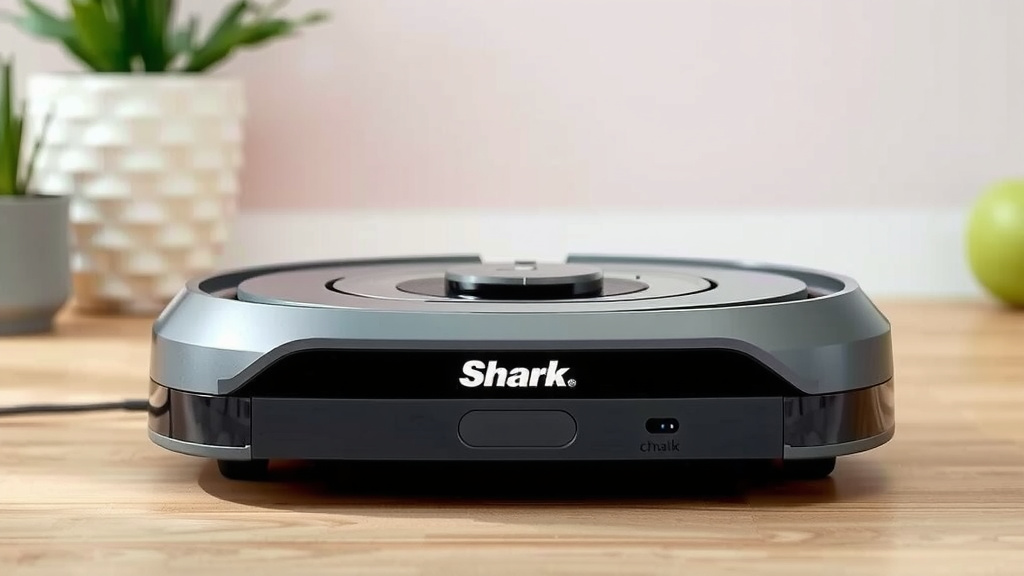
Shark Robot Vacuum Charging: How to Tell It’s Working
Yes, your Shark robot vacuum is likely charging if you see a solid white light on the charging dock and the vacuum’s power button is illuminated. You’ll also often hear a little startup sound. This is the clearest indicator that it’s successfully connecting and getting juice. It’s designed to be pretty straightforward, so these visual cues are your best bet!
Sometimes, you might wonder if it’s *really* charging or just sitting there. A few things can affect charging, like the dock’s power connection or how the robot is seated. We’ve found that a little nudge can sometimes help ensure a proper connection. Keeping the charging contacts clean on both the robot and the dock is also key to a reliable charge.
- See a solid white light on the dock.
- Check if the robot vacuum’s power button is lit.
- Listen for a charging confirmation sound.
- Ensure the robot is properly seated on the dock.
- Keep charging contacts clean.
Let’s walk through exactly how to confirm your Shark robot vacuum is charging, just in case you’re feeling a bit unsure. We’ll cover the common signs and a couple of quick checks.
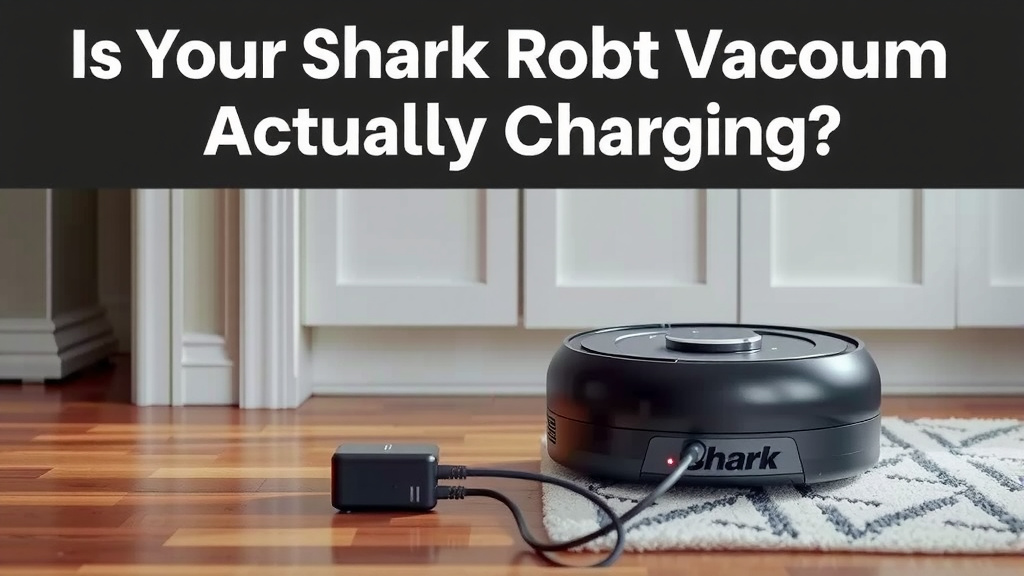
Is Your Shark Robot Vacuum Actually Charging?
It can be a bit puzzling when you’re not sure if your trusty Shark robot vacuum is getting its much-needed power-up. You’ve placed it on the dock, but is it actually charging? We get it; you want to be sure it’s ready for its next cleaning mission. Fortunately, there are clear signals to look for, and a few simple checks can confirm everything is working as it should.
Decoding the Charging Lights and Sounds
Your Shark robot vacuum is designed with obvious cues to let you know it’s charging. These are the first things you’ll want to observe.
The Docking Station’s Indicator Light
The most direct sign your robot is charging comes from the charging dock itself. Most Shark models feature a small LED light on the dock. When the robot is properly connected and receiving power, this light will typically glow a steady white. If you see this solid white light, it’s a strong indicator that the connection is good and charging is underway. A blinking light or no light at all usually means something isn’t quite right.
Your Robot Vacuum’s Power Button Light
Pay attention to the power button on your Shark robot. When it’s docked and charging, this button often illuminates. The color and pattern can vary slightly by model, but a lit-up power button, often accompanied by the dock’s white light, is a positive sign. It’s like the robot giving you a little nod to say, “Yep, I’m getting juiced up!”
Auditory Confirmation: The Charging Sound
Many Shark robot vacuums will emit a subtle audible cue when they successfully connect to the dock and begin charging. This might be a soft chime, a beep, or a specific startup sound. If you hear this sound shortly after placing the robot on the dock, consider it confirmation. It’s like the robot saying, “Hello, charging station! I’m here and ready to get powered up.”
Ensuring a Proper Connection on the Dock
Sometimes, even with the lights and sounds, the connection might not be perfect. How the robot sits on its dock is key.
The Importance of Perfect Alignment
Your Shark robot needs to be perfectly aligned with the charging contacts on the dock. If it’s slightly crooked or not pushed back far enough, the connection won’t be made. We’ve found that a gentle nudge or ensuring it’s fully seated can often resolve this. It’s similar to plugging in a phone charger; it needs to go in just right to work. Take a moment to visually confirm the front of the robot is flush with the dock’s bumper.
Checking the Dock’s Power Source
Is the charging dock itself receiving power? It sounds simple, but it’s an easy step to overlook. Ensure the dock’s power cord is securely plugged into a working wall outlet. If the outlet is controlled by a light switch, make sure that switch is in the “on” position. Some people have found that trying a different outlet can also rule out an issue with the power source itself.
Troubleshooting Common Charging Issues
If you’re not seeing the expected lights or hearing the sounds, don’t worry. There are a few common culprits we can investigate. If you’re not seeing the expected lights or hearing the sounds, don’t worry. There are a few common culprits we can investigate. Our troubleshooting guide helps identify them.
Cleanliness of Charging Contacts
Dust, pet hair, and general grime can accumulate on the charging contacts, both on the bottom of your robot vacuum and on the docking station. These tiny metal or conductive areas are vital for electricity flow. Research from cleaning appliance manufacturers suggests that regularly cleaning these contacts is essential for optimal performance. You can gently wipe them with a dry or slightly damp (not wet!) microfiber cloth. Some recommend a soft brush or an eraser for stubborn buildup. Clean contacts ensure a clean path for the power to flow.
Obstructions Around the Dock
Your robot needs a clear path to return to its dock. If there are furniture legs, rugs, or other items too close to the dock, the robot might struggle to align correctly. We’ve seen instances where even a slightly shifted rug can prevent a proper dock connection. Make sure the area around the dock is clear and accessible. Your robot should have a few feet of open space in front of it and ample room on either side to maneuver onto the charging station without issue.
Battery Health Considerations
While less common for new robots, older batteries can eventually lose their ability to hold a charge effectively. If your Shark robot is several years old and you’re consistently having trouble charging, it might be time to consider the battery. Most Shark robot batteries are designed to last for a certain number of charge cycles, and after that, their performance can decline (Shark Robotics Support).
Quick Checklist: Is Your Shark Robot Charging?
Here’s a quick rundown of what to check if you’re unsure:
- Dock Light: Is it a solid white light?
- Robot Light: Is the power button on the robot illuminated?
- Sound: Did you hear a charging confirmation chime or beep?
- Position: Is the robot fully and squarely seated on the dock?
- Contacts: Are the charging contacts on both the robot and dock clean?
- Outlet: Is the dock plugged into a working wall outlet?
Conclusion
You’ve got this! Knowing your Shark robot vacuum is charging is all about noticing those clear signals. A solid white light on the dock, a lit power button on your robot, and perhaps a confirmation sound are your best indicators. Remember to ensure the robot is properly seated and its charging contacts are clean for a reliable connection. If you ever feel unsure, a quick visual check of these points will set your mind at ease. Keep these simple steps in mind, and your Shark will always be ready for its next cleaning task.
Frequently Asked Questions
Why isn’t my Shark robot vacuum showing any lights when on the dock?
If you see no lights at all, the first step is to check if the charging dock is actually plugged into a working outlet. Also, ensure the power cord is securely connected to both the dock and the wall. Sometimes, a different outlet can rule out an issue with the power source itself.
My Shark robot vacuum’s power button light is blinking, does that mean it’s charging?
A blinking light on the robot’s power button can mean different things depending on your specific Shark model. It might indicate it’s attempting to connect, has an error, or is in a charging mode that isn’t solid. Always check the solid white light on the dock and listen for a startup sound for confirmation of active charging.
How often should I clean the charging contacts on my Shark robot vacuum?
We recommend cleaning the charging contacts on both the robot and the dock at least once a month, or more often if you notice charging issues. Dust and debris can build up quickly, especially in homes with pets. A quick wipe with a dry microfiber cloth usually does the trick.
Can I use my Shark robot vacuum while it’s charging?
No, you cannot use your Shark robot vacuum while it is actively charging on its dock. The charging process requires the robot to be stationary and connected to power. Attempting to use it during charging could interrupt the process and potentially damage the battery or robot.
What if my Shark robot vacuum goes off the dock but doesn’t charge?
If your robot returns to the dock but doesn’t charge, first check its alignment. Ensure it’s squarely seated and making full contact. Then, verify the dock’s light is solid white and listen for a charging sound. If those indicators are absent, clean the charging contacts on both the robot and the dock, and confirm the dock has power.