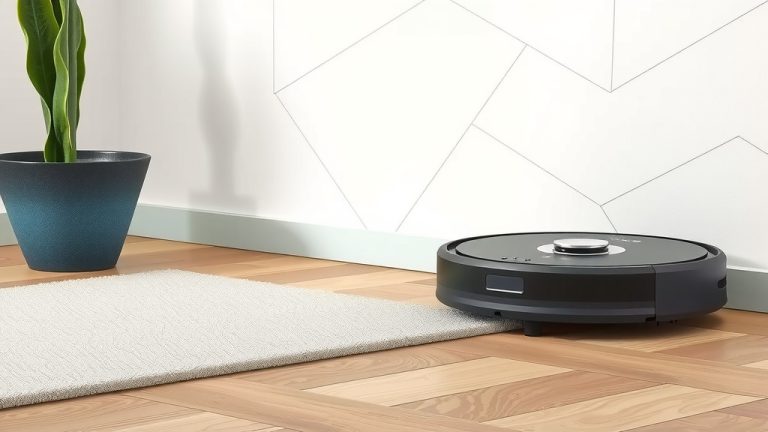
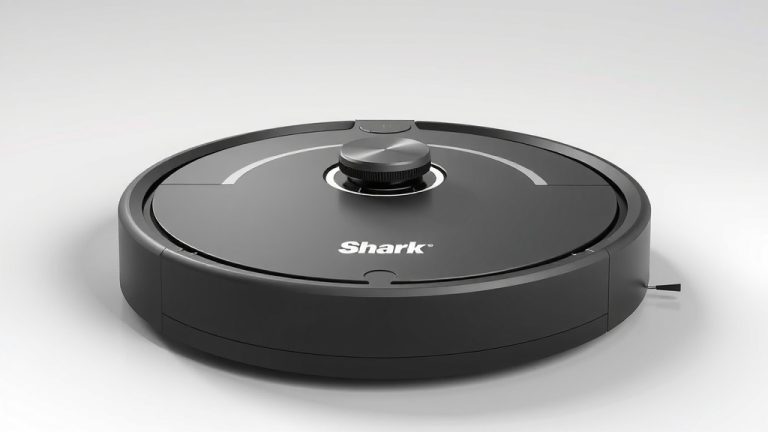
How to Start Your Robot Vacuum: A Quick Guide
Getting your robot vacuum started is usually as simple as pressing a button. You typically just need to place it on its charging dock and then push the ‘Clean’ button. Many models will automatically return to their base when the battery is low or cleaning is complete, making maintenance easy. Just ensure it has a clear path to start!
Before you press that button, though, a little preparation goes a long way. Your robot vacuum needs a clean floor to do its best work. So, it’s wise to pick up any small items or cords. This helps prevent the vacuum from getting stuck or damaging itself. We found that a clear path leads to a more thorough clean every time.
- Unpack your robot vacuum.
- Place it on its charging dock.
- Press the ‘Clean’ button to start.
- Tidy up floors before it runs.
Ready to get your little cleaning buddy rolling? Let’s walk through the straightforward steps to get your robot vacuum cleaning your floors in no time.
Getting Your Robot Vacuum Up and Running
So, you’ve got a shiny new robot vacuum! It’s exciting to think about how much easier your cleaning routine will become. Getting it started is usually a breeze. Let’s walk through the essential steps to get that little disc buzzing around your home.
Unpacking and Initial Setup
First things first, you need to unpack your new cleaning companion. Make sure you have all the parts. This typically includes the robot vacuum itself, its charging dock (also called a base station), a power cord, and possibly some extra brushes or filters. We found that carefully checking the box contents ensures you don’t miss anything important.
Finding the Perfect Spot for the Charging Dock
The charging dock is super important. It’s where your robot will live and recharge. You need to find a good spot for it. Experts suggest placing it against a wall on a hard, level surface. Make sure there’s enough space around it.
- About 1 foot (30 cm) of clearance on each side.
- About 3 feet (90 cm) of clearance in front.
- No furniture or objects directly in front of the dock.
Why all this space? Your robot needs a clear path to find its way home. If it’s tucked away in a tight corner, it might struggle to dock. This can leave it with a low battery and ready for cleaning, but unable to charge. We learned that a well-placed dock means a happier, more charged robot.
Connecting the Power
Once you’ve chosen the spot, plug the power cord into the charging dock. Then, plug the other end into a wall outlet. Most robot vacuums will have a small indicator light on the dock or the robot itself that shows it’s receiving power.
First Charge: A Crucial Step
Before you even think about hitting the ‘Clean’ button, your robot vacuum needs to charge. Most manufacturers recommend a full initial charge. This can take anywhere from 2 to 6 hours, depending on the model. Think of it like giving your new gadget a full energy drink before its first big job.
During this first charge, resist the urge to start it up. Let it juice up completely. We found that a full battery from the get-go helps ensure a strong performance during its very first cleaning cycle. It’s a small waiting game that pays off.
Preparing Your Home for Cleaning
This is where you come in! While your robot is a marvel of engineering, it’s not magic. It needs a little help to do its best work. Think of it like preparing your kitchen before a chef comes to cook. You want to clear the counters of clutter.
Tidying Up the Floors
Robot vacuums are designed to pick up dirt, dust, and pet hair. But they can get stuck on larger items. Before you send your robot on its maiden voyage, take a few minutes to walk through the rooms it will be cleaning.
- Pick up small toys, socks, or shoes.
- Gather charging cords and cables. These are a robot’s nemesis!
- Lift any lightweight rugs or mats that might get bunched up.
We found that cords are especially tricky. A robot can get tangled, and you might not even know it’s stuck until its battery dies. It’s also a good idea to check for spilled liquids or sticky messes. While some robots have mopping features, most aren’t designed for wet cleanup.
Checking for Obstacles
Think about furniture legs, chair bases, and pet food bowls. While most robot vacuums have sensors to navigate around these, it’s wise to be mindful. Sometimes, a stray slipper or a fallen magazine can become a temporary roadblock. A clear path helps your robot clean more efficiently and prevents it from getting stuck.
Starting the Cleaning Cycle
Once your robot is fully charged and the floors are prepped, you’re ready for the main event!
The ‘Clean’ Button Method
This is the most straightforward way to start. Look for a button on the top of your robot vacuum, usually marked with a ‘Clean,’ ‘Start,’ or a play symbol (▶). Press this button, and your robot should wake up, leave its dock, and begin cleaning.
Many models will follow a systematic pattern, like an edge-cleaning mode or a random pattern. We found that for the first few runs, it’s helpful to observe how your robot navigates. This gives you a good idea of its cleaning coverage and where it might need a little extra manual help.
Using the Mobile App (If Applicable)
If your robot vacuum is a smart model, you’ll likely use a mobile app. After downloading the app and connecting your robot to your Wi-Fi network, you can often start, stop, and schedule cleanings right from your smartphone. This offers more control and features.
Through the app, you can often select specific cleaning modes, adjust suction power, or even set up virtual no-go zones. We found that using the app is a great way to customize your cleaning sessions and get the most out of your robot.
Understanding Robot Vacuum Behavior
Once your robot starts cleaning, it’s like having a little helper around the house. Most robot vacuums are programmed to cover the entire accessible floor area. They use sensors to detect walls, stairs, and furniture.
Returning to the Dock
A key feature many robot vacuums boast is automatic docking. When the battery gets low or the cleaning cycle is complete, the robot should navigate back to its charging station on its own. This is incredibly convenient! You don’t have to manually bring it back.
However, this relies on the dock being accessible. If the robot can’t find its way back, it might stop mid-clean. This is why proper dock placement is so important. We found that a robot that can reliably return to its dock is a much less stressful robot to own.
Post-Clean Checklist: Quick Maintenance
After its first run, and after every few runs, a little bit of maintenance will keep your robot performing at its best.
Your robot’s dustbin will likely be full. You’ll need to empty it. Also, check the brushes for any tangled hair or threads. Regular cleaning of the filters and brushes can prevent performance issues down the line. It’s a simple process that extends the life of your appliance.
| Step | Action | Key Benefit |
|---|---|---|
| 1 | Unpack & Charge Dock | Ensures all components are present and dock is ready. |
| 2 | Initial Full Charge | Provides optimal battery health for first use. |
| 3 | Clear Floor Space | Prevents robot from getting stuck or damaged. |
| 4 | Press ‘Clean’ or Use App | Initiates the cleaning cycle. |
| 5 | Observe Navigation | Helps understand coverage and potential obstacles. |
| 6 | Empty Dustbin | Maintains suction power for subsequent cleanings. |
You’re now well on your way to a cleaner home with minimal effort! Don’t hesitate to consult your specific model’s manual for any unique features or instructions. Every robot vacuum is a little different, but these general steps should get yours cleaning in no time.
Conclusion
You’ve got the basics down for starting your robot vacuum! We’ve walked through unpacking, setting up the dock, that important first charge, and prepping your home. Remember, a little preparation makes a big difference. Your robot will clean more efficiently when its path is clear and its battery is full. Now that your cleaning companion is ready, the next step is to simply hit that ‘Clean’ button and let it do its work. Enjoy your cleaner floors with less effort!
Frequently Asked Questions
How long does the initial charge for a robot vacuum usually take?
The initial charge is a critical first step. Most manufacturers recommend a full charge before the first use, which typically takes between 2 to 6 hours. This ensures your robot has optimal battery health for its initial cleaning cycle.
What if my robot vacuum can’t find its charging dock?
If your robot struggles to dock, check the dock’s placement. Ensure there’s adequate clear space around it, about 1 foot on the sides and 3 feet in front, with no furniture blocking the path. A clear approach helps your robot navigate back successfully.
Do I need to remove all furniture before my robot vacuum cleans?
No, you don’t need to remove all furniture. Robot vacuums are designed with sensors to navigate around most furniture legs and larger items. However, you should clear small, low-lying objects and cords that could cause it to get stuck.
Can I start my robot vacuum if it’s not fully charged?
While you can often start a robot vacuum before a full charge, it’s not recommended for the very first use. For the initial charge, let it reach 100% to establish good battery health. Subsequent uses can begin with a partial charge if needed.
What should I do if my robot vacuum gets stuck?
If your robot gets stuck, first check for the cause: tangled cords, small items, or rug edges. Gently free the robot and tidy up the area. For future runs, pay attention to where it got stuck and try to keep those areas clear. Consistent clearing prevents it from happening repeatedly.