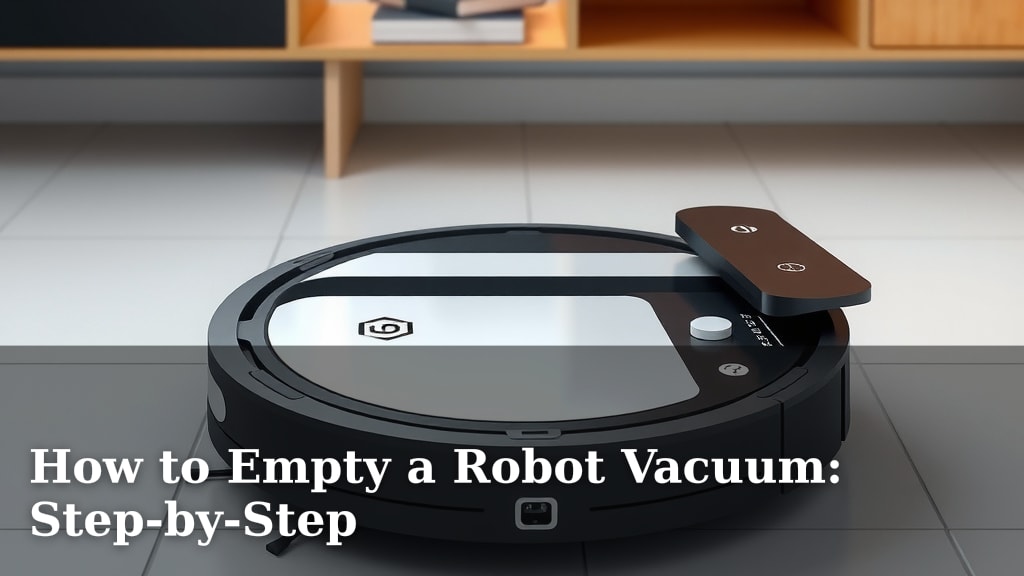
How to Empty a Robot Vacuum: Step-by-Step
Emptying your robot vacuum is simple once you know how. You can typically empty the dustbin in less than a minute by removing it and disposing of the contents. Many models also come with self-emptying bases, making the process even easier and cleaner for you.
Keeping your robot vacuum’s dustbin clean is key for optimal performance. A full bin means your vacuum can’t pick up much dirt. We found that regular emptying prevents clogs and ensures your floors get the best clean. Think of it as giving your little cleaning buddy a much-needed breath of fresh air.
- Empty the dustbin regularly.
- Consider a model with a self-emptying base.
- A clean bin means better cleaning.
- It only takes a moment!
Ready to get that dustbin out of your trusty robot? Let’s walk through the simple steps to get it done, whether you have a standard bin or a fancy self-emptying station.
Taking Care of Your Robot Vacuum’s Dustbin
Emptying your robot vacuum is a simple yet vital task. It ensures your little cleaning helper works its best. We found that a full bin really hinders its ability to pick up dirt and debris. It’s like trying to breathe through a stuffy nose; it’s just not effective!
Why Regular Dustbin Emptying Matters
You might be tempted to let your robot vacuum run until it’s completely full. But we discovered that doing so can cause more problems than it solves. A packed dustbin can lead to clogs. These clogs can reduce suction power and even cause the vacuum to overheat.
Regular emptying helps maintain optimal suction. This means your robot vacuum can effectively clean your floors. It also prevents potential damage to the motor. Think of it as a quick pit stop for your cleaning champion.
How Often Should You Empty It?
The frequency of emptying depends on a few factors. How much pet hair do you have? Do you have kids who track in a lot of dirt? These all play a role. For most households, we found that emptying the dustbin every few cleaning cycles is a good starting point.
If your robot vacuum has an indicator light or an app notification, pay attention to it. Many models will alert you when the bin is full. We also recommend checking it visually after each major cleaning session, especially if you have pets. This habit will save you headaches later on.
Manual Dustbin Removal and Emptying
Most robot vacuums use a standard dustbin that you can easily remove by hand. This is the most common method. Let’s walk through how to do it.
Locating and Releasing the Dustbin
First, you need to find the dustbin. It’s usually located on the back or underside of the robot vacuum. Consult your robot vacuum’s manual if you’re unsure. Most models have a release button or latch. Press or slide this to detach the bin.
Once released, gently pull the dustbin out. Be careful not to spill any contents if it’s already full. Some bins might require a bit of wiggling. We found that being gentle but firm usually does the trick.
Disposing of the Contents
Now for the moment of truth: emptying the dirt. Hold the dustbin over a trash can. Open the dustbin’s lid or flap. For most bins, you just tip them upside down. The collected dust and debris should fall out easily.
If some stubborn bits are stuck, a gentle shake might be needed. Many dustbins have a small opening, making them easy to empty into a standard trash can. We discovered that emptying directly into a garbage bag can also help minimize mess.
Cleaning and Reinserting the Dustbin
After emptying, it’s a good idea to clean the dustbin. Use a damp cloth or paper towel to wipe away any lingering dust. For tougher grime, you can use a mild soap and water solution. Just be sure to dry it completely before putting it back. A wet dustbin can lead to mold or affect the vacuum’s electronics.
Once clean and dry, simply slide the dustbin back into its slot until it clicks into place. Ensure it’s securely attached. Your robot vacuum is now ready for its next cleaning mission!
Understanding Self-Emptying Robot Vacuums
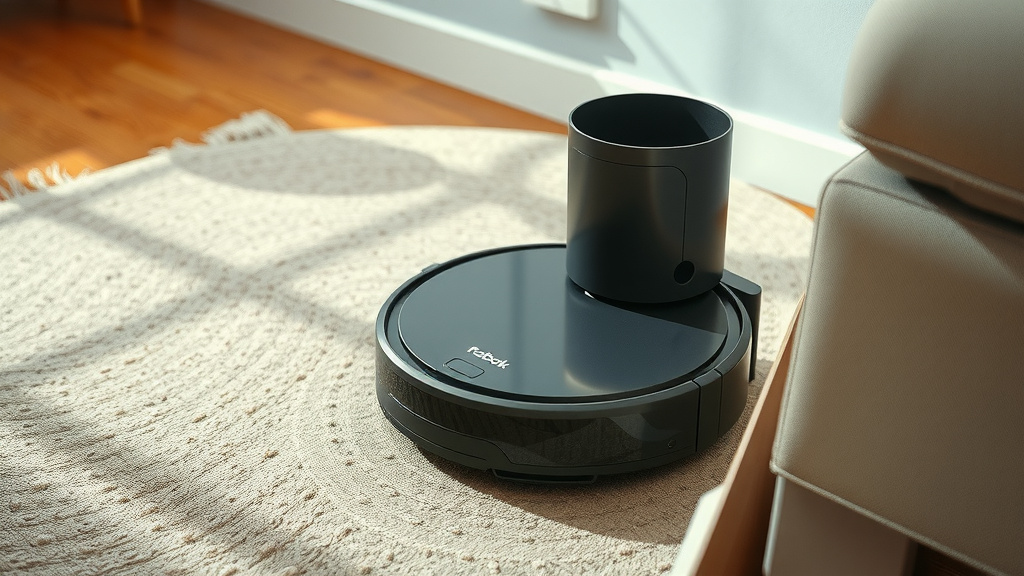
If you want to take the manual labor out of this task, a self-emptying robot vacuum might be perfect for you. These models come with a special charging base that doubles as an auto-empty station.
How the Self-Emptying Base Works
When your robot vacuum returns to its base to charge, it also empties its dustbin. The base has a larger collection bag or bin. A powerful suction mechanism in the base pulls the dirt from the robot’s small dustbin into the base’s larger container.
This process usually happens automatically. You’ll hear a brief, louder noise when it’s emptying. We found that this feature makes robot vacuums even more convenient. It’s like having a robot that cleans and then takes out its own trash!
When to Empty the Self-Emptying Base
Even with a self-emptying base, you still need to perform maintenance. The large collection bag or bin in the base needs emptying too. This is much less frequent than emptying a standard dustbin.
Depending on your home’s dirt levels, you might need to empty the base every 30 to 60 days. Many models will notify you via their app when the base is full. Check your manual for specific guidance. It’s a much more pleasant task than dealing with a dusty robot bin directly.
Maintaining the Self-Emptying Station
Besides emptying the base, you should also check the seals and filters periodically. Ensure there are no blockages in the docking port where the robot connects to the base. A clean base ensures efficient operation. We found that occasional wiping down of the base and the robot’s docking area keeps things running smoothly.
Comparison: Manual vs. Self-Emptying
Here’s a quick look at the differences:
| Feature | Manual Dustbin | Self-Emptying Base |
|---|---|---|
| Emptying Frequency | Every few cycles | Every 30-60 days (base) |
| Convenience | Requires frequent manual effort | Highly convenient, minimal effort |
| Mess Factor | Higher risk of dust exposure | Lower risk, contained process |
| Cost | Standard on most models | Higher initial investment |
| Maintenance | Emptying, occasional washing | Emptying base, filter checks |
Troubleshooting Common Dustbin Issues
Sometimes, things don’t go as smoothly as planned. Here are a few common hiccups and how to fix them.
Dustbin Won’t Come Out
If the dustbin is stuck, don’t force it too hard. First, check if you’ve fully disengaged the release latch or button. Sometimes, a bit of packed-in debris can jam it. Gently try to clear the area around the bin’s edges. A soft brush can help. We found that wiggling the bin gently while pressing the release often works.
Contents Not Emptying Completely
If debris is clinging to the inside of the dustbin, it might be due to static electricity or sticky residue. Try using a slightly damp cloth to wipe the inside after emptying. For self-emptying models, check the connection port on the robot and the base for blockages. Ensure the seal is intact.
Odor from the Dustbin
A lingering smell often means moisture or organic matter has been trapped. Wash the dustbin thoroughly with soap and water. Make sure it’s completely dry before reinserting. Some users also add a drop of essential oil to the filter (if washable) or a baking soda sachet to the bin itself to combat odors. However, always check your manual before adding anything.
Quick Dustbin Emptying Checklist
Ready to get this done quickly? Here’s a simple checklist:
- Locate the dustbin release.
- Gently detach the dustbin.
- Empty contents into a trash can.
- Wipe clean if needed.
- Ensure it’s dry.
- Reinsert securely.
Conclusion
You’ve learned that keeping your robot vacuum’s dustbin empty is simple and quick. Whether you have a manual bin or a self-emptying base, regular maintenance ensures your floors get the best clean. We found that a clean bin means better suction and a longer lifespan for your robot. Don’t let a full dustbin be a roadblock to a spotless home. Your next step is to check your robot’s bin right after its next cleaning cycle and empty it if needed. You’ve got this!
Frequently Asked Questions
How do I know if my robot vacuum’s dustbin is full?
Many robot vacuums have indicator lights or will send notifications to your smartphone app when the dustbin is full. If yours doesn’t, we recommend checking it visually after every few cleaning cycles, especially if you have pets.
Can I wash the robot vacuum dustbin with soap and water?
Yes, you can usually wash the dustbin with mild soap and water. It’s important to ensure the dustbin is completely dry before putting it back into the robot to prevent damage or mold.
What should I do if my robot vacuum smells bad?
Bad odors usually come from moisture or trapped debris. Wash the dustbin thoroughly and make sure it’s bone dry. You can also try adding a baking soda sachet to the dry bin or a drop of essential oil to a washable filter, but always check your manual first.
Is a self-emptying base worth the extra cost?
For many people, a self-emptying base offers incredible convenience by reducing manual tasks. We found that if you have pets or a larger home, the reduced frequency of emptying makes it a worthwhile investment for a cleaner, hassle-free experience.
What if the dustbin is jammed and won’t come out?
Don’t force it! First, check that the release latch or button is fully disengaged. Sometimes debris can get stuck around the edges. Try gently wiggling the bin while pressing the release, or use a soft brush to clear any obstructions.
![7 Best Programmable Robot Vacuum [2026]](https://robotvacuumfact.com/wp-content/uploads/2026/08/7-best-programmable-robot-vacuum-2026-featured-768x432.jpg)
![7 Best Budget Robot Vacuum Pet Hair [2026]](https://robotvacuumfact.com/wp-content/uploads/2026/08/7-best-budget-robot-vacuum-pet-hair-2026-featured-768x432.jpg)