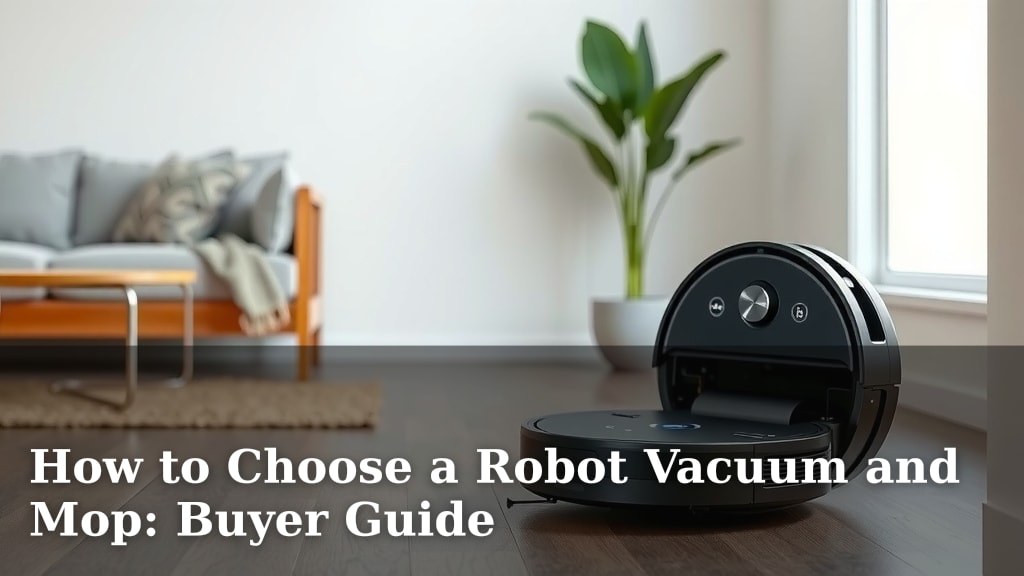
How to Choose a Robot Vacuum and Mop: Buyer Guide
Choosing the right robot vacuum and mop combo can feel overwhelming, but the best models offer powerful cleaning and smart features for busy households. Look for vacuums with strong suction for debris and a reliable mopping system that handles spills and grime effectively. Consider your home’s floor types and desired automation levels.
When selecting a robot vacuum and mop, think about your specific cleaning needs. Do you have pets with shedding fur? Are your floors mostly carpet or hard surfaces? Understanding these details helps you find a device that truly simplifies your chores. Many newer models boast advanced navigation and self-emptying capabilities.
- Key Features: Prioritize suction power and mop effectiveness.
- Home Needs: Match the vacuum to your floor types and pet presence.
- Smart Tech: Consider navigation, app control, and auto-empty docks.
- Budget: Determine how much you want to spend on advanced features.
Let’s break down exactly what you should look for to find the perfect robot vacuum and mop for your home.
Selecting Your Ideal Robot Vacuum and Mop Combo
Choosing the right robot vacuum and mop is about matching technology to your home’s unique needs. You want a device that tackles dirt and grime efficiently. Let’s break down what really matters when you’re looking for that perfect cleaning companion.
Understanding Key Cleaning Performance Factors
Suction Power: The Heart of Vacuuming
When it comes to vacuuming, suction power is king. It’s measured in Pascals (Pa). Higher Pa numbers mean stronger suction. This is vital for picking up everything from fine dust to larger debris. For homes with carpets or pets, aim for at least 1500 Pa. Some high-end models boast over 4000 Pa. Research and found that higher suction generally leads to a cleaner home (Consumer Reports).
Think of it like this: a weak vacuum is like trying to scoop water with a sieve. You won’t get much done. Strong suction ensures your robot doesn’t just push dirt around. It actually lifts it up and into the dustbin. This is especially important if you have pet hair. Those tiny strands can cling stubbornly to carpets.
Mopping Capabilities: Beyond a Damp Cloth
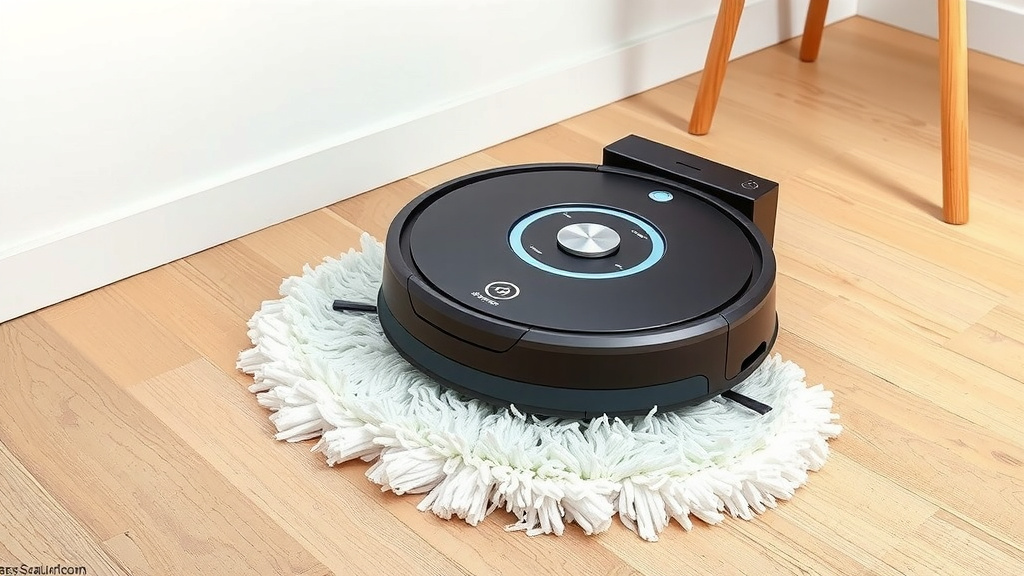
Mopping features vary widely. Some robots simply drag a wet pad behind them. Others offer more advanced systems. Look for robots with vibrating or oscillating mop pads. These mimic the scrubbing action of your own hands. They are far more effective at tackling dried-on spills and stuck-on grime. Many models let you control the water flow via an app. This is great for different floor types.
We found that robots with dual-rotating mops or sonic vibrations perform best. They lift dirt rather than just spreading it. Consider if you have a lot of hardwood or tile floors. Mopping is most beneficial on these smooth surfaces. If your home is mostly carpet, a vacuum-only model might suffice. Or, look for one that automatically lifts its mop over carpets.
Navigating Your Home: Smarts and Sensors
Mapping and Navigation Technology
How does your robot know where to go? This is where navigation technology comes in. Basic models use bump-and-go sensors. They randomly wander until they hit something. This can be inefficient and miss spots. More advanced robots use LiDAR or vSLAM. LiDAR uses lasers to create a precise map of your home. vSLAM uses a camera to achieve similar results.
These smart navigation systems allow the robot to clean in efficient, straight lines. They can also avoid obstacles more effectively. You can usually save maps of your home in the companion app. This lets you set virtual boundaries. You can tell the robot not to go into certain areas, like pet food bowls or delicate rug fringes. We found that LiDAR navigation is generally more accurate, especially in varied lighting conditions.
App Control and Smart Features
The accompanying smartphone app is your command center. It allows you to start, stop, and schedule cleanings. You can view cleaning maps and set specific zones. Some apps let you choose suction power and water levels for different rooms. This is a fantastic way to customize cleaning. You can have it vacuum the kitchen on high power and gently mop the living room.
Many newer robots also offer voice control integration. Connect them to Amazon Alexa or Google Assistant. You can then start a cleaning cycle with a simple voice command. This adds another layer of convenience. It’s like having a tiny cleaning butler at your beck and call!
Considering Your Home’s Specific Needs
Floor Types and Transitions
Your home’s flooring is a major consideration. Is it mostly hardwood, tile, laminate, or carpet? Robots designed for hard floors might not perform well on thick carpets. Conversely, a powerful carpet vacuum might be too aggressive for delicate hardwood. Look for models that explicitly state their compatibility with your floor types. Many are designed to handle a mix.
Pay attention to how the robot handles transitions between floor types. Can it easily climb over thresholds from hard floors to carpets? Some robots struggle with even small bumps. This can leave them stuck or unable to complete their cleaning cycle. Check reviews for comments on this specific issue. A smooth transition is key for uninterrupted cleaning.
Pets and Allergies: Extra Considerations
If you share your home with furry friends, you know the struggle. Pet hair can quickly accumulate. You’ll want a robot with strong suction and good brush design to pick up fur. Look for tangle-free brushes if possible. They reduce the need for constant maintenance. A self-emptying dock is a lifesaver for pet owners. It means you won’t have to empty the small onboard bin every single time.
For allergy sufferers, HEPA filters are essential. These filters trap tiny particles, like dust mites and pollen. They prevent these allergens from being released back into the air. Many robot vacuums now come with HEPA filtration. This can significantly improve indoor air quality. We found that a combination of strong suction, effective brush rolls, and HEPA filters is ideal for pet-heavy or allergy-prone homes.
Maintenance and Convenience Features
Self-Emptying Docks: A Game Changer
The self-emptying dock is a feature many users rave about. When the robot finishes cleaning or its bin is full, it returns to the dock. The dock then automatically sucks the debris from the robot’s bin into a larger disposable bag. This means you only have to empty the dock’s bag every 30 to 60 days, depending on usage. It’s a huge time-saver and reduces your contact with dust.
These docks do add to the overall cost and size of the unit. But for many, the convenience is well worth it. It’s like hitting a “set it and forget it” button for your floors. Consider how often you’d normally have to empty your vacuum. Then, think about how much easier it would be to do it only once a month.
Battery Life and Auto-Recharge
Battery life determines how much area your robot can clean on a single charge. For smaller homes, 60-90 minutes might be enough. For larger homes, look for robots that offer 120 minutes or more. Most robots have an auto-recharge feature. If the battery runs low mid-clean, it will return to its dock to charge. Then, it will resume cleaning right where it left off once it has enough power.
This feature ensures that even large homes can be cleaned thoroughly. You don’t have to worry about the robot dying halfway through. It intelligently manages its own power. Research and found that most modern robot vacuums offer sufficient battery life for average-sized homes (Wirecutter).
Budget and Overall Value
Robot vacuums and mops range from under $200 to over $1000. Price often reflects features like advanced navigation, stronger suction, self-emptying docks, and better mopping systems. Determine your must-have features first. Then, set a budget. You might find a great mid-range option that meets all your core needs. Don’t forget to factor in the cost of replacement parts like filters and brushes.
Consider the long-term value. A slightly more expensive robot with better navigation and durability might save you money and frustration over time. Read reviews carefully to gauge customer satisfaction and common issues. You’re investing in convenience and cleaner floors, so choose wisely!
Quick Checklist for Your Robot Vacuum and Mop:
- Strong Suction Power (at least 1500 Pa).
- Effective Mopping System (vibrating or oscillating).
- Smart Navigation (LiDAR or vSLAM).
- App Control with Virtual Boundaries.
- Auto-Empty Dock (if budget allows).
- HEPA Filter (especially for allergies/pets).
Conclusion
You’ve now got the roadmap to finding the perfect robot vacuum and mop for your home. Remember, the best choice depends on your specific floors, whether you have pets, and how much automation you desire. Don’t just chase the most expensive model. Focus on the features that will truly make your cleaning routine easier. We’ve seen that strong suction, effective mopping, and smart navigation are key. Take a moment to assess your needs and budget. Your next step is to start comparing models based on this guide. You’re on your way to enjoying consistently cleaner floors with less effort!
Frequently Asked Questions
How much suction power do I really need?
For most homes, especially those with carpets or pets, aim for at least 1500 Pa of suction power. Higher numbers mean stronger suction, which is essential for picking up debris and pet hair effectively. Some advanced models offer over 4000 Pa for deep cleaning.
What’s the difference between a basic mop and an advanced one?
Basic robot mops just drag a damp cloth, which isn’t very effective. Advanced models use vibrating or oscillating mop pads, or even dual-rotating mops. These mimic scrubbing motions to better tackle dried-on spills and grime, providing a deeper clean.
Is LiDAR navigation truly better than vSLAM?
LiDAR navigation typically uses lasers to create more accurate maps of your home, performing consistently even in varied lighting. vSLAM uses a camera and can also be very effective, but might struggle more in dark rooms or with reflective surfaces. Both offer efficient cleaning patterns.
How often do I need to empty a self-emptying robot vacuum?
With a self-emptying dock, you typically only need to change the larger dust bag in the dock every 30 to 60 days. This is a significant convenience, as it drastically reduces how often you handle the dust and debris collected by the robot itself.
Can a robot vacuum and mop handle different floor types in my home?
Many modern robot vacuums are designed to handle mixed flooring. Look for models that can automatically adjust suction for carpets and lift their mop pad when transitioning onto carpet. Always check the product specifications for compatibility with your specific floor types.