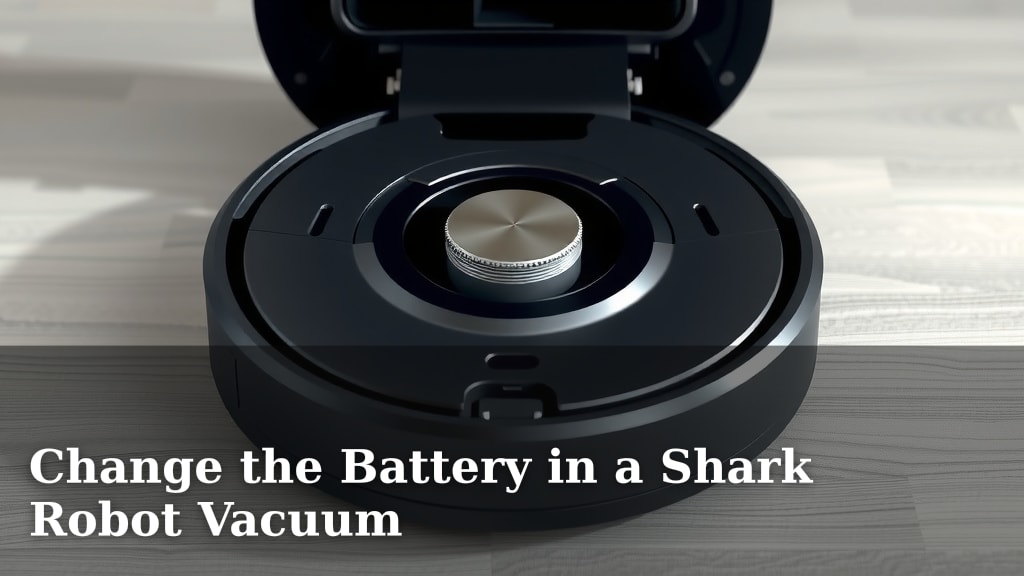
Change the Battery in a Shark Robot Vacuum
Yes, you absolutely can and should change the battery in your Shark robot vacuum. Doing so will restore its cleaning power and extend its lifespan. It’s a necessary part of maintaining your robot’s performance over time. You’ll want to do this when you notice a significant drop in runtime or its cleaning ability.
Keeping your Shark robot running smoothly means understanding its components. The battery is a key performance driver. Over months and years of use, its capacity naturally degrades. This guide will help you determine when it’s time and how to make the swap. It’s a straightforward process for most models.
- Shark robot batteries degrade over time.
- A dying battery causes poor cleaning and short runtimes.
- Replacing the battery is a DIY task.
- It brings back your robot’s full cleaning potential.
Let’s walk through how to find the right battery and replace it in your Shark robot vacuum. We’ll cover the simple steps to get your helpful cleaner back in action.
Your trusty Shark robot vacuum has been working hard, zipping around your home and keeping floors tidy. But like any rechargeable device, its battery won’t last forever. Over time, you might notice it stopping mid-clean or struggling to get back to its charging dock. This is a clear sign that it’s time to think about replacing the battery. Don’t worry, it’s not a scary or complicated task! We’re here to guide you through the whole process, making it as easy as possible.
Replacing Your Shark Robot’s Power Source
Yes, you can absolutely change the battery in your Shark robot vacuum. This is a standard maintenance task that will restore its original cleaning performance. You’ll be amazed at how much longer it runs and how much more effectively it cleans once you give it a fresh battery.
When Should You Consider a Battery Replacement?
Several signs point to a battery that’s nearing the end of its life. Paying attention to these will help you know exactly when it’s time for a swap.
Noticeable Decrease in Runtime
The most common indicator is that your robot vacuum just doesn’t last as long as it used to. If your Shark used to clean your whole house on a single charge and now only does a room or two, the battery is likely the culprit. Research shows that lithium-ion batteries, commonly used in these devices, degrade over hundreds of charge cycles (US Department of Energy).
Inconsistent Cleaning Performance
Does your robot seem to be losing power mid-session? You might see it moving slower, or it might stop altogether before finishing its job. This lack of consistent power means it’s not getting enough juice from its battery. A weak battery can also lead to less suction power, meaning it picks up less dirt and debris.
Difficulty Returning to the Dock
A robot vacuum needs a decent charge to successfully navigate back to its charging dock. If yours is wandering aimlessly or giving up partway, it might not have enough battery life to complete the journey. This can be frustrating, especially when you see it sitting idle far from its charging station.
Battery Error Messages
Some Shark robot models will display error codes or indicator lights when they detect a battery issue. Check your user manual to see what these lights or messages mean. They can often point directly to a battery problem that needs addressing.
Finding the Right Replacement Battery
Getting the correct battery is key. Using the wrong one could damage your robot vacuum.
Identify Your Shark Robot Vacuum Model
The first step is to know your exact Shark robot vacuum model number. This is usually found on the underside of the robot or on the original packaging. Look for numbers like “RVxxx” or “IQ ______”. Knowing this will help you find a compatible battery.
Consult Your User Manual
Your Shark robot’s user manual is your best friend here. It will often specify the type of battery required and may even list compatible part numbers. If you no longer have the manual, you can usually find a digital version on the Shark website by searching for your model.
Where to Purchase a Replacement Battery
You have a few options for buying a new battery. The most reliable source is directly from the manufacturer, SharkNinja. You can also find replacement batteries from reputable third-party online retailers. Always ensure the seller has good reviews and offers a warranty for the battery. We found that prices can vary, so it’s worth comparing options.
What to Look For in a Replacement Battery
Make sure the battery you choose is specifically listed as compatible with your Shark robot vacuum model. Check the voltage and capacity (mAh) to ensure it matches the original. Many replacement batteries will have a guaranteed fit for specific models, which is a good sign.
Step-by-Step Guide to Changing Your Shark Robot Battery
Ready to swap out that old battery? It’s usually a quick and easy process.
Prepare Your Workspace and Tools
Find a clean, well-lit area to work. You’ll likely need a Phillips head screwdriver. Some models might have different screw types, but a basic screwdriver set usually covers it. Make sure your robot vacuum is powered off and removed from its charging dock before you begin.
Locate and Access the Battery Compartment
The battery compartment on Shark robot vacuums is typically found on the underside. You’ll need to flip your robot over. Look for a panel secured by screws. Carefully unscrew this panel and set it aside. Be mindful of any wires connected to the panel itself.
Remove the Old Battery
Once the compartment is open, you’ll see the old battery. It’s usually held in place by a small strap or clips. Gently disconnect any wire connectors attached to the battery. Many connectors simply pull straight off. Then, lift the old battery out of its housing. Note the orientation of the battery and its connectors; this will be important for installing the new one.
Install the New Battery
Place the new battery into the compartment, ensuring it sits snugly and is oriented correctly. Reconnect the wire connectors, making sure they snap into place securely. Double-check that the connectors are firm and properly seated. It’s essential that these are connected correctly for the robot to receive power.
Secure the Battery Compartment
Carefully place the access panel back over the battery compartment. Screw it back into place, ensuring all screws are tightened but not overtightened. You don’t want to strip the screws or crack the plastic.
Final Checks and Charging
Flip your robot vacuum right side up. Place it back on its charging dock. The robot should power on or indicate that it’s charging. Let it charge fully before its first cleaning cycle. This typically takes a few hours. You’ve successfully given your robot a new lease on life!
Here’s a quick checklist to keep you on track:
- Confirm your Shark robot vacuum model number.
- Find the correct, compatible replacement battery.
- Gather your tools, likely a Phillips head screwdriver.
- Power off the robot and remove it from the dock.
- Carefully open the battery compartment and swap batteries.
- Ensure the new battery is fully charged before use.
Conclusion
You’ve learned that replacing your Shark robot vacuum’s battery is a totally achievable DIY task. It’s the best way to bring back peak cleaning power and extend your robot’s useful life. By watching for signs like shorter runtimes or weaker suction, you can proactively swap out an old battery for a new one. Remember to confirm your model number and find a compatible battery. Follow the simple steps, and you’ll soon have your helpful cleaning companion running like new again. Give your robot a fresh start – replace that battery today!
Frequently Asked Questions
How often should I expect to replace my Shark robot vacuum battery?
Typically, you’ll need to replace your Shark robot vacuum battery every 1 to 3 years. This timeframe can vary based on how frequently you use your robot and how many charge cycles the battery endures. You’ll notice a significant drop in performance when it’s time.
Can I use a generic battery if I can’t find the exact Shark model?
It’s best to avoid generic batteries unless they are explicitly stated to be compatible with your specific Shark robot vacuum model. Using an incorrect battery could lead to performance issues or even damage your robot. Always prioritize batteries designed for your model.
What happens if I don’t replace a dying battery?
If you continue to use your Shark robot with a degraded battery, you’ll experience progressively shorter cleaning times and reduced suction power. The robot may also struggle to navigate or return to its charging dock. It essentially won’t be able to perform its cleaning duties effectively.
Is it safe to touch the inside of my Shark robot vacuum?
Yes, it is generally safe to touch the internal components of your Shark robot vacuum, provided it is powered off and removed from its charging dock. Always ensure the device is completely disconnected from power before opening any compartments to prevent electrical shock.
Will a new battery make my Shark robot vacuum clean as well as it did when it was new?
A new, compatible battery should restore your Shark robot vacuum’s cleaning performance to near its original capabilities. Expect longer runtimes and stronger suction, allowing it to effectively pick up dirt and debris just like when you first got it.


![7 Best Brand For Robot Vacuum [2026]](https://robotvacuumfact.com/wp-content/uploads/2026/08/7-best-brand-for-robot-vacuum-2026-featured-768x432.jpg)