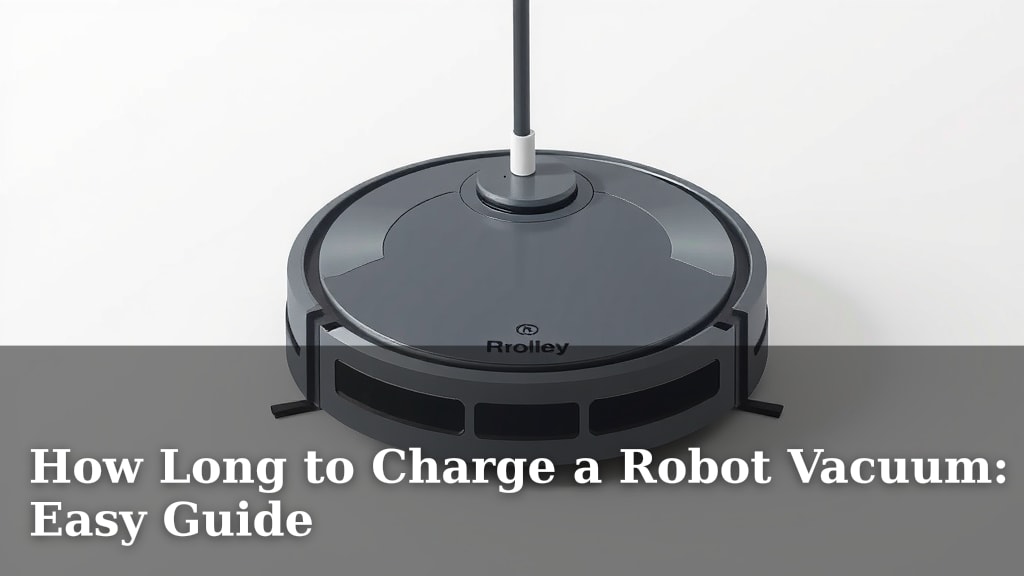
How Long to Charge a Robot Vacuum: Easy Guide
Most robot vacuums need between 2 to 4 hours to fully charge. Some models might take a bit longer, around 6 hours. Always check your specific robot vacuum’s manual for the exact charging time. A full battery ensures your robot can clean your whole home effectively.
Understanding charging times is key to a clean home. A robot vacuum with a dead battery can’t do its job. We found that many users wonder if they can speed up the process. While quick charges exist, a full cycle is usually best for battery health. Keep your robot ready to go.
TL;DR:
- Most robot vacuums charge fully in 2-4 hours.
- Some models may need up to 6 hours.
- Always consult your vacuum’s manual.
- A full charge maximizes cleaning time.
- Proper charging helps battery longevity.
Let’s dive into what affects your robot vacuum’s charging time and how to get the best performance from its battery.
Understanding Your Robot Vacuum’s Charging Time
You’ve got your new robot vacuum, and it’s ready to tackle the dirt. But before it can zoom off, it needs a good charge. So, how long does a robot vacuum take to get to 100%? We found that most robot vacuums need about 2 to 4 hours to reach a full battery from empty. Some models might be a bit slower, taking up to 6 hours. It really depends on your specific model and its battery size.
What Influences Charging Speed?
Several factors can play a role in how quickly your robot vacuum charges. Think of it like charging your phone. A bigger battery takes longer, and so does a weaker charger. Your robot vacuum’s battery capacity is a big one. Larger batteries simply hold more power and need more time to fill up. Also, the charging current matters. A higher current means faster charging, but it’s limited by what the battery and charger can safely handle.
Battery Capacity
Robot vacuum batteries come in various sizes, often measured in milliampere-hours (mAh). A higher mAh means a larger battery. This larger capacity lets your robot clean for longer periods on a single charge. However, it also means that it will take more time to recharge. If your robot has a 5200 mAh battery, it will likely take longer than a model with a 3000 mAh battery.
Charger Output (Amps)
The charging dock or adapter provides the power. This is usually measured in amps (A) or milliamps (mA). A higher amperage charger can deliver power faster. So, a charger with a 1A output will charge your vacuum quicker than one with a 0.5A output. Always use the charger that came with your robot vacuum. Using an incompatible charger could damage the battery or charge very slowly.
Battery Health
Just like your phone, a robot vacuum’s battery degrades over time. An older battery might not hold a full charge as long as a new one. It might also take longer to reach its maximum capacity. If your robot is several years old, you might notice longer charging times. This is a normal part of battery aging.
What Does “Fully Charged” Mean?
When your robot vacuum says it’s fully charged, it means the battery has reached its maximum safe capacity. This allows it to run for its longest possible cleaning session. Most manufacturers design their vacuums to stop charging once they hit 100%. This prevents overcharging and helps protect the battery’s lifespan. Charging to full ensures your robot has the stamina for the job.
Optimizing Your Robot Vacuum’s Charge Cycle
Getting the most out of your robot vacuum involves understanding its charging habits. You want it ready when you need it. Leaving it on the dock most of the time is generally recommended. This keeps it topped up and ready for its next cleaning mission. Many users wonder if they should let the battery drain completely. We found that this is usually not necessary and can sometimes be less ideal for modern lithium-ion batteries.
Topping Up vs. Full Cycles
Modern robot vacuums use lithium-ion batteries, which don’t suffer from the “memory effect” of older battery types. This means you don’t need to fully drain them before recharging. In fact, keeping the battery between 20% and 80% can sometimes extend its overall lifespan. However, for a robot vacuum, a full charge ensures it can complete its entire cleaning cycle without interruption. So, letting it charge fully is usually the best bet for convenience and performance.
The Charging Dock: Its Importance
Your robot vacuum’s charging dock is more than just a place to plug it in. It’s an intelligent part of the system. When your robot’s battery gets low, it uses sensors to find its way back to the dock. It then aligns itself perfectly to make contact and begin charging. Keeping the charging contacts on both the robot and the dock clean is essential for a good connection. A dirty connection can slow down charging or prevent it altogether. We recommend cleaning these contacts with a dry cloth regularly.
Cleaning the Charging Contacts
Think of these contacts like the terminals on a car battery. If they’re corroded or dirty, the flow of power is hindered. A simple wipe-down with a dry, soft cloth usually does the trick. For stubborn grime, a slightly damp cloth followed by thorough drying can work. Just ensure both surfaces are completely dry before placing the robot back on the dock. A good connection means a reliable charge.
Dock Placement Matters
For your robot to find its dock easily, its placement is key. Ensure the area around the dock is clear. Manufacturers often suggest a certain amount of clear space on the sides and in front of the dock. This helps the robot navigate back accurately. Obstructions can lead to the robot struggling to dock, leaving it stranded with a low battery. A clear path to the dock ensures it can power up when needed.
What About “Quick Charge” Features?
Some higher-end robot vacuums offer “quick charge” or “fast charge” modes. This feature allows the robot to charge up enough for a quick cleaning session faster than a full charge. For example, it might charge to 50% in an hour. This is useful if you need a spot clean done quickly. However, these quick charges often bypass some of the slower, battery-preserving charging stages. Frequent use of quick charge might slightly reduce the battery’s long-term lifespan compared to standard, slower charging. But for everyday convenience, it’s a great option.
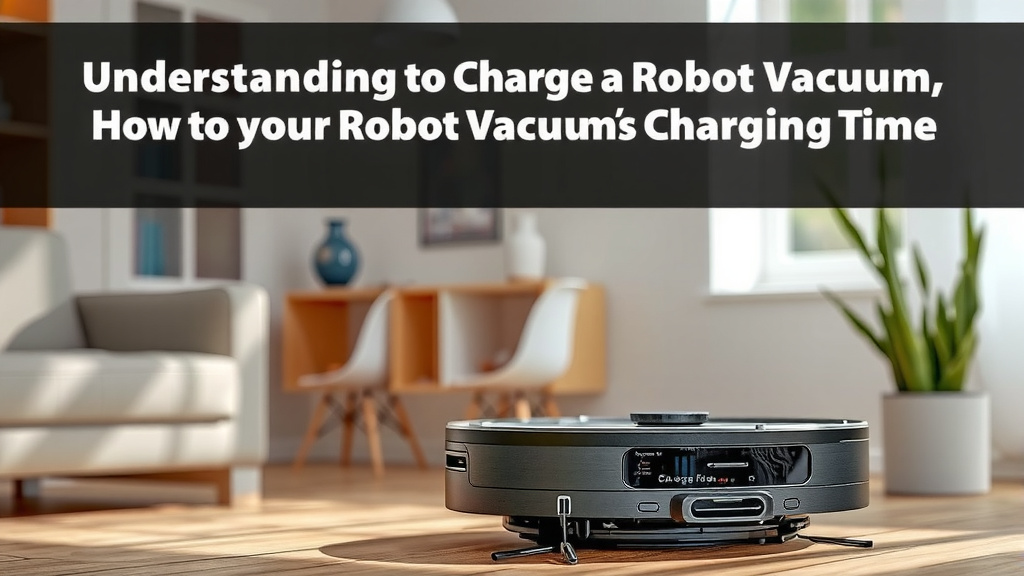
Ensuring Your Robot is Always Ready
The beauty of a robot vacuum is its automation. You want it to do its thing without constant supervision. This means ensuring it’s always powered up and ready to go. Here’s a quick checklist to keep your robot vacuum charged and performing its best:
- Keep the charging dock plugged in and powered on.
- Ensure the charging contacts on the robot and dock are clean.
- Place the dock in an area with clear space around it.
- Allow the robot to charge fully before its first full cleaning cycle.
- Let your robot return to the dock automatically when low.
- Avoid blocking the robot’s path to its charging station.
Conclusion
Keeping your robot vacuum charged is key to a consistently clean home. You’ve learned that most models need 2 to 4 hours for a full charge, though some may take longer. Remember that battery capacity and charger output influence this time. Consistent charging helps maintain battery health. Your robot vacuum is designed to make life easier, and a charged battery ensures it can do just that. Make it a habit to check your robot’s charging contacts and dock placement. This small effort keeps your trusty cleaning companion ready for action whenever you need it.
Frequently Asked Questions
How do I know when my robot vacuum is fully charged?
Your robot vacuum will typically indicate a full charge through an app notification, a change in its LED lights, or an audible chime. Most models stop charging automatically once 100% is reached to protect the battery. You can usually see the current battery level in the companion app.
Can I leave my robot vacuum on the charging dock all the time?
Yes, for most modern robot vacuums with lithium-ion batteries, it’s perfectly fine to leave them on the charging dock. This keeps the battery topped up and ready for its next cleaning cycle. Manufacturers design them to prevent overcharging when docked.
Does charging time vary significantly between brands?
Yes, charging times can vary between brands and even between different models within the same brand. This is primarily due to differences in battery capacity (mAh) and the charging current provided by the dock. Always refer to your specific robot vacuum’s manual for exact charging times.
What happens if I use a charger not made for my robot vacuum?
Using an incompatible charger can be risky. It might charge your robot vacuum extremely slowly, fail to charge it at all, or even damage the battery or the vacuum’s charging system. It’s always best to use the original charger that came with your robot vacuum.
Will my robot vacuum charge faster if I clean the contacts?
Keeping the charging contacts on both the robot and the dock clean ensures a strong electrical connection. A dirty or corroded connection can slow down charging or prevent it entirely. Regularly wiping these contacts with a dry cloth can help maintain efficient charging.

![7 Best Robot Vacuum Under $100 [2026]](https://robotvacuumfact.com/wp-content/uploads/2026/09/7-best-robot-vacuum-under-100-2026-featured-768x432.jpg)