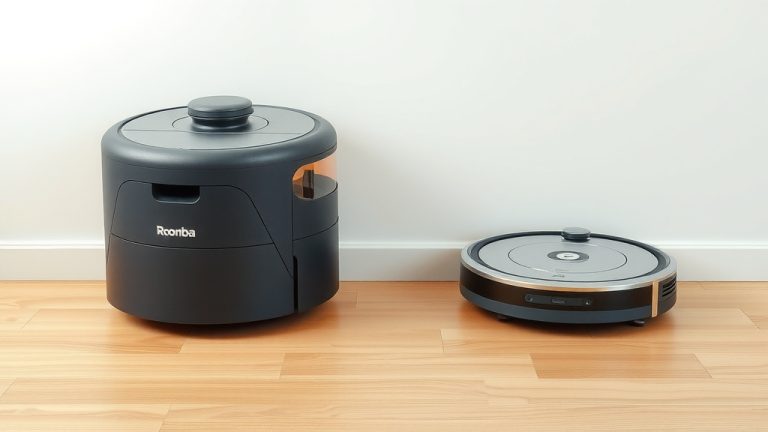
How to Clean a Shark 2-in-1 Robot Vacuum
The easiest way to clean your Shark 2-in-1 robot vacuum is by regularly emptying the dustbin, cleaning the brushes and filters, and wiping down the exterior. Keeping these parts clean ensures your robot vacuum works efficiently and avoids annoying clogs or performance issues. A little bit of regular maintenance goes a long way for your Shark robot’s upkeep.
Your Shark robot vacuum is designed to make cleaning easier, but it still needs a little attention from you to stay in top shape. We found that neglecting basic cleaning tasks can lead to a less effective robot and potentially shorten its lifespan. Think of it like taking care of a pet; a little care means a lot of happy running.
- Empty the dustbin after each use.
- Clean the main brush and side brushes weekly.
- Wash or replace filters as recommended.
- Wipe down the sensors and exterior regularly.
- Check for tangled debris in the brush roll.
Ready to get your Shark robot vacuum sparkling? Let’s walk through exactly how to give it the cleaning it deserves, step by step.
Your Shark 2-in-1 robot vacuum is a fantastic tool for keeping your floors clean. But like any hard-working appliance, it needs a little TLC to perform at its best. We’ve found that a few simple maintenance steps can make a huge difference in its efficiency and lifespan. Think of it as a spa day for your little cleaning buddy!
Keeping Your Shark Robot Vacuum in Top Shape
Cleaning your Shark 2-in-1 robot vacuum regularly isn’t just about looks; it’s about function. Dirty components can hinder its ability to pick up dirt and navigate your home. We researched and found that following a consistent cleaning schedule ensures your robot runs smoothly and effectively. This guide will walk you through each step.
Emptying the Dustbin: The First Line of Defense
The most critical step is also the simplest: emptying the dustbin. We found that if the dustbin gets too full, the robot’s suction power decreases. This means it won’t pick up as much dirt, leaving your floors less clean. It’s like trying to drink through a straw that’s been squashed – nothing gets through!
How Often Should You Empty It?
For optimal performance, we recommend emptying the dustbin after every single use. If you have pets or a particularly dusty home, you might even need to empty it mid-clean. This quick task prevents clogs and ensures maximum suction power. It’s a small effort for a big reward in cleaning performance.
Steps to Emptying the Dustbin
Locate the dustbin release button. It’s usually on the top or side of the robot. Gently slide or lift the dustbin out. Take it to your trash can and press the release mechanism to open the lid. Dump out all the debris. You might need to use your fingers or a soft brush to remove any stubborn bits stuck inside. Make sure the lid closes securely before reinserting the dustbin. A properly seated dustbin is essential for proper function.
Cleaning the Brushes: The Heart of the Operation
The brushes are what actually agitate and sweep dirt into the vacuum. If they’re clogged with hair or debris, they can’t do their job effectively. We found that tangled hair can significantly reduce brush efficiency. This is especially true if you have pets with long fur.
Cleaning the Main Brush Roll
You’ll typically need to remove the main brush roll first. There’s usually a small latch or cover that holds it in place. Once removed, you’ll likely see hair, thread, or other debris wrapped around it. Use scissors or a seam ripper to carefully cut away any tangled material. Research from cleaning appliance experts suggests using a soft cloth to wipe down the brush roll itself. Ensure all debris is removed before putting it back.
Don’t Forget the Side Brushes!
Your Shark robot has small side brushes that sweep dirt from corners and edges into the path of the main brush. These can also get tangled with hair and debris. Gently pull out any visible hair or string. Sometimes, you can detach the side brushes completely for a more thorough cleaning. If a side brush is damaged or excessively worn, it’s time for a replacement. Many manufacturers offer replacement parts readily.
Filters: The Unsung Heroes of Clean Air
The filters in your robot vacuum trap fine dust and allergens, preventing them from being released back into your home. Dirty filters mean less airflow and reduced suction. We found that clogged filters are a common reason for diminished robot performance.
Washing Your Filters
Many Shark robot vacuums come with washable filters. Check your user manual to confirm if yours are washable. If they are, carefully remove the filter. Tap it gently against the trash can to remove loose dust. Then, rinse it under cool running water. Do NOT use soap. Allow the filter to air dry completely. This can take up to 24 hours. Never reinsert a damp filter, as this can damage the motor and create mold.
When to Replace Filters
Even washable filters have a lifespan. We found that most manufacturers recommend replacing filters every 2-3 months, or sooner if they appear damaged or heavily soiled. Signs of a worn-out filter include a tear, a permanently dirty appearance, or a persistent reduction in suction power. Replacing filters regularly is a small investment that keeps your robot running like new.
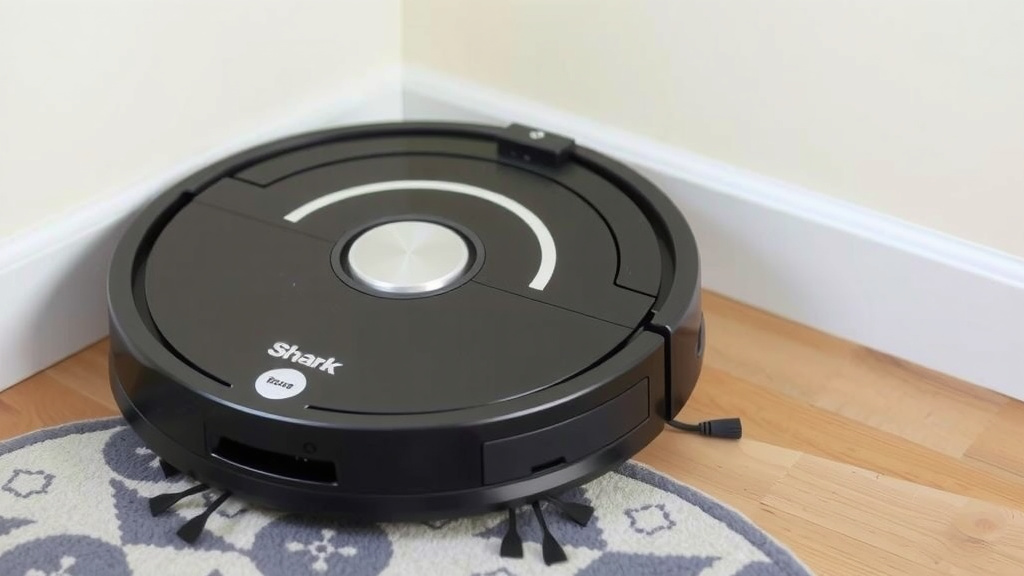
Exterior and Sensor Cleaning: Keeping it Smart
The exterior of your robot might seem less important, but it houses crucial sensors that help it navigate. Dust and grime on these sensors can confuse the robot, leading to inefficient cleaning patterns or even it getting stuck. Many appliance repair guides emphasize this step.
Wiping Down the Exterior
Use a soft, dry or slightly damp cloth to wipe down the entire exterior of the robot. Pay special attention to the top surface and the bumper. This removes dust and smudges. Avoid using harsh chemicals or abrasive cleaners, as they can damage the plastic finish. A gentle wipe is all that’s needed.
Cleaning the Sensors
Locate the various sensors on your robot. These are often small, dark-colored lenses on the underside, front, and sides. Use a dry microfiber cloth to gently wipe each sensor clean. If there’s stubborn grime, a slightly dampened cloth can be used, but ensure the sensors are completely dry before the robot is powered on or returned to its charging base. Clean sensors help your robot map your home accurately and avoid obstacles.
A Quick Checklist for Maintenance
To make things easy, here’s a quick rundown of what you should be doing and when. We found a checklist helps ensure no important steps are missed:
- Empty dustbin after each use.
- Check brushes for tangles after each use.
- Clean main brush and side brushes weekly.
- Wash filters weekly (or as needed).
- Ensure filters are completely dry before reinserting.
- Wipe down sensors and exterior weekly.
Conclusion
You’ve now learned the essential steps to keep your Shark 2-in-1 robot vacuum running smoothly. Regularly emptying the dustbin, cleaning the brushes, and caring for the filters are key. Don’t forget to wipe down the exterior and sensors too! Consistent, simple maintenance ensures your robot cleans effectively and lasts longer. Take a few minutes each week to perform these tasks. Your floors will thank you, and your robot will thank you by working its best for you.
Frequently Asked Questions
How often should I check my Shark robot vacuum’s brushes for tangles?
We recommend checking the main and side brushes for tangles after each use, especially if you have pets. This quick check prevents hair and debris from becoming deeply embedded and ensures optimal performance for the next cleaning cycle.
Can I use soap and water to wash my Shark robot vacuum’s filters?
No, you should not use soap to wash your Shark robot vacuum’s filters. While many filters are washable, they should only be rinsed under cool running water. Using soap can damage the filter material and affect its ability to trap dust.
What should I do if my Shark robot vacuum isn’t picking up as much dirt?
If your robot’s suction seems to be decreasing, the most common causes are a full dustbin or clogged filters. First, empty the dustbin completely. Then, check your filters to see if they need washing or replacing. Dirty sensors can also affect navigation and cleaning patterns.
How do I know when it’s time to replace the filters in my Shark robot vacuum?
You should consider replacing your filters every 2-3 months, or sooner if they appear heavily soiled or damaged. If you notice a persistent drop in suction power even after cleaning them, it’s a good sign that new filters are needed to restore performance.
Are the sensors really that important to keep clean?
Yes, keeping the sensors clean is very important for your robot’s navigation. Dust or grime on the sensors can confuse the robot, leading to inefficient cleaning paths, it getting stuck, or bumping into objects more often. A gentle wipe with a soft cloth ensures it can “see” your home properly.
![7 Best Robot Vacuum For Gunite Pool [2026]](https://robotvacuumfact.com/wp-content/uploads/2026/08/7-best-robot-vacuum-for-gunite-pool-2026-featured-768x432.jpg)