
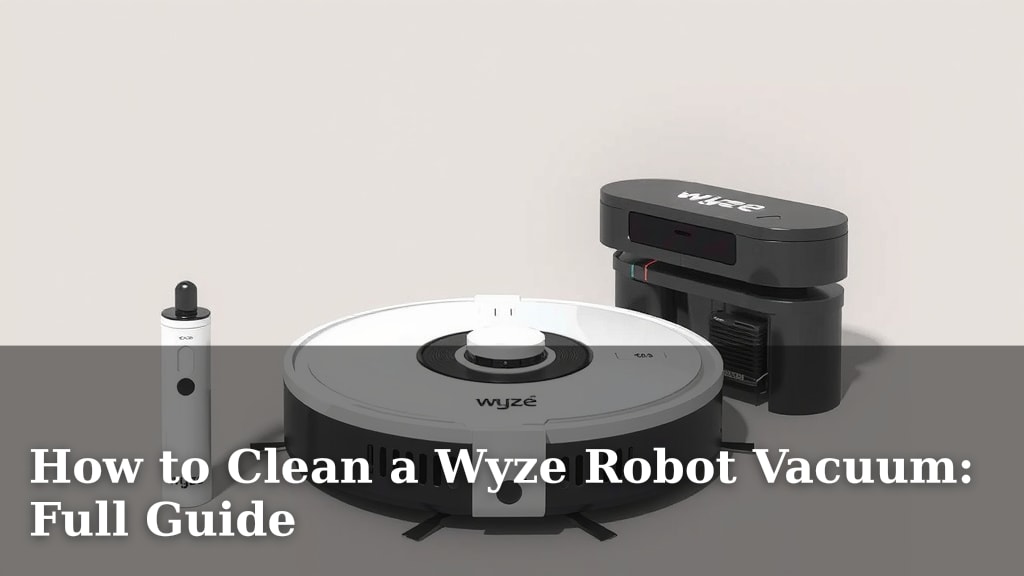
How to Clean a Wyze Robot Vacuum: Full Guide
The easiest way to clean your Wyze Robot Vacuum is by regularly emptying the dustbin, cleaning the filter, and wiping down the sensors and brushes. Doing this every few uses will keep your vacuum running smoothly and your floors consistently clean. You’ll want to make sure you give it a good overall wipe-down too.
Keeping your Wyze robot vacuum in top shape means more than just letting it do its thing. A little bit of routine maintenance ensures it can navigate your home effectively and pick up all that pesky dirt and debris. We found that consistent cleaning prevents common issues and extends the life of your device.
- Empty the dustbin after each use or when full.
- Clean the HEPA filter every 1-2 weeks.
- Wipe down the sensors and charging contacts regularly.
- Check and clean the brushes for tangled hair.
- Give the exterior a quick wipe with a damp cloth.
Ready to get your Wyze vacuum back to its best? Let’s walk through exactly how to clean it step by step.
Keeping Your Wyze Robot Vacuum Spotless
Maintaining your Wyze robot vacuum is straightforward. Regular cleaning ensures it works best and lasts longer. You can keep your floors clean with simple steps.
Your Wyze Vacuum’s Essential Maintenance Checklist
Think of this as a quick tune-up for your little cleaning helper. Just a few minutes can make a big difference.
- Empty the dustbin.
- Clean the filter.
- Wipe down sensors.
- Check the brushes.
- Clean the charging contacts.
Mastering Dustbin Duty
This is probably the most frequent task. Keeping the dustbin clear is key to good suction.
When to Empty the Dustbin
After each cleaning cycle is ideal. If you have pets or a larger home, you might need to empty it more often. A full dustbin can’t pick up new dirt. It’s like trying to drink from an overflowing cup!
How to Empty Your Wyze Dustbin
Locate the release button on your vacuum. Gently pull the dustbin out. Open the lid and empty the contents into your trash can. We found that using a trash bag can make this even tidier.
Don’t just tap it out. Sometimes, gunk sticks. You might need to use a soft brush to get all the debris. A clean dustbin means a happy, efficient vacuum.
Caring for Your Wyze Vacuum’s Filter
Your Wyze vacuum has a HEPA filter. It traps tiny particles like dust and allergens. Keeping it clean is vital for air quality and vacuum performance.
Filter Cleaning Frequency
We recommend cleaning the filter every 1-2 weeks. If you have pets that shed a lot or live in a dusty environment, aim for weekly cleaning. A clogged filter restricts airflow. This makes your vacuum work harder and clean less effectively.
Many experts suggest this regular cleaning helps prevent premature wear. It’s a simple step with a big impact.
Steps to Clean the Filter
First, remove the dustbin. Then, carefully take out the HEPA filter. Gently tap the filter against the side of your trash can to dislodge loose dirt. Do not use water to clean the HEPA filter. Water can damage it.
You can use a soft brush to brush away any remaining dust. Make sure the filter is completely dry before putting it back. We found that a dedicated brush for this task works wonders.
Keeping Sensors and Contacts Clean
Your Wyze robot vacuum relies on sensors to navigate. Clean sensors mean it won’t bump into things or get lost.
Why Sensor Cleaning Matters
Sensors help your vacuum map your home. They also detect drops, like stairs. Dirty sensors can lead to navigation errors. This might result in the vacuum getting stuck or missing spots. It’s like trying to drive with a dirty windshield.
What to Clean and How Often
Wipe down all optical sensors on the underside of the vacuum. Also, clean the cliff sensors located around the edges. Use a clean, dry microfiber cloth. For stubborn grime, a slightly damp cloth can work, but ensure it’s not wet.
Don’t forget the charging contacts. These are usually on the vacuum and the charging base. Wipe them with a dry cloth. This ensures a good connection for charging. We found that doing this monthly is usually sufficient, but check them if you notice charging issues.
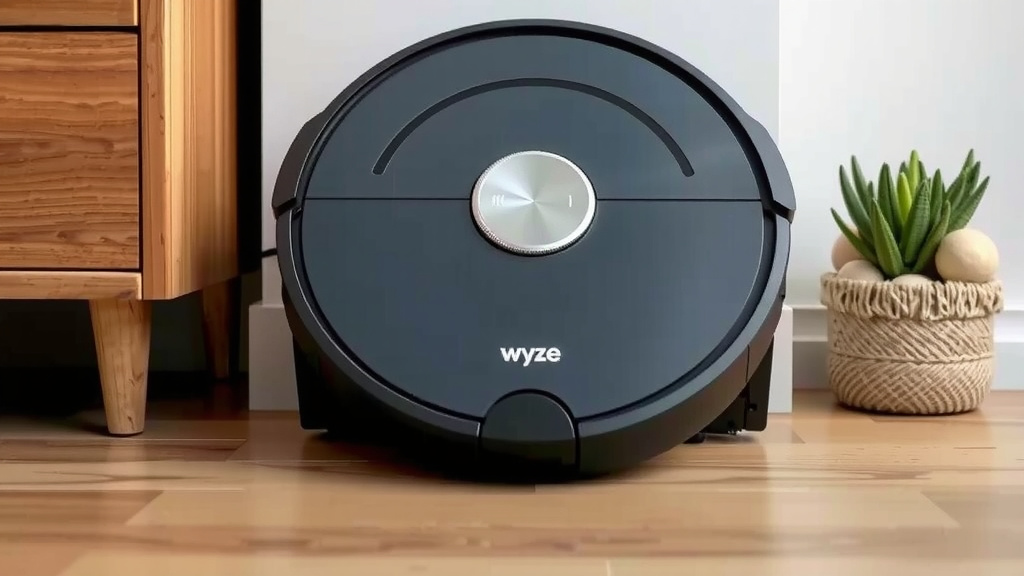
The Lowdown on Brushes and Rollers
The brushes are the workhorses that grab dirt. Hair and debris can easily get tangled here.
Spotting Tangled Brushes
Periodically, inspect the main brush roller and side brushes. Look for hair, string, or larger debris wrapped around them. Tangled brushes spin less effectively. This means less dirt gets picked up. They can also make more noise.
Untangling and Cleaning
Use scissors or a small tool to carefully cut away tangled hair and strings. For the main brush, you might need to remove it from its housing. Refer to your manual if you’re unsure. Wyze provides clear instructions for brush removal.
Wipe the brushes clean with a damp cloth. Ensure they spin freely after cleaning. Pay attention to the small side brush too. It can accumulate debris easily.
Giving Your Vacuum a General Wipe-Down
Beyond the internal parts, the exterior needs attention too.
Exterior Cleaning Tips
Use a soft, damp cloth to wipe down the entire exterior of your Wyze robot vacuum. Avoid harsh chemicals or abrasive cleaners. These can damage the plastic finish. A simple wipe-down keeps it looking good and prevents dust buildup.
Make sure no moisture gets into any openings. After wiping, use a dry cloth to buff it up. This simple step adds to the overall cleanliness of your home.
| Task | Frequency |
|---|---|
| Empty Dustbin | After each use |
| Clean HEPA Filter | Every 1-2 weeks |
| Wipe Sensors & Contacts | Monthly (or as needed) |
| Check Brushes | Weekly or when performance drops |
| Exterior Wipe-Down | Weekly |
Quick Checklist for a Sparkling Wyze Vacuum
Here’s a final rundown to ensure you don’t miss a step. Print this out or save it for easy reference!
- Empty dustbin.
- Tap filter clean (no water!).
- Wipe all sensors.
- Clear brush tangles.
- Polish charging contacts.
- Give the body a quick wipe.
Conclusion
You’ve now learned the essentials for keeping your Wyze robot vacuum running at its best. Regular maintenance like emptying the dustbin, cleaning the filter, and wiping down sensors ensures your vacuum navigates efficiently and picks up dirt effectively. Don’t forget to check the brushes for tangles and give the exterior a quick polish. Following this simple routine will help extend your vacuum’s lifespan and keep your floors consistently spotless. Your next step? Schedule your first dustbin empty and filter check after your next cleaning cycle!
Frequently Asked Questions
How often should I really empty the dustbin?
It’s best to empty your Wyze robot vacuum’s dustbin after each cleaning cycle, especially if you have pets or a larger home. A full dustbin significantly reduces suction power, making your vacuum less effective.
Can I wash the Wyze vacuum’s HEPA filter?
No, you should never wash the HEPA filter with water. Water can damage the filter material and lead to poor performance. Gently tap it clean and use a soft brush for dust removal.
My Wyze vacuum seems to be getting stuck more often. What could be wrong?
This often happens when the sensors are dirty. Make sure to wipe down all optical and cliff sensors with a clean, dry microfiber cloth regularly. Also, check if brushes are tangled, as this can affect navigation.
How do I clean the charging contacts if my vacuum isn’t charging?
If your Wyze vacuum isn’t charging, clean the metal contacts on both the vacuum and its charging base. Use a dry, soft cloth to remove any dust or debris. A good connection ensures proper charging.
What’s the best way to remove tangled hair from the brushes?
You can carefully use scissors or a small seam ripper to cut away tangled hair and strings from the main brush roller and side brushes. For the main brush, you might need to detach it from its housing.
![7 Best Robot Vacuum Under $150 [2026]](https://robotvacuumfact.com/wp-content/uploads/2026/09/7-best-robot-vacuum-under-150-2026-featured-768x432.jpg)
![7 Best Robot Vacuum For Hardwood Floors Reddit [2026]](https://robotvacuumfact.com/wp-content/uploads/2026/08/7-best-robot-vacuum-for-hardwood-floors-reddit-2026-featured-768x432.jpg)
![7 Best Budget Self Emptying Robot Vacuum [2026]](https://robotvacuumfact.com/wp-content/uploads/2026/08/7-best-budget-self-emptying-robot-vacuum-2026-featured-768x432.jpg)