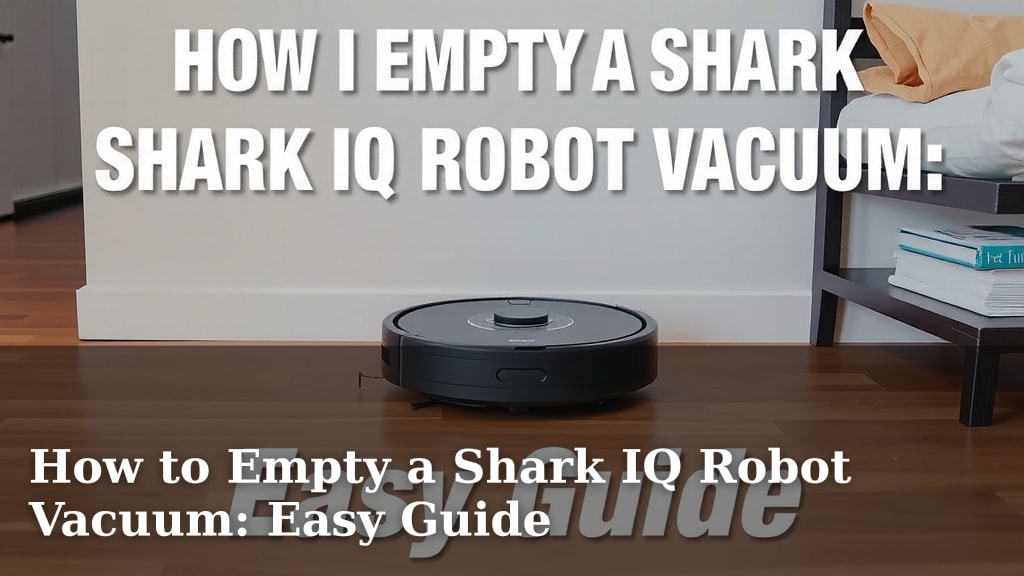
How to Empty a Shark IQ Robot Vacuum: Easy Guide
Emptying your Shark IQ Robot Vacuum is **surprisingly simple**. You just need to locate the dustbin, press the release button, and **discard the contents**. It’s a quick process that keeps your robot running smoothly.
Keeping your Shark robot’s dustbin empty is **essential for optimal performance**. A full bin can hinder suction power and make your robot work harder. We’ve found that **regular emptying prevents clogs** and ensures a cleaner home with less effort.
- Locate the dustbin.
- Press the release button.
- Empty the dust into a trash can.
- Reinsert the dustbin securely.
Let’s walk through exactly how to empty your Shark IQ Robot Vacuum step by step, so you can get back to enjoying your clean floors in no time.
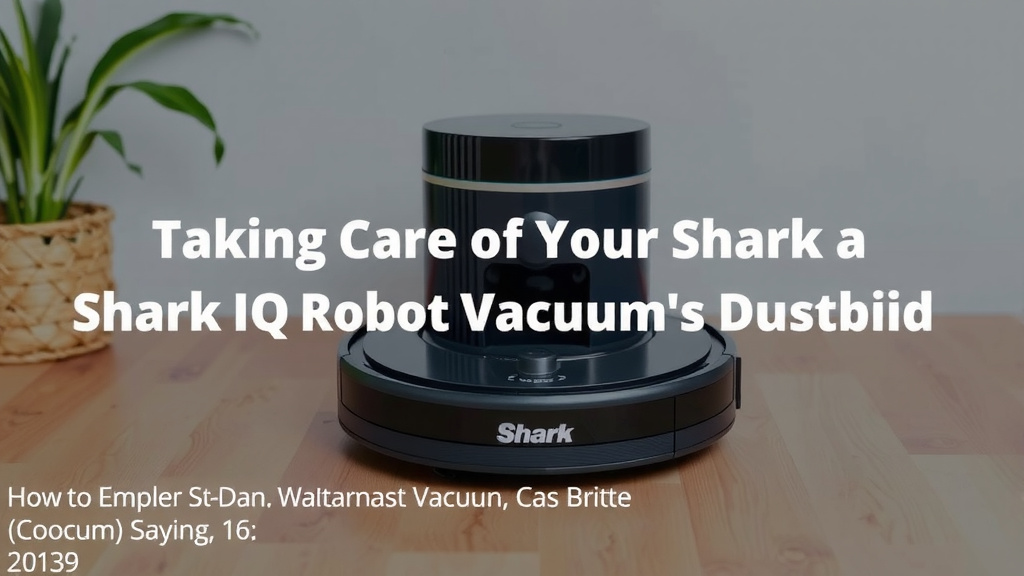
Taking Care of Your Shark IQ Robot’s Dustbin
Keeping your Shark IQ Robot Vacuum running at its best means paying attention to its little details. One of the most important is its dustbin. A clean dustbin is the secret to a happy, efficient robot. If it gets too full, your robot might struggle to suck up dirt effectively. We’ve found that a quick emptying routine keeps things running smoothly.
Why It’s Important to Empty Your Robot’s Dustbin Regularly
Think of your robot’s dustbin like a tiny trash can. It collects all the crumbs, pet hair, and dust bunnies your robot finds. When it gets too full, it’s like trying to stuff more into an already overflowing bin. This can really impact suction power. You might notice your robot going over the same spot multiple times. It’s also harder for the robot to maneuver when its bin is packed tight.
Many experts suggest emptying the dustbin after every cleaning cycle, especially if you have pets. This prevents any buildup and ensures your robot is always ready for its next job. A little bit of regular maintenance goes a long way. It’s a small step that makes a big difference in keeping your home clean.
Locating the Dustbin on Your Shark IQ Robot
Finding the dustbin is usually quite straightforward. On most Shark IQ Robot models, the dustbin is located on the back or side of the robot. You’ll see a handle or a button that indicates where it releases.
Identifying the Dustbin Release Mechanism
Look for a specific button or latch. This is your key to opening the dustbin. It’s typically designed for easy access. You shouldn’t need any special tools to get it open. We found that most models have a clear release button that’s easy to spot.
Sometimes, the dustbin might have a small, colored button. Other times, it might be integrated into the handle itself. Just gently press or pull as indicated. It should release smoothly, ready for you to handle its contents. This mechanism is designed to be user-friendly.
The Step-by-Step Process for Emptying the Dustbin
Once you’ve located the dustbin and its release, the actual emptying is quick. Here’s how to do it:
-
Removing the Dustbin
Make sure your robot is powered off or has finished its cycle. Approach the robot and locate the dustbin release button or latch we talked about. Gently press it in. At the same time, carefully pull the dustbin away from the robot’s body. It should slide out easily.
-
Discarding the Debris
Take the removed dustbin over to your trash can. Most Shark IQ Robot dustbins are designed to open up fully or have a simple flap. Hold the dustbin over the trash can and gently tap or shake it to release all the collected dirt and debris. For stubborn bits, you might need to manually pull them out, but this is rare. We found that a simple tap is usually enough.
-
Cleaning the Dustbin (Optional but Recommended)
While you have the dustbin out, it’s a great time for a quick clean. You can wipe the inside with a damp cloth. Some models allow you to rinse the dustbin with water, but always check your user manual first. If you do rinse it, make sure it’s completely dry before putting it back. Moisture can cause issues.
-
Reinserting the Dustbin
Once emptied and dry, align the dustbin with its slot on the robot. Gently slide it back into place. You should hear or feel a click when it’s securely locked. This ensures your robot’s suction system works correctly. A properly seated dustbin is essential.
Troubleshooting Common Dustbin Issues
What if the dustbin doesn’t come out easily? Or what if it feels stuck?
When the Dustbin Won’t Release
If the dustbin seems stuck, don’t force it. Check for any debris that might be jamming the mechanism. Sometimes, a stray piece of string or hair can get caught. Gently try to clear any visible obstructions. If it still won’t budge, review your robot’s manual. There might be a specific trick for your model.
Dealing with a Stubborn Dustbin Full of Debris
If the dirt inside is packed in too tightly, try gently tapping the sides of the dustbin. This can help loosen things up. You can also try carefully using a soft brush or your fingers to dislodge anything stuck. Avoid using sharp objects, as they could damage the dustbin.
Maintaining Your Shark IQ Robot for Optimal Performance
Emptying the dustbin is just one part of keeping your robot happy. Regular checks can prevent bigger problems down the line. Think of it like giving your robot a little spa treatment.
Checking Other Components
While you’re at it, take a moment to look at the brushes and filters. Are they free of tangled hair? Are the filters clean? Keeping these parts clear ensures the best cleaning results. Many manufacturers, like Shark, recommend cleaning filters regularly. Some filters can even be washed, but always follow the specific instructions for your model.
The Importance of a Clean Filter
A dirty filter can significantly reduce your robot’s ability to pick up dust. It’s like trying to breathe through a clogged nose! If your filter is old or heavily soiled and cannot be cleaned effectively, it might be time for a replacement. Check your manual for filter replacement schedules. This is a key step many people overlook.
Your Shark IQ Robot Emptying Checklist
Here’s a quick list to keep handy:
- Locate the dustbin release.
- Press the release button firmly.
- Pull the dustbin straight out.
- Empty all debris into the trash.
- Wipe or rinse dustbin if needed.
- Ensure dustbin is dry.
- Reinsert dustbin until it clicks.
Conclusion
You’ve now learned the simple steps to keep your Shark IQ Robot Vacuum running efficiently by emptying its dustbin. Remember, a clean dustbin means a cleaner home for you. It’s a small maintenance task that truly pays off. Make it a habit to check and empty the bin regularly. Your robot will thank you with better performance on every cleaning cycle. Give your robot a quick empty today!
Frequently Asked Questions
How often should I really empty the Shark IQ Robot dustbin?
For most homes, emptying the dustbin after every cleaning cycle is ideal. If you have pets or a larger home, you might need to empty it more frequently. We found that regular emptying prevents clogs and maintains suction power.
Can I wash the Shark IQ Robot dustbin with water?
Some Shark IQ Robot models allow you to rinse the dustbin. Always check your specific user manual before washing. If you do rinse it, ensure it’s completely dry before reinserting it into the robot.
What if my Shark IQ Robot dustbin feels stuck and won’t come out?
Don’t force it. Gently check for any tangled hair or debris jamming the release mechanism. Sometimes, carefully clearing obstructions can help it release smoothly. Refer to your manual if it persists.
My robot isn’t picking up dirt as well, could it be the dustbin?
Yes, a full dustbin is a common reason for reduced suction power. If your robot seems to be struggling, emptying the dustbin is the first thing you should check. It’s a quick fix that often solves the problem.
What’s the best way to dispose of the debris from the dustbin?
Simply take the dustbin over to your trash can. Most bins are designed to open easily or have a flap. Gently tap or shake the dustbin over the trash to release the contents. Avoid using sharp objects that could damage the bin.
![7 Best Ilife Robot Vacuum For Pet Hair [2026]](https://robotvacuumfact.com/wp-content/uploads/2026/08/7-best-ilife-robot-vacuum-for-pet-hair-2026-featured-768x432.jpg)