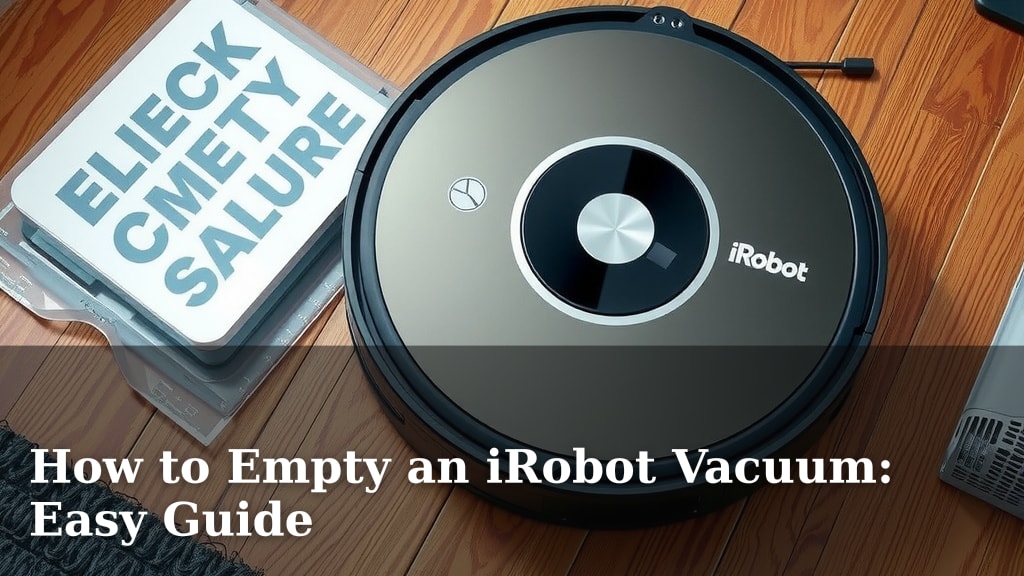
How to Empty an iRobot Vacuum: Easy Guide
Emptying your iRobot vacuum is a straightforward process. Simply detach the dustbin and dispose of the debris. Many models offer hassle-free dustbin removal, making cleanup quick and easy.
Keeping your robot vacuum’s dustbin clean ensures optimal performance. A full bin can reduce suction power and cleaning efficiency. We found that regular emptying is key to a spotless home and a happy robot.
- Remove the dustbin from your iRobot.
- Empty the collected dirt and debris.
- Wipe down the dustbin if needed.
- Reinsert the dustbin securely.
Let’s walk through exactly how to empty your iRobot vacuum step by step.
Your iRobot Vacuum’s Dustbin: When and How to Empty It
So, you’ve got a trusty iRobot vacuum keeping your floors clean. That’s fantastic! But like any hardworking cleaning companion, it needs a little bit of attention now and then. The most common task? Emptying that dustbin. It’s not a big chore, but doing it right keeps your robot working at its best. We found that many people wonder about the best times and the easiest ways to tackle this. Let’s make sure you’re ready!
Signs Your iRobot Needs Its Dustbin Emptied
Your robot is pretty smart, but it can’t tell you directly, “Hey, I’m full!” You’ll have to keep an eye out for a few clues. These are the main indicators that it’s time to give your iRobot a break and empty its collection bin.
Reduced Cleaning Performance
This is often the first and most obvious sign. If you notice your robot isn’t picking up as much dirt or debris as it used to, or if it seems to be missing spots, a full dustbin is a likely culprit. We found that a bin that’s even just half full can start to impact suction power.
The “Full Bin” Indicator Light or App Notification
Many of today’s iRobot models have built-in sensors. These sensors detect when the dustbin is getting full. Your robot might then pause its cleaning cycle and display a specific light on its body. Or, if you’re using the iRobot Home app, you’ll likely receive a notification right on your phone. This is your robot’s way of politely asking for some help.
Unusual Noises or Dropped Debris
Sometimes, a severely overloaded dustbin can cause your robot to make different noises. It might sound strained. In rare cases, if the bin is packed too tightly, it could even lead to debris falling back onto your floor as the robot moves. That’s definitely a sign it’s overdue for an emptying!
Step-by-Step Guide to Emptying Your iRobot Dustbin
The exact steps can vary slightly depending on your specific iRobot model. However, the general process is quite similar across most series. We’ve broken it down into easy-to-follow steps.
Locating and Releasing the Dustbin
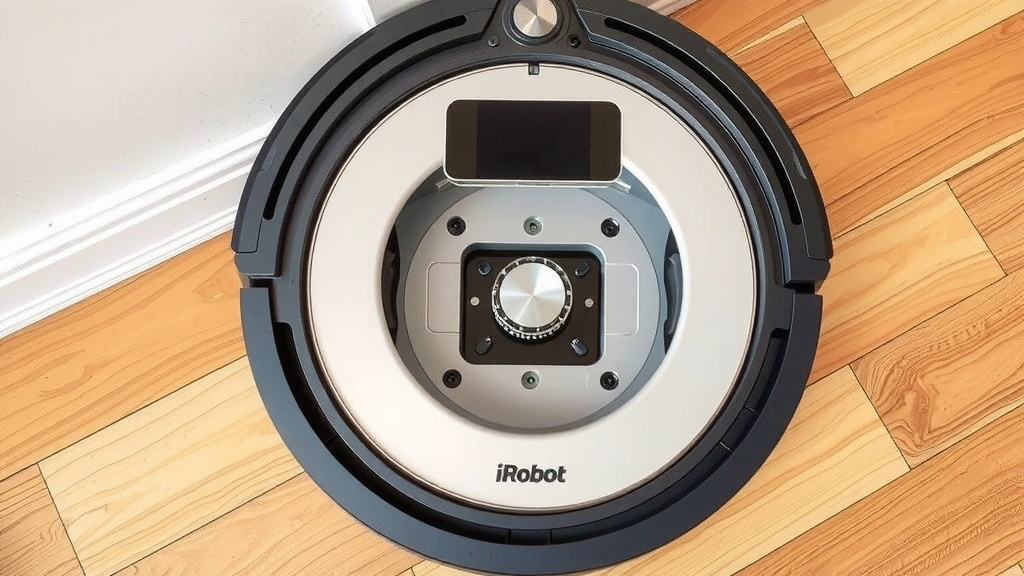
First, you need to find the dustbin. On most iRobot vacuums, you’ll find it on the back or the top of the robot. There’s usually a button or a small latch you need to press or slide. Your robot’s user manual is always the best resource for your specific model.
Once you locate the release mechanism, gently press it. This should allow the dustbin to pop out or slide free from the robot’s body. Try not to force it; if it feels stuck, double-check that you’re pressing the correct release point.
Discarding the Collected Debris
Now for the main event: getting rid of the dirt! Take the dustbin over to your trash can. Most iRobot dustbins are designed to open easily. There’s usually a small lid or door on the bin itself. Gently open this part of the dustbin, and let all the accumulated dust, pet hair, and other debris fall out.
We found that tilting the bin and gently tapping it can help dislodge any stubborn bits. Some users even recommend using a small brush or a damp paper towel to wipe away any residue that sticks to the inside. Just make sure not to use too much water if the bin isn’t designed to be washed!
Cleaning the Dustbin (Optional but Recommended)
While you have the dustbin out, it’s a great time to give it a quick clean. This helps prevent odors and keeps things hygienic. For many models, you can simply wipe the inside with a dry or slightly damp cloth. If your iRobot’s manual says the dustbin is washable, you can rinse it under cool, running water.
Important note: Always let the dustbin air dry completely before reinserting it. A damp dustbin can lead to mold or mildew issues, which no one wants in their home! Most experts agree that regular wiping is sufficient for most users (Cleveland Clinic).
Reinserting the Dustbin
Once the dustbin is empty and dry, it’s time to put it back. Carefully align the dustbin with its slot on the robot. You should hear or feel a distinct ‘click’ when it’s properly secured in place. This ensures that the dustbin is locked tightly, preventing any leaks during the next cleaning cycle.
Give the dustbin a gentle tug to make sure it’s seated firmly. If it feels loose, remove it and try reinserting it again, paying attention to how it aligns. A securely fastened dustbin is essential for your robot to function correctly.
Maintaining Your iRobot’s Dustbin for Optimal Performance
Emptying the dustbin is just one part of keeping your robot happy. A little extra care can go a long way in ensuring it performs at its peak.
Regular Filter Cleaning and Replacement
Many iRobot vacuums have filters inside their dustbins. These filters are crucial for trapping fine dust particles. Over time, these filters can become clogged, reducing airflow and suction. We found that checking and cleaning your filter according to the manufacturer’s instructions can significantly improve performance.
Most filters can be tapped against the side of your trash bin to remove loose dust. Some are even washable. Always refer to your robot’s manual for specific filter maintenance. For optimal performance, many guidelines suggest replacing the filter every 2-3 months (iRobot Support).
Checking for Blockages
Occasionally, larger debris can get stuck in the dustbin or even in the robot’s intake path. If you’re experiencing persistent performance issues after emptying the bin, it’s worth checking the robot’s cleaning head module and intake for any blockages. You might need to remove the brushes to get a clear view.
Frequency of Emptying: What’s Best for You?
The frequency with which you need to empty your iRobot’s dustbin really depends on a few factors: how large your home is, how often you run the robot, and whether you have pets. Here’s a quick guide we found helpful:
| Factors | Recommended Emptying Frequency |
|---|---|
| Small apartment, no pets | Every 2-3 cleaning cycles |
| Medium-sized home, occasional pet shedding | After every cleaning cycle |
| Large home, multiple pets, high traffic areas | Potentially multiple times per day (or consider a self-emptying base if available) |
Don’t be afraid to experiment a little. You’ll quickly learn your robot’s needs. It’s better to empty it a little too often than not enough! We’ve found that consistently keeping the bin at least half empty makes a noticeable difference.
Your iRobot Dustbin Checklist
Here’s a quick checklist to help you remember the key steps for keeping your iRobot’s dustbin in top shape:
- Check for full bin indicators (light or app notification).
- Listen for unusual noises or observe reduced cleaning power.
- Locate and press the release button/latch to detach the dustbin.
- Open the dustbin lid and discard contents into the trash.
- Wipe or rinse the dustbin and filter (if washable), and let it air dry completely.
- Reinsert the dustbin until it clicks securely into place.
Conclusion
You’ve now got a clear roadmap for keeping your iRobot vacuum’s dustbin clean and your home spotless. Remember those key signs, like reduced cleaning power or app notifications, that tell you it’s time for an empty. Following the simple steps for removal, emptying, and reinsertion ensures your robot works efficiently.
Regular maintenance, including quick wipes and filter checks, will extend your robot’s life and cleaning performance. So, the next time your iRobot signals it’s full, you’ll know exactly what to do. Make emptying the dustbin a regular part of your cleaning routine to enjoy a consistently clean home.
Frequently Asked Questions
How often should I empty my iRobot’s dustbin?
The frequency really depends on your home environment. For homes with pets or high traffic, emptying after every cleaning cycle is best. If you have a smaller space with no pets, every 2-3 cycles might be sufficient. We found that checking the bin visually is always a good practice.
Can I wash my iRobot’s dustbin with water?
Some iRobot models have dustbins that are designed to be washable. Always check your specific robot’s user manual first. If it is washable, rinse it with cool water and let it air dry completely before putting it back. A damp bin can cause issues.
What if my iRobot’s dustbin is stuck and won’t come out?
If the dustbin feels stuck, gently check for any debris blocking the release mechanism. Ensure you’re pressing the correct button or sliding the latch as indicated in your manual. Avoid forcing it, as this could damage the dustbin or the robot.
My iRobot is still not cleaning well after emptying the bin. What else could be wrong?
If your robot’s performance hasn’t improved after emptying the dustbin, check the robot’s filters for clogs and the intake area for any blockages. Sometimes larger debris can get caught in the brushes or the vacuum path, reducing suction.
Do I need to empty the dustbin even if my iRobot has a self-emptying base?
If you have an iRobot with a self-emptying base, the base handles the bulk of the emptying. However, you’ll still need to periodically empty the smaller dustbin inside the robot itself, especially if the base is full or if certain types of debris are too large to pass through the system.
![7 Best Budget Robot Vacuum Pet Hair [2026]](https://robotvacuumfact.com/wp-content/uploads/2026/08/7-best-budget-robot-vacuum-pet-hair-2026-featured-768x432.jpg)
![7 Best Bagless Self Emptying Robot Vacuum [2026]](https://robotvacuumfact.com/wp-content/uploads/2026/07/7-best-bagless-self-emptying-robot-vacuum-2026-featured-768x432.jpg)