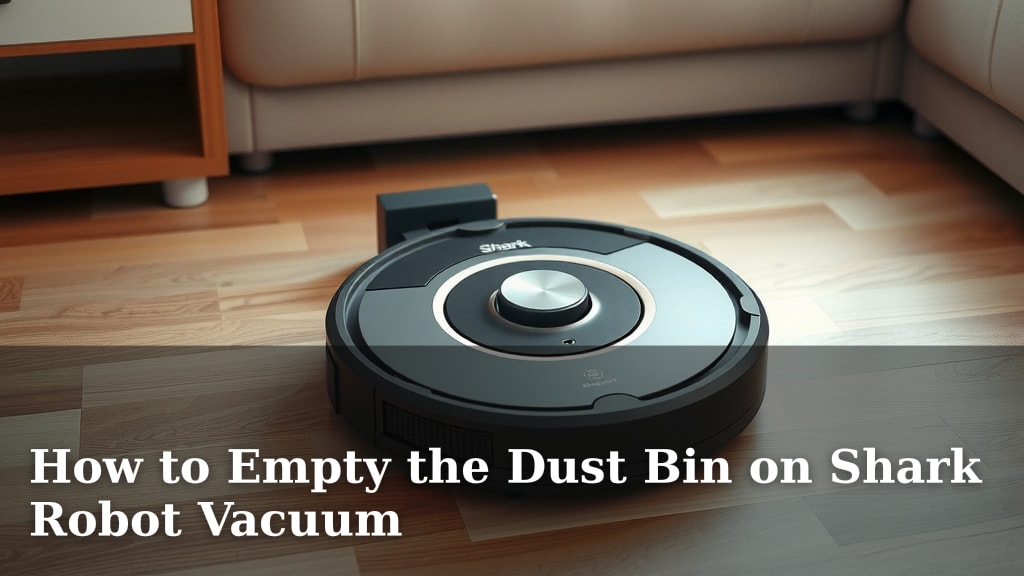
How to Empty the Dust Bin on Shark Robot Vacuum
Emptying your Shark robot vacuum’s dust bin is super simple and takes just a moment. You’ll want to do this regularly to keep your vacuum running smoothly. It’s a quick task that makes a big difference.
Keeping the dust bin clear ensures your robot can effectively pick up dirt and debris. A full bin means less suction power. We found that regular emptying is key to maintaining optimal cleaning performance. It prevents clogs and keeps your floors spotless.
- Locate the dust bin on your Shark robot.
- Open the lid or release latch.
- Remove the bin and empty its contents.
- Ensure it’s properly reinserted.
Let’s walk through exactly how to do this, step by step, so your Shark robot is always ready to clean.
Keeping Your Shark Robot Vacuum’s Dust Bin Clean
So, your trusty Shark robot vacuum has been zipping around, doing its thing. That’s fantastic! Now, it’s time for a quick pit stop to empty its tummy. This is a really **straightforward task**. You’ll want to make sure the dust bin is clear so your robot can keep cleaning your floors without missing a beat. We found that a clean bin is the secret to a **happy robot**.
Locating and Releasing the Dust Bin
Every Shark robot model is a little different, but most have their dust bin in a pretty **accessible spot**. You’ll typically find it on the top or back of the robot. Look for a button or a latch that helps release it. Some models might have a handle you can pull. Don’t be shy; give it a gentle tug or press the release button.
Common Dust Bin Locations
We’ve seen that on many Shark robot vacuums, the dust bin is located right on top. You might need to lift a top panel or lid to get to it. Other designs place the bin at the rear, often accessed by pressing a button or sliding a latch. Check your robot’s manual if you’re unsure, but usually, it’s **pretty obvious** once you look closely.
Opening the Dust Bin Container
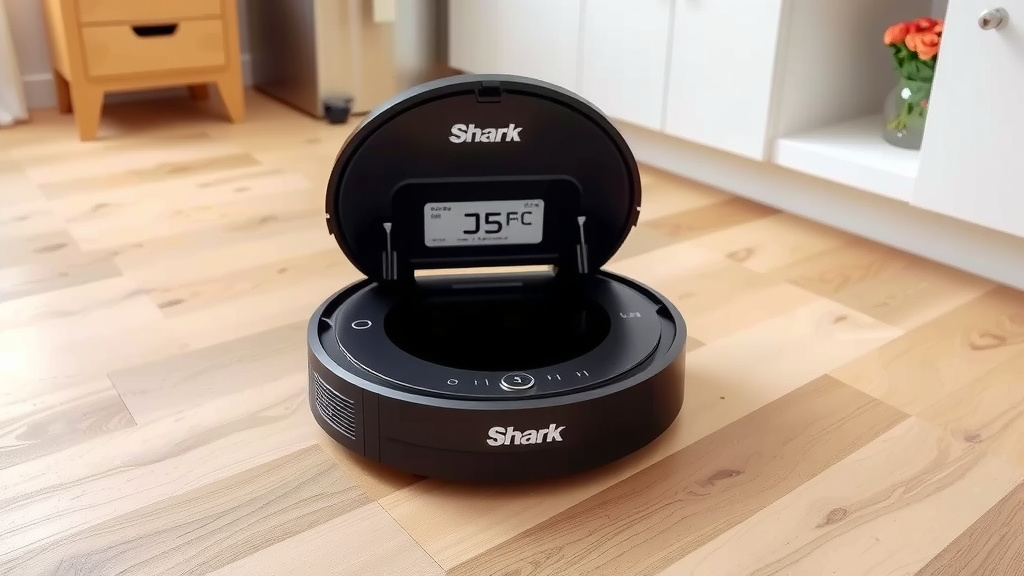
Once you have the bin in your hand, you’ll need to open it to empty it. Most Shark dust bins have a simple latch mechanism. You’ll usually see a tab or a button on the side or top of the bin itself. Pressing or sliding this will allow the lid of the dust bin to **swing open**. Be ready for some dust to puff out!
Emptying the Contents: What to Expect
This is the main event! With the dust bin open, simply take it over to your trash can. You can then tip the bin upside down. Most of the debris should fall out easily. If there’s anything stuck, a gentle tap on the side of the bin usually does the trick. It’s best to do this over the trash can to **avoid making a mess**.
Dealing with Stubborn Debris
Sometimes, little bits of hair or larger debris can get lodged inside. If this happens, don’t force it. You can use a soft brush (like an old toothbrush) or your fingers to gently loosen anything stuck. Some people find a quick rinse with water helps, but **always ensure the bin is completely dry** before putting it back in the robot. Moisture can cause problems.
How Often Should You Empty It?
This really depends on how much cleaning your robot does and the size of your home. We found that for homes with pets or high traffic, emptying the bin **after every cleaning cycle** is a good idea. For lighter use, checking it every few days is usually sufficient. A good rule of thumb is to empty it when it looks about two-thirds full. This prevents it from getting too heavy and maintains suction power.
Putting the Dust Bin Back In
This step is just as important as emptying it! Once you’ve cleaned out the bin, you need to make sure it’s properly seated back into the robot. Line up the bin with its slot and push it in gently but firmly until you hear or feel a **click**. This ensures it’s locked in place and ready to go. If it’s not fully in, the robot might not work correctly.
Ensuring a Secure Fit
A common hiccup we’ve seen is the dust bin not being fully reinserted. This can cause the robot to stop mid-clean or not start at all. Double-check that there are no gaps between the bin and the robot’s body. You want it to look and feel **securely attached**. A quick wiggle can confirm it’s locked in.
Maintenance Tips for Your Dust Bin
To keep your Shark robot vacuum running at its best, a little extra care for the dust bin goes a long way. Regularly rinsing the dust bin can help remove fine dust particles that brushing might miss. Many manufacturers suggest washing it with mild soap and water. Remember, **dryness is key** before reinstallation. Also, inspect the filter that’s often attached to or inside the dust bin. Clean or replace it as recommended by Shark.
Cleaning the Filter
Your Shark robot’s filter is a superhero, catching all the tiny particles. It’s usually located within the dust bin assembly. Many Shark filters are washable. You can rinse them under cool water and let them air dry completely. Experts recommend doing this regularly, and replacing the filter every few months for **optimal performance** (Cleveland Clinic). A clogged filter dramatically reduces suction power.
When to Consider a Replacement Bin
Dust bins are usually quite durable, but accidents can happen. If you notice any cracks or damage to the dust bin or its lid mechanism, it might be time for a replacement. A damaged bin can affect the seal, letting dust escape or reducing suction. Checking Shark’s website or your product manual can guide you on ordering **replacement parts** if needed.
A Quick Checklist for Emptying Success
- Locate the dust bin on your Shark robot.
- Release the bin using the designated button or latch.
- Open the dust bin lid over your trash can.
- Empty all the collected debris.
- Check for any stubborn debris and clear it.
- Reinsert the bin securely until it clicks.
Conclusion
You’ve now mastered the simple process of emptying your Shark robot vacuum’s dust bin. Remember, keeping it clear is your secret weapon for consistent cleaning power and a happy, efficient robot. This quick maintenance task ensures your vacuum can capture all the dirt and debris without losing suction. By making dust bin emptying a regular habit, you’re guaranteeing your robot performs at its best, floor after floor. So, next time your Shark needs a pit stop, you’ll know exactly what to do. Your next step? Schedule a reminder to check your dust bin after your robot’s next cleaning cycle!
Frequently Asked Questions
My Shark robot vacuum won’t start after I emptied the bin. What could be wrong?
This often happens if the dust bin isn’t fully reinserted. You need to ensure it clicks into place securely. Double-check that there are no gaps and give it a gentle wiggle to confirm it’s locked in. If it’s still not starting, check your robot’s manual for any other error indicators.
Can I wash the Shark robot vacuum dust bin?
Yes, many Shark dust bins can be washed with mild soap and water. It’s important to let the bin air dry completely before putting it back into the robot. Moisture can cause damage or affect the vacuum’s performance. Always check your specific model’s manual for cleaning recommendations.
How often should I really be emptying the dust bin?
It truly depends on your home environment. For homes with pets or high foot traffic, we found emptying it after every cleaning cycle is best. For lighter use, checking it every few days or when it appears two-thirds full is usually sufficient. This prevents clogs and maintains optimal suction.
What if there’s stubborn debris stuck in the dust bin?
If debris is lodged, avoid forcing it out. You can use a soft brush, like an old toothbrush, or your fingers to gently loosen it. If you plan to wash the bin, sometimes a quick rinse helps. Just make sure everything is bone dry before reinserting it.
Does emptying the dust bin also mean cleaning the filter?
While emptying the bin is separate from filter cleaning, it’s a good idea to do them together. Many Shark robot filters are washable and need regular cleaning or replacement for peak performance. A dirty filter drastically reduces suction, so clean it when you clean the bin for best results.
![7 Best Pet Friendly Robot Vacuum [2026]](https://robotvacuumfact.com/wp-content/uploads/2026/08/7-best-pet-friendly-robot-vacuum-2026-featured-768x432.jpg)