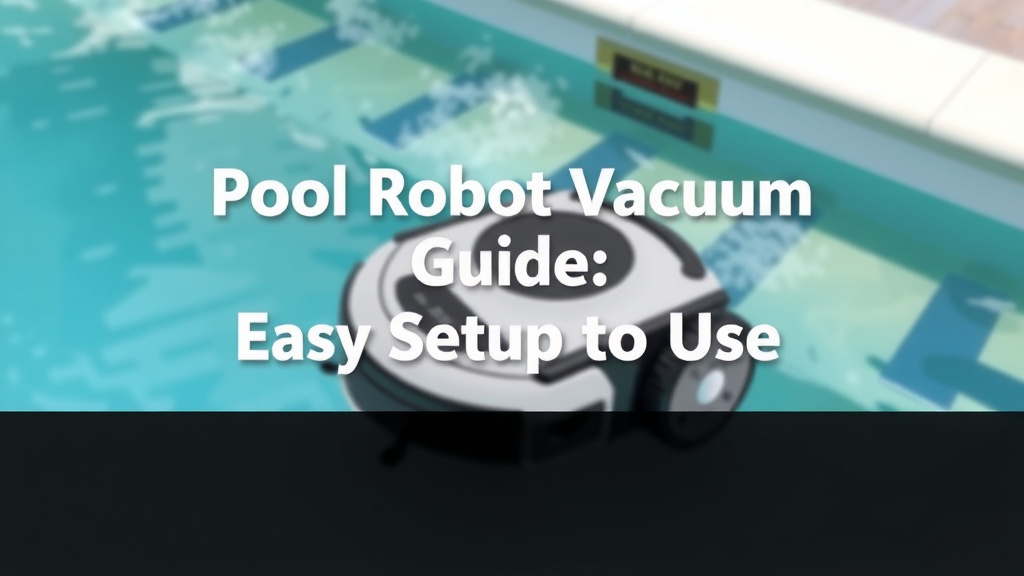
Pool Robot Vacuum Guide: Easy Setup and Use
Using your pool robot vacuum is quite simple! You just need to place it in the water, let it sink to the pool floor, and then plug it in. It will then begin its automatic cleaning cycle, navigating your pool all by itself to remove debris.
These amazing devices do a lot of the hard work for you. They’re designed to scrub walls, floors, and even the waterline, making pool maintenance a breeze. Many owners find that a robotic cleaner significantly reduces the time they spend on manual pool cleaning tasks, giving them more time to enjoy their pool.
TL;DR:
- Place robot in pool water.
- Let it sink to the bottom.
- Connect the power supply.
- Press start and let it clean.
- Regularly clean the filter basket.
Ready to get your pool sparkling clean with minimal effort? Let’s walk through exactly how to use your pool robot vacuum step by step. Ready to get your pool sparkling clean with minimal effort? Learn how often you should run your pool robot vacuum for optimal cleaning.
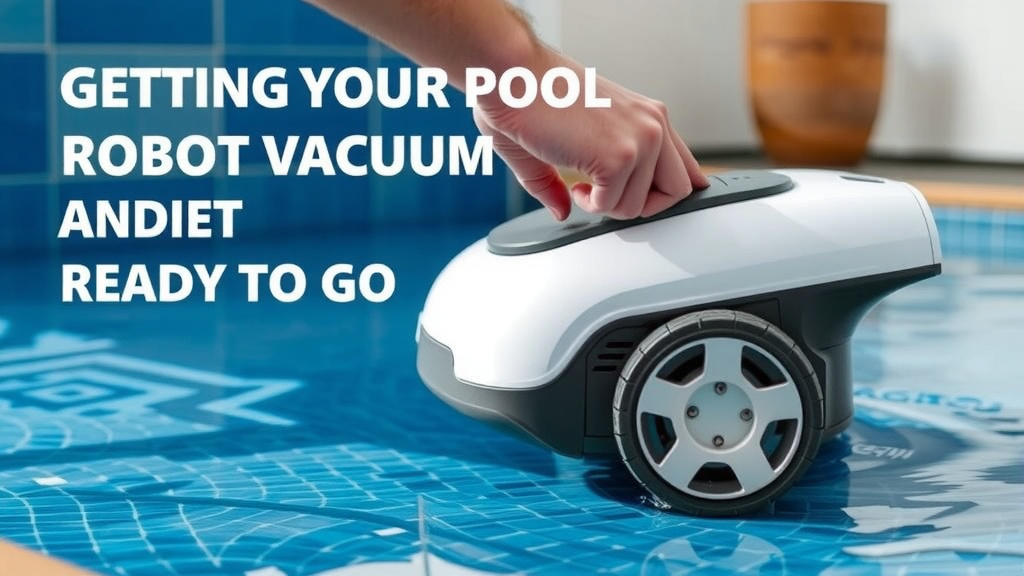
Getting Your Pool Robot Vacuum Ready to Go
You’ve unboxed your new pool robot, and you’re eager to see it in action. It’s actually much simpler than you might think. We’ve found that the process is designed to be user-friendly. Think of it like plugging in a new appliance for the first time.
Connecting the Power
First things first, locate the power supply unit. This is usually a box with a cord that connects to your robot. Make sure the robot itself is not plugged into the power supply yet. You’ll want to connect the cable from the robot to the power supply box. Ensure the connection is snug and secure. This prevents any accidental disconnections during its cleaning cycle.
Next, find a suitable power outlet. It’s generally recommended to plug the power supply into a GFCI-protected outlet. This is a safety feature that can cut power in case of a fault, which is always a good idea around water. Once plugged in, the power supply unit will likely have an indicator light, letting you know it’s ready.
Launching Your Robot into the Pool
Now for the fun part! Take your robot and gently place it into the water. Don’t just toss it in; a gentle placement is best. You’ll notice it might float for a moment. That’s perfectly normal. Give it a moment to fill with water and sink to the bottom of your pool. This ensures it’s properly submerged and ready to begin its work.
Some users find it helpful to give the robot a little nudge to help it sink. However, most models are designed to submerge on their own. Once it settles on the pool floor, you’re almost there. This step is key for the robot to start its cleaning journey from the deepest point.
Initiating the Cleaning Cycle
With the robot submerged and the power connected, it’s time to kick off the cleaning. This is where the “set it and forget it” magic truly begins. We found that most modern robots are intuitive to start.
Starting the Robot
Look for a power button or a “start” button on the power supply unit. Press this button to initiate the cleaning cycle. You should hear a subtle hum or see an indicator light change on the power supply, signaling that the robot is now active. It will then begin to move and start scrubbing.
Many robots come with different cleaning cycles. Some have a quick clean option for a light sweep, while others offer a more intensive cycle that covers floors, walls, and the waterline. Check your robot’s manual to understand the specific modes available. You might have a button or a setting on the power unit to select your desired cycle.
What to Expect During Cleaning
Once activated, your robot will start navigating the pool. It uses internal programming and sensors to map out the pool’s dimensions. You’ll see it moving along the floor, climbing walls, and scrubbing away dirt and debris. It’s quite fascinating to watch! Many experts mention that the random patterns often used by robots are effective for covering the entire pool surface over time.
Some robots may return to a specific spot to charge or wait for retrieval. Others will simply stop once their cycle is complete. The key is to let it do its job without interruption. Resist the urge to constantly move it around; it’s designed to figure out the best path itself. This autonomous nature is what makes them such a time-saver.
Post-Cleaning Routine and Maintenance
Once your robot has finished its cycle, or when it’s time to put it away, there are a few important steps to follow. Proper maintenance ensures your robot performs well for years to come. We found that consistent cleaning of the filter is the most critical step for optimal performance.
Retrieving Your Robot
When the cleaning cycle is complete, your robot may have a specific “home” spot it returns to. If not, you’ll need to retrieve it. You can often do this by gently pulling on the power cord. However, some manufacturers recommend using a specific retrieval hook or pulling directly on the robot’s handle to avoid stressing the cord. Always check your manual for the best method.
Be aware that the robot will be full of water and debris. It can be a bit heavy, so be prepared for that when you pull it out. It’s a good idea to have a towel or a bucket ready to catch any dripping water.
Cleaning the Filter Basket
This is arguably the most important maintenance task. After each use, you’ll want to remove and clean the robot’s filter basket. Most robots have an accessible filter system, often located at the bottom or top. You’ll need to open the robot to access it.
Once you have the filter basket out, empty the collected debris into your trash bin. Then, rinse the basket thoroughly with a garden hose. Many sources suggest using fresh water to rinse it clean. Make sure all the dirt and gunk are gone before putting it back. A clean filter means your robot can suck up more debris on its next run.
| Task | Frequency | Notes |
|---|---|---|
| Connect Power Supply | Before Each Use | Ensure secure connections. |
| Launch Robot in Pool | Before Each Use | Let it sink to the bottom. |
| Start Cleaning Cycle | As Needed | Select appropriate mode. |
| Retrieve Robot | After Each Use | Follow manufacturer’s guide. |
| Clean Filter Basket | After Each Use | Rinse thoroughly with fresh water. |
| Inspect Robot for Damage | Weekly | Check brushes and cables. |
Storing Your Pool Robot
When your robot isn’t in the pool, it needs a proper place to rest. Store it in a dry, protected area, away from direct sunlight and extreme temperatures. Many robots come with a storage caddy or a designated spot for the power supply. This keeps everything organized and prevents damage. For instance, storing it on its caddy helps prevent flat spots from forming on the wheels or tracks.
Make sure the power cord is not kinked or stretched tightly. Keeping the power supply unit dry is also important. Some owners also recommend unplugging the robot from the power supply when not in use, just as an extra precaution. Proper storage contributes to the longevity of your cleaning companion.
Conclusion
You’ve learned how simple it is to get your pool robot vacuum cleaning your pool. From connecting the power and launching the robot to starting its cycle and performing essential maintenance, you’re now equipped to keep your pool sparkling. Remember that regular cleaning of the filter basket is key to optimal performance and a longer lifespan for your robot. Take these steps, and you’ll spend less time cleaning and more time enjoying your pristine pool. Your next step? Put your robot to work and see the difference for yourself!
Frequently Asked Questions
How long does a pool robot vacuum typically take to clean a pool?
Cleaning times vary by model and pool size, but most robots complete a full cycle in 1.5 to 3 hours. Some models offer quick clean options for lighter debris. You can usually find the estimated cycle time in your robot’s manual.
Can I leave my pool robot vacuum in the pool all the time?
It’s generally not recommended to leave your pool robot in the water constantly. Removing it after each cleaning cycle allows it to dry properly and prevents premature wear on its components. Check your manufacturer’s recommendations for specific guidance.
What should I do if my pool robot vacuum stops moving or cleaning effectively?
First, ensure it’s properly connected to power and submerged. Then, check that the filter basket is clean and free of obstructions. If the issue persists, consult your robot’s troubleshooting guide or contact customer support.
How often should I clean the filter basket of my pool robot?
You should aim to clean the filter basket after every use. This ensures maximum suction power and prevents strain on the robot’s motor. A clean filter is essential for efficient debris collection.
Can my pool robot vacuum clean a vinyl or fiberglass pool?
Yes, most pool robot vacuums are safe for various pool surfaces, including vinyl, fiberglass, and tile. However, it’s always wise to check your specific robot’s specifications or manual to confirm compatibility with your pool type.

![7 Best Bang For Buck Robot Vacuum [2026]](https://robotvacuumfact.com/wp-content/uploads/2026/07/7-best-bang-for-buck-robot-vacuum-2026-featured-768x432.jpg)