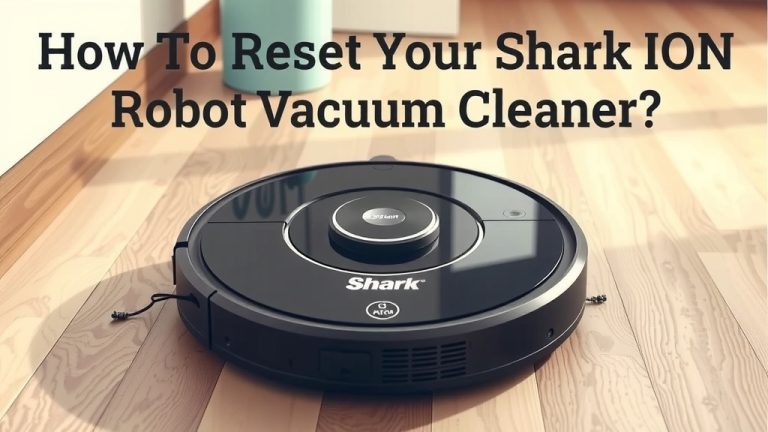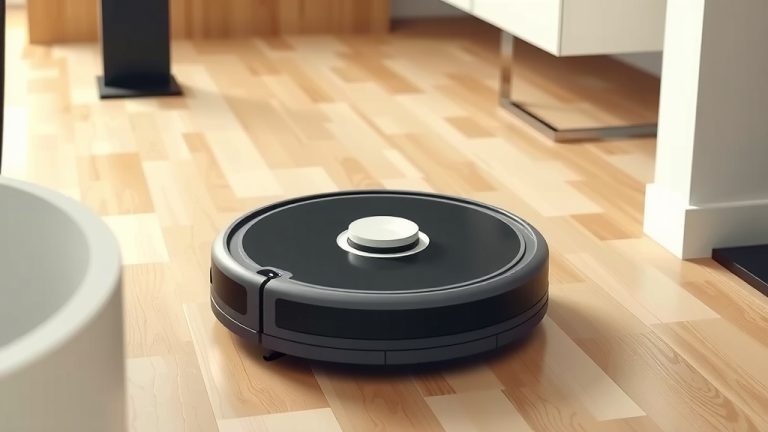
Master Your Shark Robot Vacuum: A Quick Start Guide
Ready to make your floors sparkle with minimal effort? Using your Shark robot vacuum is actually quite simple. Just press the clean button or use the app to start it cleaning. You can also schedule cleanings so it works while you’re away. It’s designed to be a truly hands-off cleaning solution.
These smart vacuums are built to navigate your home efficiently. They use sensors to avoid obstacles and map out your rooms. Think of it as a little helper that knows where it’s going. We found that setting it up correctly means you’ll get the best cleaning performance every time. It really takes the chore out of vacuuming.
TL;DR:
- Press the clean button or use the app to start.
- Schedule cleanings for automatic operation.
- Sensors help it navigate around furniture.
- Proper setup ensures optimal cleaning.
- Enjoy effortless clean floors!
Let’s walk through exactly how to get your Shark robot vacuum up and running for a spotless home. We’ll cover everything from initial setup to keeping it in top shape.
Getting Your Shark Robot Vacuum Up and Running
So you’ve unboxed your new Shark robot vacuum. Exciting! Let’s get this little cleaning buddy working for you. We found that the initial setup is key to a happy robot and clean floors. Think of it like teaching a new pet its tricks. The easier you make it for them, the better they’ll behave.
Unboxing and Charging Your Robot
First things first, let’s get everything out of the box. You’ll typically find your robot, its charging dock, a power cord, and maybe some extra brushes or filters. Make sure to remove all the protective packaging. Some robots have small plastic tabs on the brushes or sensors that need to be removed before their first use. Check your user manual for specifics.
Next, set up the charging dock. It needs a clear space. About 1.5 feet on either side and 3 feet in front of the dock is ideal. This helps your robot find its way home. Plug the power cord into the dock and then into a wall outlet. Now, place your Shark robot onto the charging dock. You’ll usually see some indicator lights showing it’s charging. Let it charge completely before its first cleaning mission. This can take a few hours, so it’s a good time to get acquainted with the app.
Connecting to the SharkClean App
This is where the real smarts come in. Most Shark robot vacuums connect to the SharkClean app. It’s available for both iOS and Android devices. Download it from your app store. You’ll need a stable 2.4 GHz Wi-Fi network. Many homes have both 2.4 GHz and 5 GHz networks, so make sure you’re connecting to the 2.4 GHz one. Most routers broadcast both.
Open the app and follow the on-screen instructions to create an account or log in. The app will guide you through connecting your robot to your home Wi-Fi. This usually involves putting the robot into pairing mode, which might mean pressing and holding a button on the robot itself. The app will then find your robot and link it to your account. We found this process generally straightforward.
Mapping Your Home
Once connected, your robot will likely perform an initial mapping run. This is super important. It’s like your robot taking a mental map of your home. It uses its sensors to navigate and learn the layout of your rooms. It identifies walls, furniture, and other obstacles.
Letting it complete this mapping run without interruption is best. You can let it do this during its first charge or a dedicated mapping session through the app. The app will then display a map of your home. This map is what allows you to set up cleaning zones and exclusion zones later. It’s a really neat feature that gives you a lot of control.
Operating Your Shark Robot Vacuum
Now that your robot is set up and charged, it’s time to let it clean! There are a few ways to start it, giving you flexibility.
Starting a Cleaning Cycle
The simplest way is to press the Clean button right on the robot. This usually starts an automatic cleaning cycle for the entire home. If your robot has a specific mode, like edge cleaning or spot cleaning, you might be able to select that via buttons on the robot as well. Always check your model’s manual for exact button functions.
Alternatively, you can start a cleaning cycle directly from the SharkClean app. Open the app, and you should see a prominent “Start Cleaning” or similar button. This is convenient if you’re in another room or even out of the house. You can also select specific rooms or zones you want it to clean, thanks to that map it created.
Scheduling Cleanings
This is where your robot really becomes a hands-off helper. The SharkClean app allows you to schedule cleanings. You can set specific days and times for your robot to automatically start cleaning. Imagine waking up to clean floors every morning without lifting a finger!
You can set different schedules for different days of the week. For example, you might want it to clean the kitchen every day after dinner, but only the living room on Saturdays. The app makes this customization easy. Many users find this feature a lifesaver for maintaining a consistently clean home. We found that scheduling helps keep dust and debris from building up. You can set different schedules for different days of the week using the app.
Using Cleaning Zones and Exclusion Zones
This is a powerful tool for tailored cleaning. Once your home is mapped, you can define specific areas on the map in the SharkClean app. Cleaning zones let you tell your robot to clean just a particular area, like the high-traffic entryway. Just draw a box around it in the app, and command it to clean there.
Conversely, exclusion zones are just as important. These are areas you want your robot to avoid. Think of that messy pile of cords under your desk, or a pet’s water bowl. Drawing an exclusion zone tells your robot to steer clear. This prevents it from getting stuck or making a mess. We found this feature incredibly useful for protecting delicate areas.
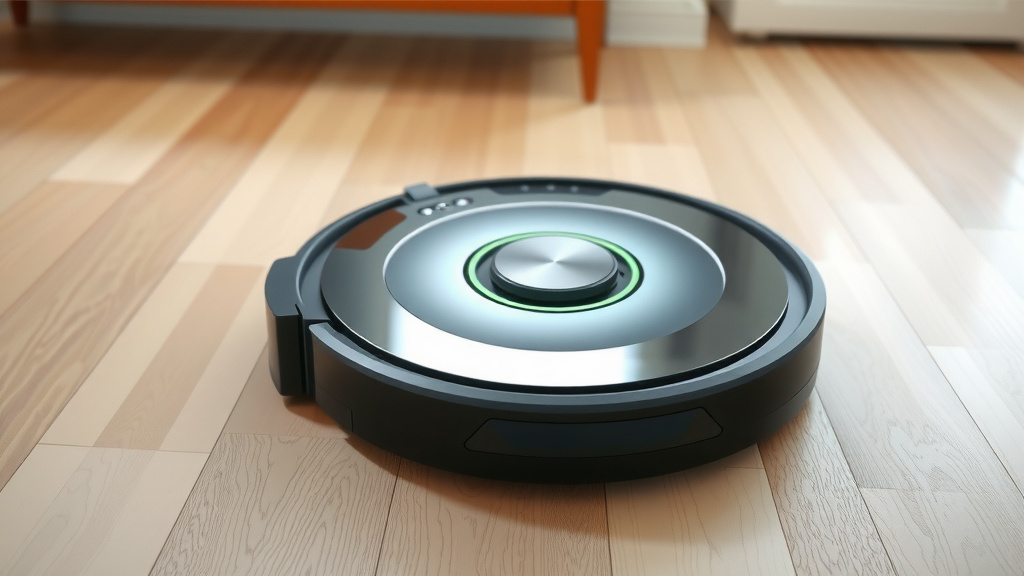
Maintaining Your Shark Robot Vacuum
To keep your robot running smoothly, a little regular maintenance is needed. It’s not complicated, and it ensures your robot performs its best.
Emptying the Dust Bin
The dust bin needs to be emptied regularly. How often depends on how much your robot picks up. If you have pets or high-traffic areas, you might need to empty it after every cleaning cycle. For lighter use, perhaps every few days.
Most Shark robot vacuums have a simple release mechanism for the dust bin. Just slide it out, empty the contents into your trash can, and slide it back in. Some models might have a small filter inside the bin that you should also clean or replace periodically. Check your manual for the exact location and cleaning instructions for your model’s filter.
Cleaning the Brushes and Filters
Over time, hair and debris can get tangled around the main brushes. You’ll want to clean these weekly or bi-weekly, depending on your home environment. Most models have a way to easily remove the main brush roll. Use scissors or a small tool (sometimes included) to carefully cut away any tangled hair or strings.
Your robot also has air filters to trap fine dust and allergens. These usually need cleaning or replacing every 1-3 months. Some filters are washable; others need to be replaced. Gently tap them to remove dust or rinse them if they are washable. Make sure they are completely dry before putting them back into the robot. Clean filters mean better suction power. Research suggests that regular filter maintenance can **improve air quality** (Environmental Protection Agency).
Wiping Down Sensors and Charging Contacts
The robot’s sensors are its eyes. They help it navigate and avoid falls. These are usually located on the front, sides, and bottom of the robot. Gently wipe them with a clean, dry microfiber cloth periodically. Smudged sensors can lead to navigation problems.
The charging contacts on the robot and the dock also need to stay clean. These allow the robot to charge effectively. Wipe them with a dry cloth every so often. It’s a small step that ensures your robot always has the power it needs to clean.
Keeping Software Updated
If you’re using the app, make sure your robot’s firmware stays updated. The SharkClean app will usually notify you when an update is available. These updates can improve performance, add new features, or fix any bugs. Keeping the software current ensures you’re getting the best possible experience from your robot.
Here’s a quick checklist to keep your Shark robot vacuum in tip-top shape:- Empty the dust bin after each cleaning session.
- Clean the main brush roll weekly.
- Wash or replace air filters monthly.
- Wipe down sensors and charging contacts bi-weekly.
- Ensure the robot has clear space around its charging dock.
Conclusion
You’re now ready to enjoy effortlessly clean floors with your Shark robot vacuum. We’ve covered everything from the initial setup and app connection to smart scheduling and maintenance. Remember, a little bit of care goes a long way in keeping your robot running efficiently. By regularly emptying the bin, cleaning brushes, and updating software, you’ll ensure optimal performance for years to come. Your next step is to go ahead and schedule your first automated cleaning session using the SharkClean app. Happy cleaning!
Frequently Asked Questions
How do I get my Shark robot vacuum to clean a specific room?
Once your robot has mapped your home, you can use the SharkClean app to select specific rooms for cleaning. Simply open the app, tap on the map view, and choose the room(s) you want cleaned. Your robot will then navigate directly to those areas.
What should I do if my Shark robot vacuum gets stuck often?
If your robot frequently gets stuck, check for potential obstacles like loose cords or rug fringes. You can create exclusion zones in the SharkClean app to mark off problem areas. Also, ensure the charging dock has clear space around it, as this can sometimes help robots reorient themselves.
How often do I need to replace the filters on my Shark robot vacuum?
Filter replacement frequency depends on your home environment. Generally, you should clean or replace them every 1 to 3 months. If you have pets or a very dusty home, you might need to do this more often. Clean filters are essential for good suction and air quality.
Can I use my Shark robot vacuum on different floor types?
Yes, Shark robot vacuums are designed to work on various floor types, including hardwood, tile, and carpet. They automatically adjust their suction power to suit the surface. Just ensure you clear larger debris or obstacles before a cleaning cycle.
My Shark robot vacuum isn’t returning to its dock. What’s wrong?
Ensure the charging dock is placed in an area with adequate clearance, as specified in your manual. Also, check that the charging contacts on both the robot and the dock are clean. Sometimes, a firmware update through the app can resolve docking issues.