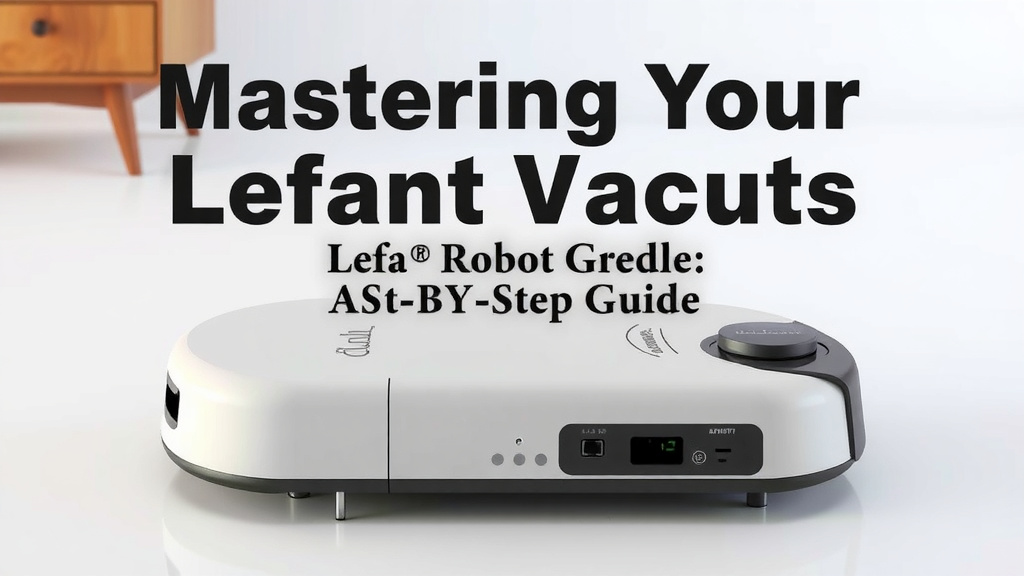
Mastering Your Lefant Robot Vacuum: A Step-by-Step Guide
Ready to get your Lefant robot vacuum working for you? The easiest way to use your Lefant robot vacuum is to start with its charging base and connect it to your home Wi-Fi using the Lefant app. This setup allows you to schedule cleanings, select modes, and even control it remotely. You’ll be enjoying hands-free cleaning in no time!
Using your Lefant robot vacuum is more than just pressing a button. We found that understanding its features, like different cleaning modes and how to navigate obstacles, makes a huge difference in its performance. Getting this right means your floors will be cleaner with less hassle for you. It’s designed to make your life easier, so let’s make sure you’re getting the most out of it.
- Charge it first: Always fully charge your robot before its first use.
- Download the app: This is key for smart features and control.
- Connect to Wi-Fi: Essential for remote operation and scheduling.
- Choose the right mode: Select Auto, Edge, or Spot cleaning as needed.
- Regular maintenance: Keep brushes and sensors clean for optimal performance.
Let’s walk through exactly how to get your Lefant robot vacuum set up and running smoothly. We’ll cover everything from that initial charge to keeping it in top shape for spotless floors.
Getting Your Lefant Robot Vacuum Up and Running
So, you’ve got your new Lefant robot vacuum ready to go! That’s fantastic. We know you’re eager to see it zip around and clean your floors. The first step is always the most important: making sure it’s powered up and connected. This sets the stage for all those smart features you’re excited about.
The Crucial First Charge
Before you even think about pressing start, let’s talk about charging. It’s really important to give your Lefant robot vacuum a full charge right out of the box. Think of it like giving a new phone its first complete charge. This helps calibrate the battery and ensures it performs at its best from the get-go.
Most Lefant models will sit on their charging base. You’ll usually see a light indicator on the robot or the base itself that lets you know it’s charging. We found that leaving it on the base for the recommended time (check your specific model’s manual, but often 3-4 hours) is worth the wait. A happy, fully charged battery means a longer cleaning session for you!
Connecting to Your Home Network: The Smart Way to Clean
This is where the magic happens. Your Lefant robot vacuum isn’t just a simple cleaner; it’s a smart device. To unlock its full potential, you’ll want to connect it to your home’s Wi-Fi. This lets you control it from your phone, set schedules, and even get alerts.
Downloading the Lefant App
First things first, you’ll need the Lefant app. It’s available for both iOS and Android devices. Just head to your device’s app store, search for “Lefant,” and download the official app. Make sure you’re getting the right one!
Pairing Your Robot with the App
Once the app is installed, open it up. You’ll likely need to create an account or log in if you already have one. The app will then guide you through the process of adding a new device. Usually, this involves putting your Lefant robot vacuum into pairing mode.
How do you put it in pairing mode? Often, you’ll press and hold a specific button on the robot itself for a few seconds until a light starts blinking. The app will then prompt you to select your home Wi-Fi network and enter its password. It’s like introducing your robot to your internet!
Tip: Make sure you’re connecting to a 2.4GHz Wi-Fi network. Many smart devices, including robot vacuums, don’t work with 5GHz networks. If you have a dual-band router, ensure you select the 2.4GHz option.
Choosing the Right Cleaning Mode for Every Mess
Your Lefant robot vacuum comes with different cleaning modes. Using the right one can make a big difference in how clean your floors get. It’s not just a one-size-fits-all situation!
Auto Mode: The Everyday Hero
This is your go-to mode for general cleaning. When you select Auto mode, the robot will navigate your home using its sensors. It moves in a somewhat random pattern, but it covers most of the accessible floor space. We found that this mode is perfect for daily maintenance and keeping things tidy between deeper cleans.
Edge Mode: Tackling Those Tricky Borders
Got dust bunnies lurking along the walls or in corners? Edge mode is your best friend here. The robot will specifically travel along the edges of your rooms, using its side brushes to sweep debris away from the walls and into its path. It’s like a dedicated cleanup crew for those often-missed spots.
Spot Mode: For Concentrated Grime
Sometimes, you have a specific mess, like a spill of cereal or a tracked-in dirt patch. Spot mode is designed for these situations. You’ll place the robot directly over the dirty area, activate Spot mode, and it will clean in a tight, expanding spiral pattern. This is super effective for targeting localized messes without running the robot all over the house.
App-Controlled Modes and Customization
Beyond the basic modes, the Lefant app often lets you do even more. You might be able to set cleaning intensity, suction power, or even create virtual barriers in certain models. We’ve seen that exploring these app features can truly optimize your cleaning experience and tailor it to your home’s unique layout.
Maintaining Your Lefant for Peak Performance
Like any machine, your Lefant robot vacuum needs a little TLC to keep working its best. Regular maintenance is key to ensuring it picks up every speck of dust and navigates your home without a hitch.
Cleaning the Dustbin and Filters
The dustbin is where all the dirt goes, so it needs to be emptied regularly. Most Lefant models have an easy-to-remove dustbin. We suggest emptying it after every cleaning session, especially if you have pets. Inside the dustbin, you’ll also find filters. These can get clogged with fine dust. Check your manual for how often to clean or replace them – usually, rinsing the filter (if washable) or replacing it every few months does the trick.
Checking and Cleaning the Brushes
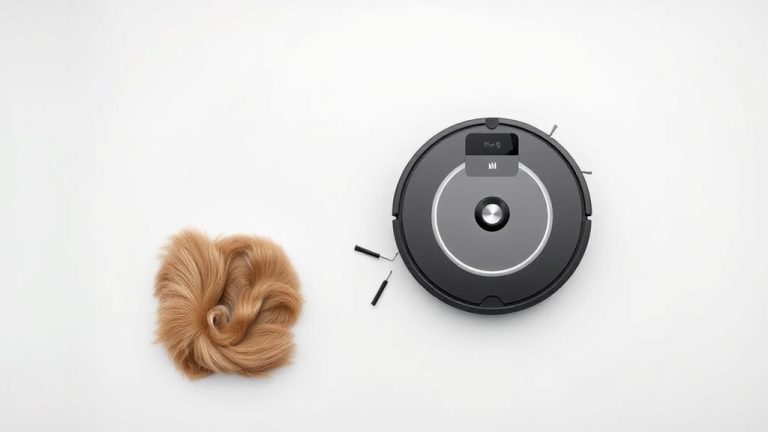
The main brush and side brushes are what agitate and sweep dirt. Hair, threads, and other debris can get tangled around them. Periodically, inspect the brushes and remove any obstructions. Most models come with a small cleaning tool to help with this. Keeping the brushes clean ensures they can do their job effectively and prevents unnecessary strain on the robot’s motor.
Wiping Down Sensors
Your robot vacuum relies on its sensors to navigate and avoid obstacles. These sensors are usually located on the underside and sides of the unit. Dust or grime on these sensors can lead to navigation problems. We found that gently wiping them with a dry, soft cloth every week or two helps maintain accurate navigation.
Here’s a quick checklist to keep your Lefant running smoothly:
- Empty the dustbin after each use.
- Clean the main brush and side brushes weekly.
- Wipe down the sensors every two weeks.
- Check and clean/replace filters monthly.
- Ensure the charging contacts on the robot and base are clean.
- Perform a test run in Auto mode regularly.
Conclusion
You’re now well on your way to a cleaner home with your Lefant robot vacuum. We’ve covered the essential steps: from giving it that first full charge to connecting it smartly via Wi-Fi and the app. Remember to choose the right cleaning mode for the job and perform that simple, regular maintenance. Keeping those brushes and sensors clean is key. Your Lefant is designed to make life easier, and by following these tips, you’ll get the most effortless, hands-free cleaning possible. Now, go ahead and schedule that first clean!
Frequently Asked Questions
How often should I empty the Lefant robot vacuum’s dustbin?
We found that emptying the dustbin after every cleaning session is best, especially if you have pets. This prevents dust from overflowing and ensures efficient suction for the next clean. A quick empty keeps your robot ready to go.
Can I control my Lefant robot vacuum without Wi-Fi?
Yes, you can often start a basic clean using the button on the robot itself. However, to access features like scheduling, remote control, and different cleaning modes, connecting to Wi-Fi via the Lefant app is necessary.
What should I do if my Lefant robot vacuum gets stuck often?
If your robot gets stuck, check for tangled hair on the brushes or debris around the wheels. Also, ensure its sensors are clean, as dirty sensors can lead to navigation issues. Sometimes, removing small obstacles from its path can help.
How do I know which cleaning mode to use?
For general daily cleaning, Auto mode is your best bet. Use Edge mode when you notice dust accumulating along walls and baseboards. Spot mode is perfect for targeting a small, concentrated mess like spilled crumbs.
How often do I need to clean the robot vacuum’s brushes and filters?
We recommend cleaning the main and side brushes at least weekly, or more often if you have pets that shed. Check and clean or replace the filters about once a month, depending on usage, to maintain optimal suction power.