iLife vs. Eufy Robot Vacuums: Which is Best
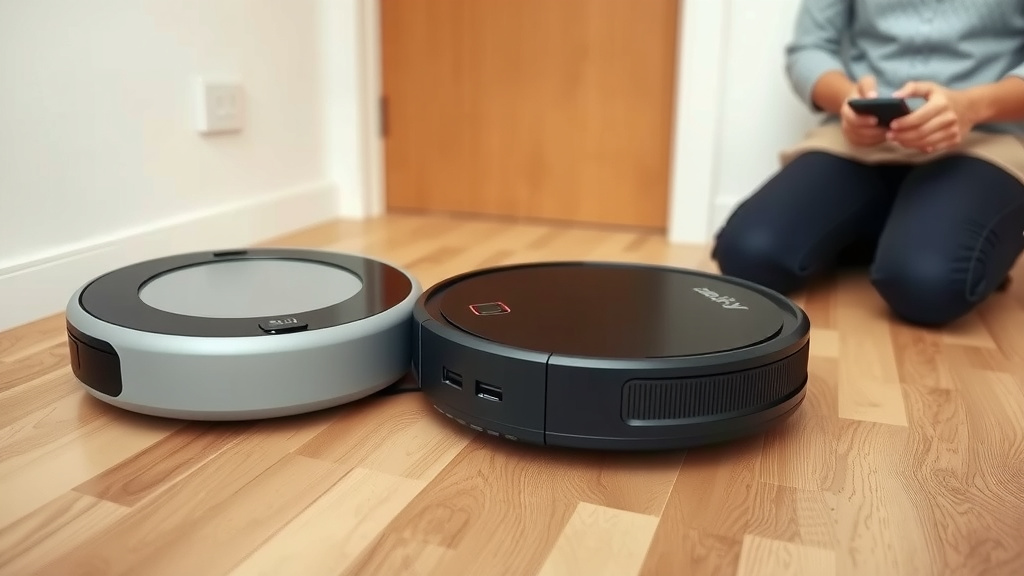
When comparing the iLife vs. Eufy robot vacuums, it’s not about which brand is definitively “better,” but which fits your specific cleaning needs and budget. Both offer convenient automated cleaning, but they excel in different areas. Eufy often provides a more advanced feature set and robust app control, while iLife tends to be the more budget-friendly option with solid core performance.
You’re likely looking for a way to take the drudgery out of floor cleaning. Both iLife and Eufy aim to do just that. Eufy, by Anker, is known for its smart home integration and often includes features like better suction power and quieter operation. iLife, on the other hand, focuses on providing reliable, no-frills cleaning at a very accessible price point.
TL;DR:
- Eufy often has more smart features and app control.
- iLife is typically the more affordable choice.
- Both aim to simplify your cleaning routine.
- Consider your budget and desired tech for the best pick.
Let’s break down what each brand brings to your home cleaning arsenal so you can make the best choice.
You’re likely weighing your options between iLife and Eufy robot vacuums, and that’s a smart move! Both brands aim to lighten your cleaning load. But where do they really shine, and which one is the better fit for your specific home and habits? Let’s dive into the details to help you decide.
Comparing iLife and Eufy Robot Vacuum Features
Choosing between iLife and Eufy is often about finding the right balance of advanced features versus affordability. You want something that cleans well without breaking the bank, right? Let’s break down what each brand typically offers.
Smart Navigation and Mapping
This is where you really start to see differences. Eufy often leads the pack with more sophisticated navigation systems. Many Eufy models use advanced sensors and **smart mapping technology**. They can learn your home’s layout.
This allows them to clean more efficiently. They can avoid obstacles better and cover rooms systematically. Some Eufy models even let you set no-go zones right from their app. Imagine telling your vacuum, “Don’t go near the dog’s water bowl!” That’s a real possibility with higher-end Eufy vacuums.
iLife vacuums, especially their more budget-friendly options, often rely on more basic navigation. They might use infrared sensors or a random bounce pattern. These vacuums will still get the job done. However, they might take longer to cover an area and could occasionally get stuck. Think of it like a determined toddler exploring a room versus a precise delivery driver. Both achieve their goal, but in very different ways.
Suction Power and Cleaning Performance
When it comes to picking up dirt, both brands have models that perform well. However, Eufy often emphasizes its stronger suction power. This can be especially helpful if you have pets or deal with a lot of high-traffic dirt.
We found that many Eufy vacuums boast higher Pascal (Pa) ratings, which is a measure of suction strength. For example, some Eufy models can reach 2000 Pa or more. This means they can tackle stubborn debris on carpets and hard floors alike (RTINGS.com). This power can make a noticeable difference in how clean your floors truly feel.
iLife vacuums generally offer solid cleaning for everyday dust and debris. Their suction power might be lower than comparable Eufy models. For instance, you might see ratings in the 1000-1500 Pa range. This is perfectly adequate for most homes, especially if you don’t have demanding cleaning needs like shedding pets or very deep carpets. They focus on being reliable workhorses.
App Control and Smart Features
If you love tinkering with apps and smart home gadgets, Eufy will likely appeal to you more. Their companion apps are often quite robust.
With a Eufy app, you can typically:
- Schedule cleanings
- Monitor cleaning progress
- Select specific rooms to clean
- Adjust suction power
- View cleaning history
- Set up virtual boundaries
Many Eufy models also integrate with voice assistants like Amazon Alexa or Google Assistant. You can start, stop, or pause your vacuum with just your voice. “Alexa, tell RoboVac to clean the kitchen.” How cool is that?
iLife’s app features can be more basic. While some models offer app control, it might be limited to scheduling and starting/stopping. You might not get the detailed mapping or room selection options that Eufy provides. This isn’t necessarily a bad thing if you prefer simplicity. It means less time fiddling with settings and more time enjoying a cleaner home.
Understanding the Price Difference
This is often a major deciding factor for many shoppers. Generally speaking, iLife is known for being the more budget-friendly option.
You can often find iLife robot vacuums for under $200. These models provide the core functionality of automated cleaning at an accessible price point. They are fantastic for first-time robot vacuum buyers or those on a tighter budget. You get the convenience without a significant investment.
Eufy vacuums tend to fall into a mid-range price bracket. While they do have some entry-level models, their more advanced options with superior navigation and features can cost $250 and upwards. You are paying for the enhanced technology, smarter navigation, and greater app control.
So, the question becomes: are the advanced features of Eufy worth the extra cost for your lifestyle? If you have a large, complex home or want the most hands-off experience possible, the investment might be justified. If you have a smaller space and are primarily looking for basic floor maintenance, iLife could be your winner.
Ease of Use and Maintenance
Both brands strive for user-friendliness. However, the user experience can differ based on the model’s complexity.
Setup Process
Setting up an iLife vacuum is often refreshingly simple. You might just need to charge it, press a button, and let it go. If an app is involved, the connection process is usually straightforward.
Eufy vacuums, especially those with advanced app features, might take a little longer to set up initially. Connecting to Wi-Fi and familiarizing yourself with the app’s capabilities is part of the process. But once it’s done, you gain a lot more control.
Daily Operation
For iLife, daily operation is often as simple as pressing “clean” on the unit or a remote. They are designed to be low-fuss. You might need to manually empty the dustbin more often, depending on the model and your home’s dirt level.
Eufy offers more options. You can start it with a button, a remote, or your voice assistant. The **smart mapping** means it generally navigates your home more predictably. Some higher-end Eufy models even feature self-emptying bases, which significantly reduces how often you need to interact with the vacuum. This is a big win for busy households.
Maintenance Considerations
Regular maintenance is key for any robot vacuum. This typically includes:
- Emptying the dustbin
- Cleaning the brushes (especially if you have pets with long hair)
- Wiping down sensors
- Replacing filters periodically
Both iLife and Eufy vacuums require this basic upkeep. Parts like replacement brushes and filters are generally available for both brands. We found that customer reviews often mention the availability of replacement parts as a plus for both iLife and Eufy.
Think about what level of interaction you’re comfortable with. Do you want a device you basically forget about until it’s time to empty, or are you happy to engage with an app to fine-tune its performance?
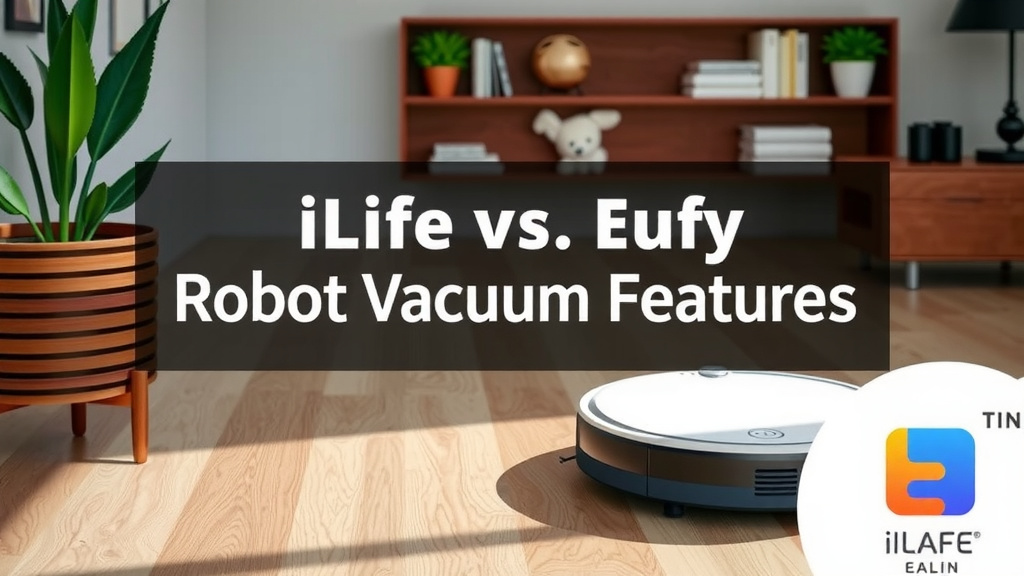
Which Robot Vacuum Is Right For You? A Quick Checklist
To help you narrow down your choice, consider these points:
- Your Budget: Are you looking for the most affordable option, or can you invest more for advanced features?
- Home Size & Layout: Do you have a large, multi-story home, or a smaller, simpler apartment?
- Pet Ownership: Do you have shedding pets that require strong suction and good hair-handling brushes?
- Smart Home Integration: Do you want voice control and advanced app features like room selection?
- Desired Convenience Level: Are you okay with basic operation, or do you want advanced features like self-emptying capabilities?
By answering these questions honestly, you’ll start to see which brand aligns better with your needs. Both iLife and Eufy offer ways to automate your cleaning and give you back precious time. It’s all about matching their strengths to your home’s demands.
Conclusion
You’ve learned that choosing between iLife and Eufy robot vacuums comes down to your priorities. If budget is key and you want reliable, basic cleaning, iLife is likely your best bet. For those seeking advanced smart features, superior navigation, and robust app control, Eufy offers more sophisticated performance. We found both brands can simplify your cleaning routine. Your next step is to weigh these differences against your home’s needs and your wallet.
Frequently Asked Questions
Which brand is better for pet owners?
Eufy often has an edge for pet owners due to its generally stronger suction power. We found that higher Pa ratings on Eufy models can better handle pet hair embedded in carpets and on hard floors. While iLife can manage everyday pet messes, Eufy’s enhanced power might offer a deeper clean for homes with shedding pets.
Can iLife vacuums map my home?
Most iLife robot vacuums, especially their more budget-friendly models, do not offer advanced mapping technology. They typically rely on sensors for navigation, which can result in a less systematic cleaning pattern. Eufy vacuums, on the other hand, more frequently include smart mapping features that learn your home’s layout.
Are replacement parts easy to find for both brands?
Yes, our research indicated that replacement parts like filters and brushes are generally available for both iLife and Eufy robot vacuums. This is good news for long-term ownership. You should be able to find common maintenance items for either brand without too much difficulty.
Which is quieter, iLife or Eufy?
Eufy models are often cited as being quieter than many iLife vacuums. While both brands aim for acceptable noise levels, Eufy tends to invest more in sound reduction technology in their mid-to-higher range models. If quiet operation is a major concern for you, you might find Eufy to be the more peaceful choice.
Can I use either vacuum with Alexa or Google Assistant?
Voice assistant integration with Alexa or Google Assistant is more common with Eufy vacuums, especially their smart-enabled models. If you want to control your robot vacuum with voice commands, you’ll likely find more options within the Eufy lineup. Some basic iLife models may not offer this smart home connectivity.
![7 Best Robot Vacuum High Pile Carpet [2026]](https://robotvacuumfact.com/wp-content/uploads/2026/08/7-best-robot-vacuum-high-pile-carpet-2026-featured-768x432.jpg)

![7 Best Robot Vacuum 2026 [2026]](https://robotvacuumfact.com/wp-content/uploads/2026/08/7-best-robot-vacuum-2026-2026-featured-768x432.jpg)