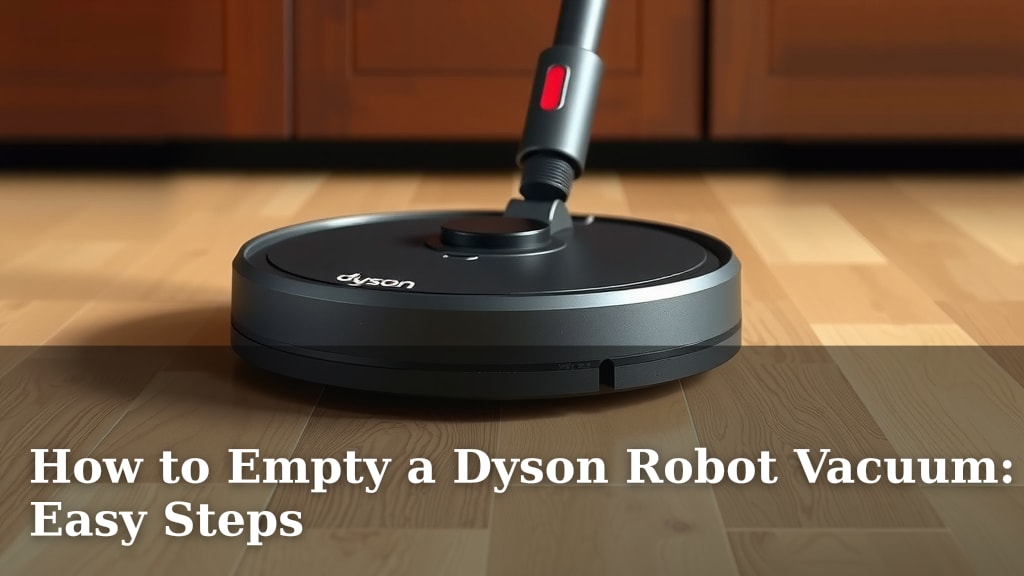
How to Empty a Dyson Robot Vacuum: Easy Steps
Emptying your Dyson robot vacuum is a simple process. You just need to locate the dustbin, press the release button, and empty its contents into your trash can. It’s designed to be quick and mess-free, so you can get back to enjoying your clean floors.
Your Dyson robot vacuum works hard cleaning your home. Keeping its dustbin empty is key to its performance. A full bin can reduce suction power. We found that regular emptying ensures your robot keeps picking up dirt effectively. It’s a small step for major cleaning power.
- Locate the dustbin.
- Press the release button.
- Empty into the trash.
- Wipe down the bin if needed.
Ready to get that dustbin out? Let’s walk through the exact steps to make emptying your Dyson robot vacuum a breeze.
Keeping Your Dyson Robot Vacuum’s Dustbin Empty
Your Dyson robot vacuum is a champion at keeping your floors spotless. But even champions need a little maintenance. Emptying the dustbin is probably the most frequent task. It’s a simple step that ensures your robot keeps performing at its best. Let’s break down exactly how to do it.
Locating and Removing the Dustbin
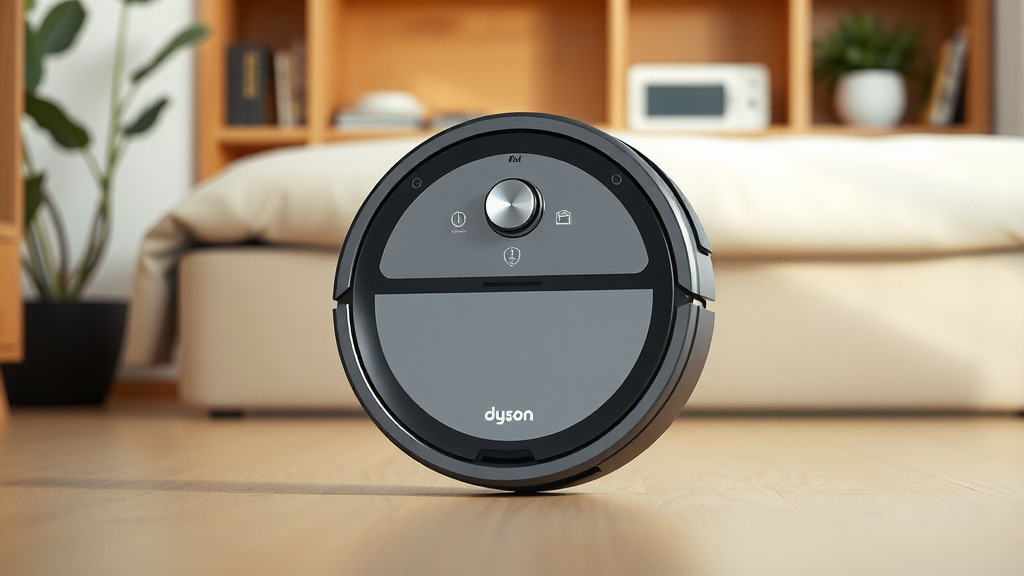
First things first, you need to find the dustbin. On most Dyson robot vacuum models, the dustbin is located at the back or side of the robot. You’ll see a clearly marked button or latch. This is your key to accessing the bin.
Identifying the Dustbin Release Mechanism
Look for a button or lever near the dustbin itself. It’s usually colored differently or has an icon indicating its purpose. When you press this button, it should release the dustbin. We found that older models might have a slightly different mechanism. Always check your specific Dyson manual if you’re unsure.
Detaching the Dustbin from the Robot
Once you locate the release button, press it firmly. This action should allow you to gently pull the dustbin away from the robot’s body. It should come out smoothly. Don’t force it. If it feels stuck, double-check that the release button is fully pressed. We recommend doing this over a trash can or a protected surface. Some stray dust might escape.
Emptying the Dustbin: A Step-by-Step Guide
Now that the dustbin is in your hand, it’s time for the main event: emptying it. This is where you’ll see all the hard work your robot has done.
Opening the Dustbin for Disposal
Your Dyson dustbin likely has an opening or a door. This is usually located on the bottom or side of the bin. There might be another small latch or button to press. Press this to open the door and let the contents fall out. Think of it like opening a tiny trash chute. We found that most bins open easily with a simple push.
Disposing of the Collected Debris
Carefully hold the dustbin over your trash can. Allow all the dirt, dust, and debris to fall out. For finer dust that might cling to the inside, a gentle tap can help. We found that some models have a more robust sealing mechanism. This helps prevent dust from puffing back out during emptying. It’s designed to keep the process as clean as possible.
Ensuring All Debris is Removed
Take a quick peek inside the dustbin. Did everything come out? Sometimes, larger items or hair can get lodged. If you see anything stuck, use your fingers to carefully remove it. You can also use a soft brush, like a small paintbrush, to sweep out any remaining dust. Your goal is to get the bin as empty as you can for the next cleaning cycle.
Post-Emptying Care and Reattachment
Emptying the bin is just part of the process. A little extra care ensures your Dyson robot vacuum stays in top condition.
Cleaning the Dustbin (Optional but Recommended)
Depending on what you vacuumed up, you might want to give the dustbin a quick wipe. A dry or slightly damp cloth works well for most situations. For very stubborn dust or sticky messes, a mild soap and water solution can be used. Just make sure the bin is completely dry before putting it back. Many experts suggest this quick clean-up aids longevity (CDC).
Reattaching the Dustbin to Your Robot
Once the dustbin is clean and dry, it’s time to put it back. Align the dustbin with its slot on the robot. Slide it back into place until you hear or feel a secure click. This confirms it’s properly attached and locked. Double-check that it’s snug and won’t fall out during operation.
A Quick Checklist for Your Next Emptying
To make this task even easier next time, keep these points in mind:
- Always empty the dustbin over a trash can.
- Press the release button firmly.
- Ensure the dustbin door opens completely.
- Check for and remove any stuck debris.
- Make sure the bin is dry if you washed it.
- Reattach the bin until it clicks securely.
By following these simple steps, you’re ensuring your Dyson robot vacuum can continue its mission to keep your home clean without interruption. It’s a small habit that makes a big difference in performance. Remember, a happy robot means happy floors!
Conclusion
You’ve now seen how simple it is to keep your Dyson robot vacuum’s dustbin clear. Remembering to empty it regularly means your robot can keep cleaning your floors effectively. It’s a quick task that ensures your vacuum works at its best. So, the next time your robot signals it’s time, you’ll know exactly what to do. Your next step is simple: find a trash can and make emptying that bin a habit for a consistently clean home.
Frequently Asked Questions
How often should I empty my Dyson robot vacuum’s dustbin?
We recommend emptying the dustbin after each cleaning cycle, or when your robot indicates it’s full. This ensures optimal suction power. For homes with pets or heavy foot traffic, more frequent emptying might be necessary.
Can I wash the dustbin of my Dyson robot vacuum?
Yes, many Dyson robot vacuum dustbins can be washed. Check your user manual for specific instructions. Always ensure the dustbin is completely dry before reattaching it to the robot.
What if the dustbin release button is stuck?
If the release button feels stuck, double-check for any debris blocking it. Gently wiggle the dustbin while pressing the button. If it still won’t budge, consult your Dyson manual or contact customer support.
How do I know if the dustbin is reattached correctly?
You should hear a distinct “click” when the dustbin is properly secured. It should feel snug and firmly in place. A quick visual check to ensure it’s flush with the robot’s body is also helpful.
What should I do if dust escapes when I empty the bin?
To minimize dust escape, empty the bin directly over your trash can. You can also try gently tapping the bin against the inside of the trash can. Some models have a seal designed to prevent this, so ensure yours is functioning correctly.