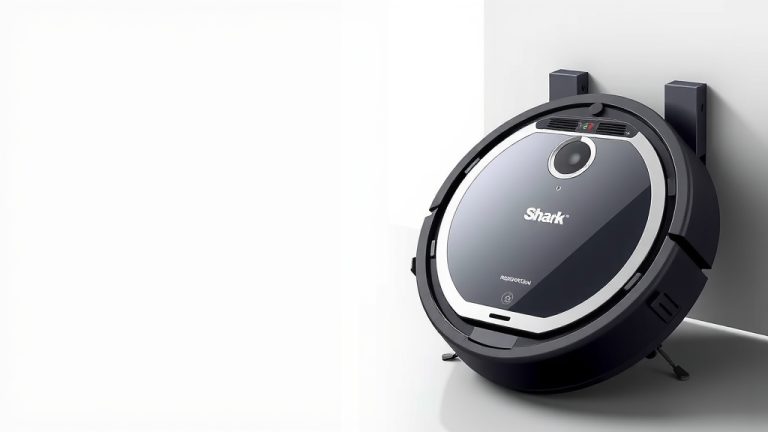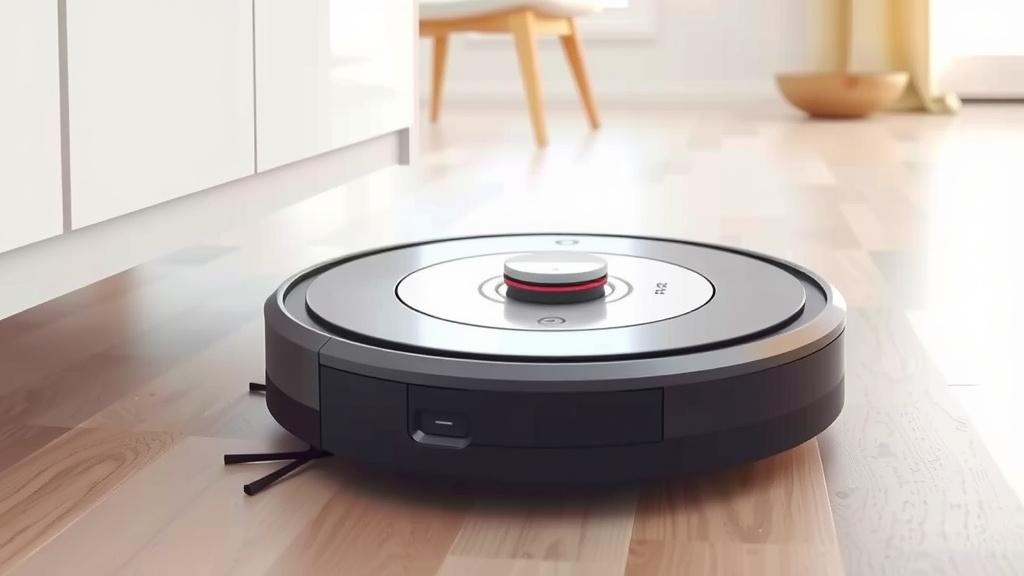
Master Your Robot Vacuum: A Simple Setup Guide
Using a robot vacuum is surprisingly simple, and you can get yours cleaning your floors right away. Just place the charging dock in an open area, connect it to power, and press the clean button. Your robot will automatically navigate and clean your home.
Robot vacuums are designed for convenience. They use sensors to avoid obstacles and cliff drops. Many models can be scheduled to clean while you’re away. This means you can come home to freshly cleaned floors without lifting a finger. We found that regular use keeps dust bunnies at bay.
- Prep your space: clear clutter from floors.
- Set up the charging dock: find a good spot.
- Press the clean button: let it do its thing.
- Use the app for scheduling and control.
- Empty the dustbin regularly.
Ready to ditch the broom? Let’s walk through exactly how to get your robot vacuum up and running for the best results.
Getting Your Robot Vacuum Rolling
So, you’ve got a new robot vacuum and you’re eager to see it zoom around your home. That’s great! We found that the initial setup is usually quite straightforward. Think of it as teaching a helpful little robot its first job. The main goal is to get it cleaning your floors without a hitch.
Setting Up the Home Base: The Charging Dock
The charging dock is where your robot vacuum will live when it’s not working. It’s also where it goes to recharge its battery. You want to pick a spot that’s easy for the robot to find.
Choosing the Perfect Dock Location
For optimal performance, the charging dock needs clear space around it. We found that a location with at least 1-2 feet of clearance on either side and 3-4 feet in front is ideal. This gives your robot plenty of room to approach and dock smoothly.
Make sure there aren’t any obstacles, like furniture or decorative items, blocking the dock’s “view.” Your robot uses sensors to find its way home. If it can’t see the dock, it might wander aimlessly or run out of battery far from its charging station.
Also, ensure the dock is near a power outlet. You don’t want the power cord to be stretched too tight or be a tripping hazard. A tidy power cord management solution can make a big difference here.
Powering Up and Initial Charge
Once the dock is in its prime spot, it’s time to give your robot its first meal: electricity. Connect the power adapter to the charging dock and plug it into the wall outlet. Most robot vacuums come with a charging cable that plugs directly into the dock.
Your robot vacuum needs a full charge before its first cleaning mission. Many models will automatically start charging when placed on the dock. You’ll usually see indicator lights on the robot or the dock turn on to show it’s charging. We found that this initial charge can take a few hours, so be patient! We found that this initial charge can take a few hours, so be patient! Our guide on how long to charge a robot vacuum explains the process.
Allowing for that full initial charge is important. It helps ensure your robot has enough power for its first cleaning cycle. This way, it can properly map your home if it has that feature. Think of it like a race car needing a full tank before the big race.
Your First Cleaning Run: Let the Robot Shine
With your robot fully charged and its home base set up, you’re ready for the exciting part: cleaning! It’s remarkably simple to initiate a cleaning cycle.
Starting the Clean: Button Press or App Magic
Many robot vacuums have a simple “Clean” or “Start” button right on the unit. Pressing this button will usually send your robot off on its cleaning adventure. It will begin navigating your floors, sucking up dirt and debris.
For more advanced control, most modern robot vacuums come with a companion mobile app. You can typically download this app from your smartphone’s app store. Connecting your robot to your home Wi-Fi network is usually part of the app setup process. Once connected, you can start, stop, and pause cleaning cycles right from your phone.
We found that using the app offers a lot more flexibility. You can often choose different cleaning modes, like spot cleaning or edge cleaning. It’s like having a remote control for your own personal floor cleaner.
Understanding Your Robot’s Navigation
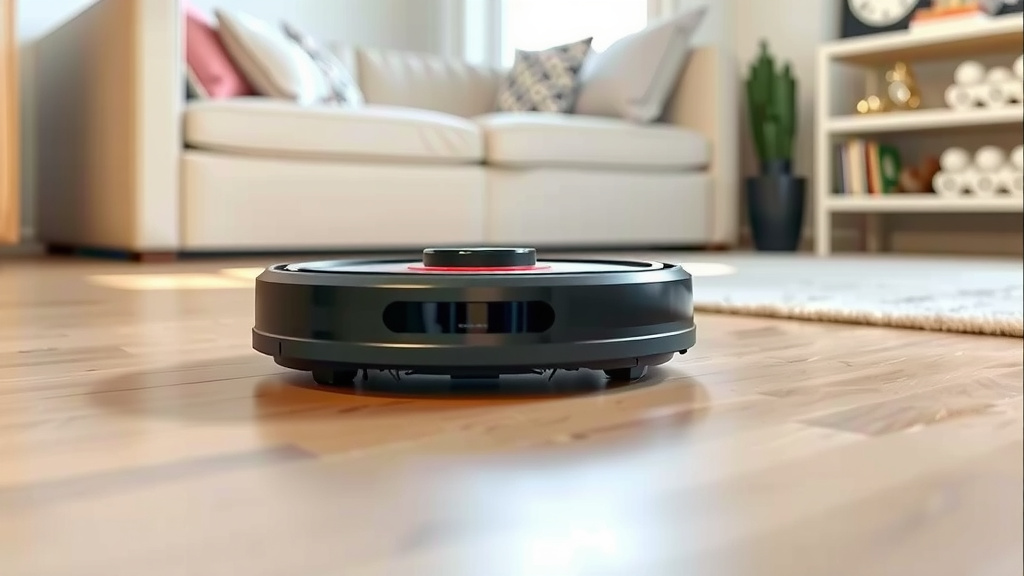
How does your little helper know where to go? Robot vacuums use a variety of sensors to map your home and avoid obstacles. These sensors help them detect walls, furniture, and even stairs.
Some robots use simple bump sensors. They’ll gently nudge into an object and then change direction. Others use more advanced technology like infrared sensors, LiDAR, or cameras to create a map of your home. This mapping allows them to clean more efficiently, covering more areas without random wandering.
Cliff sensors are also a common feature. These prevent your robot from tumbling down the stairs. They detect a drop-off and make the robot change course. We found this feature to be absolutely essential for peace of mind.
Optimizing Your Robot Vacuum’s Performance
To get the most out of your robot vacuum, a little preparation goes a long way. It’s about setting your robot up for success.
Prepping Your Space for Robot Freedom
Before you hit that clean button, take a quick walk through the rooms your robot will be cleaning. Your robot can handle dust and dirt, but it’s not a miracle worker for large clutter.
Pick up loose items from the floor. This includes things like small toys, charging cables, socks, or shoes. These items can get tangled in the robot’s brushes or wheels, potentially causing it to stop working or even get damaged. We found that clearing these small items makes a huge difference in uninterrupted cleaning.
Also, consider tidying up floor mats or rugs that might shift. If you have very thick or shaggy rugs, check your robot’s manual to see if it’s designed to handle them. Some robots can get stuck on high-pile carpets.
The Importance of Regular Dustbin Maintenance
Your robot vacuum collects a lot of dust and debris, which is exactly what you want! But that collected dirt has to go somewhere – into the dustbin. Keeping this bin empty is one of the most critical tasks for maintaining peak performance.
A full dustbin can significantly reduce suction power. This means your robot won’t be cleaning as effectively. It might even stop cleaning altogether and signal that the bin needs emptying.
We found that emptying the dustbin after every cleaning cycle is generally the best practice, especially if you have pets. If you don’t have pets or your cleaning area is small, you might be able to get away with emptying it every few cycles. Just keep an eye on it!
Scheduling for Maximum Convenience
One of the best features of robot vacuums is the ability to schedule cleanings. This means you can set it to clean while you’re at work, running errands, or even sleeping. Imagine coming home to spotless floors every day!
Most robot vacuums, especially those with app control, allow you to set a cleaning schedule. You can typically program specific days and times for your robot to start cleaning. Some apps even let you set different schedules for different rooms.
Research suggests that regular, scheduled cleaning can help manage allergens in your home. By consistently removing dust and pet dander, you contribute to a healthier living environment (Cleveland Clinic). This automated approach makes it easier to maintain that cleanliness.
When to Call for a “Tune-Up”
Just like any machine, your robot vacuum will benefit from occasional maintenance. This isn’t complicated, but it ensures your robot keeps running smoothly for years.
The primary areas to focus on are the brushes and filters. Hair and debris can get tangled around the main brush roll and side brushes. You’ll want to remove these tangles regularly. Many robot vacuums come with a small cleaning tool to help with this.
The filters in your robot vacuum can get clogged with fine dust. Depending on the model, these filters may be washable or need to be replaced periodically. Refer to your robot’s manual for specific instructions on cleaning or replacing filters. Keeping these clean helps maintain optimal suction power.
Here’s a quick checklist to get you started:
- Clear floors of clutter before each clean.
- Ensure the charging dock has clear space around it.
- Check and empty the dustbin after most cleanings.
- Keep brushes and filters clean for best performance.
- Use the app to schedule cleanings if available.
- Observe your robot during its first few runs to identify any issues.
Conclusion
You’ve now seen how simple it is to get your robot vacuum cleaning your home. By setting up the dock correctly and ensuring your robot has a full charge, you’re off to a great start. Remember to prepare your space by clearing clutter and to perform regular maintenance like emptying the dustbin and cleaning the brushes. You can truly enjoy cleaner floors with minimal effort. Your next step is to schedule your first automated cleaning and enjoy the convenience!
Frequently Asked Questions
How do I know if my robot vacuum is charging?
Most robot vacuums have indicator lights on the unit or the charging dock that signal it’s charging. You might also see a notification on the companion app if your model is Wi-Fi connected. We found that these lights typically turn solid or change color when charging is active.
What happens if my robot vacuum gets stuck?
If your robot vacuum gets stuck, it will usually stop and emit an audible alert or send a notification to your phone via the app. You’ll need to manually free it from its predicament and then press the start button again. Observing its first few runs helps you identify problem areas in your home.
Can robot vacuums clean very small apartments?
Yes, robot vacuums can be excellent for small apartments! They’re designed to navigate various floor plans efficiently. For smaller spaces, you might find the dustbin fills up less frequently, and you may not need to empty it after every single clean.
How often should I clean the brushes and filters?
We recommend cleaning the brushes and filters at least once a week, especially if you have pets or high foot traffic. Hair and debris can easily accumulate, impacting suction power. Refer to your robot’s manual for specific cleaning instructions, as some filters are washable.
Will my robot vacuum get lost or fall down the stairs?
Robot vacuums are equipped with cliff sensors that detect drops like stairs, preventing them from falling. They use these sensors to change direction. Most models also have advanced navigation systems to map your home and avoid getting “lost” or stuck in one area.
![7 Best Robot Vacuum Eufy [2026]](https://robotvacuumfact.com/wp-content/uploads/2026/08/7-best-robot-vacuum-eufy-2026-featured-768x432.jpg)