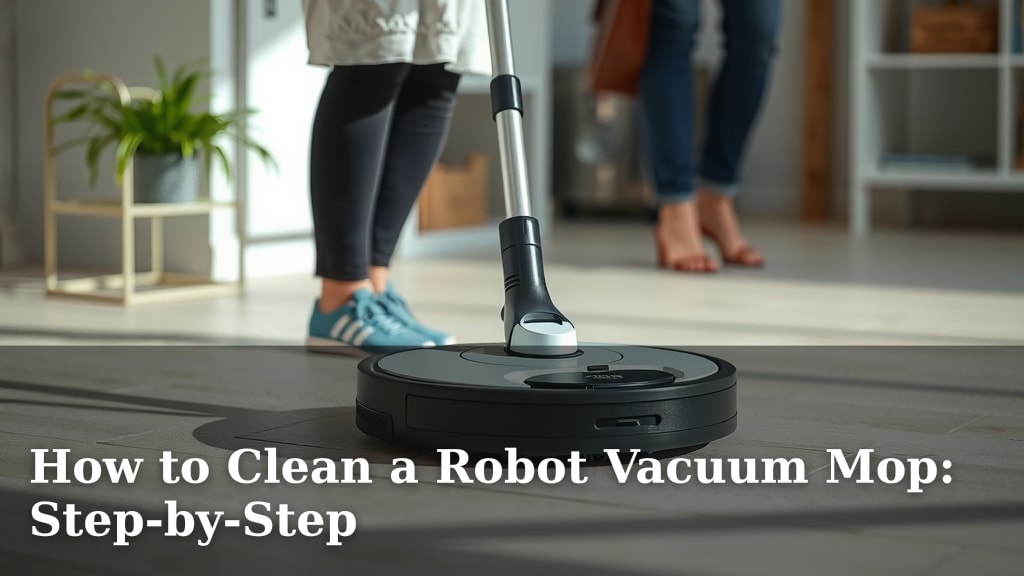
How to Clean a Robot Vacuum Mop: Step-by-Step
The easiest way to clean your robot vacuum mop is to regularly empty its dustbin and wash or replace its mopping pads. Keeping these parts clean ensures your robot works its best. You’ll get a much better clean on your floors. This simple maintenance prevents clogs and extends the life of your device.
A well-maintained robot mop can truly be a lifesaver for busy households. Keeping the brushes and filters clear also prevents performance drops. We found that consistent cleaning makes a huge difference in suction power. Your robot will glide smoothly and pick up more debris. It’s about keeping your floors spotless with less effort.
- Empty the dustbin after every use.
- Wash or replace mopping pads frequently.
- Clean brushes and filters regularly.
- Wipe down sensors to avoid navigation issues.
- Don’t forget the charging contacts!
Let’s walk through exactly how to give your robot vacuum mop the spa treatment it deserves, step by step.
Keeping Your Robot Mop in Top Shape: A Cleaning Guide
Your robot vacuum mop is a fantastic helper. Keeping it clean ensures it keeps doing a great job. We found that regular maintenance is key to its performance. This guide will walk you through cleaning every part. You’ll help your robot last longer and clean better.
Tackling the Dustbin and Debris Tank
The dustbin is where all the dirt goes. It needs attention after almost every cleaning session. A full dustbin means less suction power. It can even stop your robot from picking up anything at all.
Emptying the Dustbin After Each Use
When your robot returns to its dock, check its dustbin. Most models have a simple release mechanism. You just press a button or slide a latch. Then, empty the contents into your trash can. We found this step alone makes a big difference. It’s the most important habit to build for your robot.
Cleaning the Debris Tank (for Hybrid Models)
Some robot mops have a separate water tank and dustbin. Others combine them into one debris tank. If yours has a separate tank, you’ll need to rinse it out too. After emptying the dust, give the tank a quick rinse with plain water. Make sure to let it dry completely before reattaching it. This prevents mold and mildew.
The Mopping Pads: Your Robot’s Cleaning Cloths
The mopping pads are what actually wipe your floors. They get dirty with every pass. Keeping them clean is vital for a streak-free shine. You’ll want to get into a routine for this.
Washing Reusable Mopping Pads
Most robot mops come with reusable pads. After each mopping cycle, remove the pads. You can hand wash them with warm water and a little mild soap. Many are also machine washable. Check your robot’s manual for specific instructions. Avoid using fabric softener, as it can reduce the pad’s absorbency. Air dry them thoroughly.
Replacing Disposable Mopping Pads
If your robot uses disposable pads, the process is simpler. Just remove the used pad and throw it away. Then, attach a fresh one before the next mopping job. How often you replace them depends on your usage. We found that changing them every few weeks keeps your floors looking their best.
Brushes and Filters: The Unsung Heroes
Beneath your robot are the brushes and filters. These parts work hard to pick up dirt and debris. They often get overlooked but are critical for performance. Their upkeep directly impacts suction.
Cleaning the Main Brush Roll
Hair and string love to wrap around the main brush. You’ll need to remove the brush from the robot. Most models have a release mechanism for the brush cover. Carefully cut away any tangled hair or threads using scissors or a small knife. We found that this can take a few minutes but is well worth it. A clean brush spins freely. This helps it agitate dirt more effectively.
Cleaning the Side Brushes
Side brushes sweep debris from corners and edges into the robot’s path. They can also get tangled. Inspect them for debris and hair. You can often remove them by unscrewing a small bolt. Wipe them clean with a damp cloth. If a side brush is damaged, it’s best to replace it. Research suggests that damaged brushes can push dirt around instead of cleaning it (Consumer Reports).
Cleaning or Replacing Filters
Filters trap fine dust particles. A clogged filter restricts airflow. This dramatically reduces suction power. Most robot vacuums have washable filters. Rinse them under cool water. Do not use soap. Let them air dry completely. We found that checking filters monthly is a good practice. Replace them according to your manufacturer’s recommendations, typically every few months.
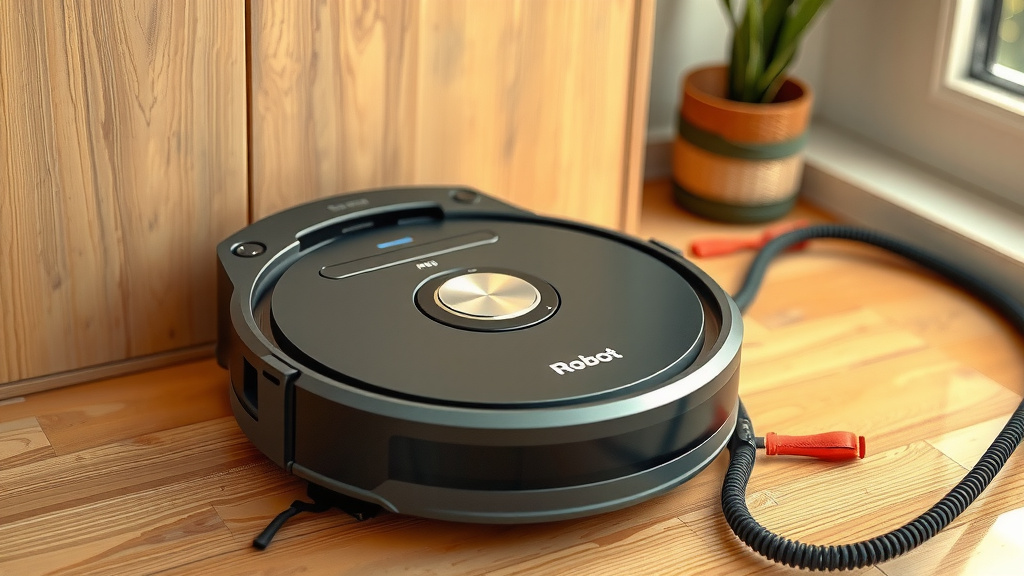
Sensors and Navigation: Keeping Your Robot Smart
Your robot uses sensors to navigate your home. These sensors help it avoid obstacles and drops. Keeping them clean is essential for its smart operation. Smudges can trick the sensors.
Wiping Down the Exterior Sensors
Look for sensors on the robot’s bumpers and underside. These are usually small, dark windows. Use a dry, soft cloth to wipe them clean. For stubborn smudges, a slightly damp cloth can work. Just make sure the robot is off and dry before cleaning. Many cleaning experts recommend this simple step to prevent navigation errors.
Cleaning the Cliff and Wall Sensors
Your robot has specialized sensors to detect drops. These are often on the underside. Dust or dirt can obscure these sensors. This can cause your robot to stop unexpectedly or get stuck. Gently wipe these sensors with a soft, dry cloth. This ensures your robot doesn’t think your rug is a cliff.
Don’t Forget the Charging Contacts!
Your robot needs a good connection to its dock to charge. If the contacts are dirty, it might not charge properly. This means less cleaning time for you.
Cleaning the Charging Dock and Robot Contacts
Locate the metal charging contacts on the robot and its dock. Use a dry cloth or a pencil eraser to gently clean them. We found that this simple wipe-down ensures a strong connection. It helps your robot stay powered up and ready to go. A clean connection is like a good handshake.
A Quick Checklist for Robot Mop Maintenance
Here’s a quick rundown to keep your robot mop happy:
- Empty dustbin after every use.
- Wash or replace mopping pads after each cycle.
- Clean the main brush roll weekly.
- Wipe down sensors monthly.
- Check filters and charging contacts monthly.
- Deep clean your robot every few months.
Conclusion
You’ve learned how keeping your robot vacuum mop clean is simple yet impactful. By regularly emptying the dustbin, washing the mopping pads, clearing brushes and filters, and wiping down sensors and charging contacts, you ensure peak performance. This consistent care prevents issues and keeps your floors spotless. Your next step is to schedule these quick cleanings into your routine, maybe right after a cycle runs or before you head to bed. Your robot will thank you with sparkling floors!
Frequently Asked Questions
How often should I clean the mopping pads?
You should wash reusable mopping pads after each mopping cycle. If your robot uses disposable pads, replace them with a fresh one after each use. This ensures optimal cleaning performance and prevents spreading dirt.
Can I use regular soap to wash the filters?
No, it’s best to avoid soap when cleaning most robot vacuum filters. Typically, you should rinse washable filters under cool, plain water. Always let them air dry completely before putting them back in the robot.
What happens if I don’t clean the sensors?
If your robot’s sensors are dirty or smudged, it can lead to navigation errors. Your robot might get stuck, bump into things more often, or fail to detect drops. Wiping them with a soft cloth helps it move around your home safely.
My robot keeps getting tangled in hair. What’s the best way to fix this?
Regularly cleaning the main brush roll is key for hair tangles. You’ll need to remove the brush and carefully cut away any wrapped hair or threads with scissors. Doing this weekly can prevent performance issues and extend the brush’s life.
Is it okay for my robot mop to charge even if the contacts look a little dirty?
While it might still charge, dirty charging contacts can lead to a weaker connection. This could mean your robot takes longer to charge or doesn’t charge fully. A quick wipe with a dry cloth or pencil eraser keeps the connection strong and ensures your robot is ready for its next cleaning job.
![7 Best Bang For Your Buck Robot Vacuum [2026]](https://robotvacuumfact.com/wp-content/uploads/2026/07/7-best-bang-for-your-buck-robot-vacuum-2026-featured-768x432.jpg)